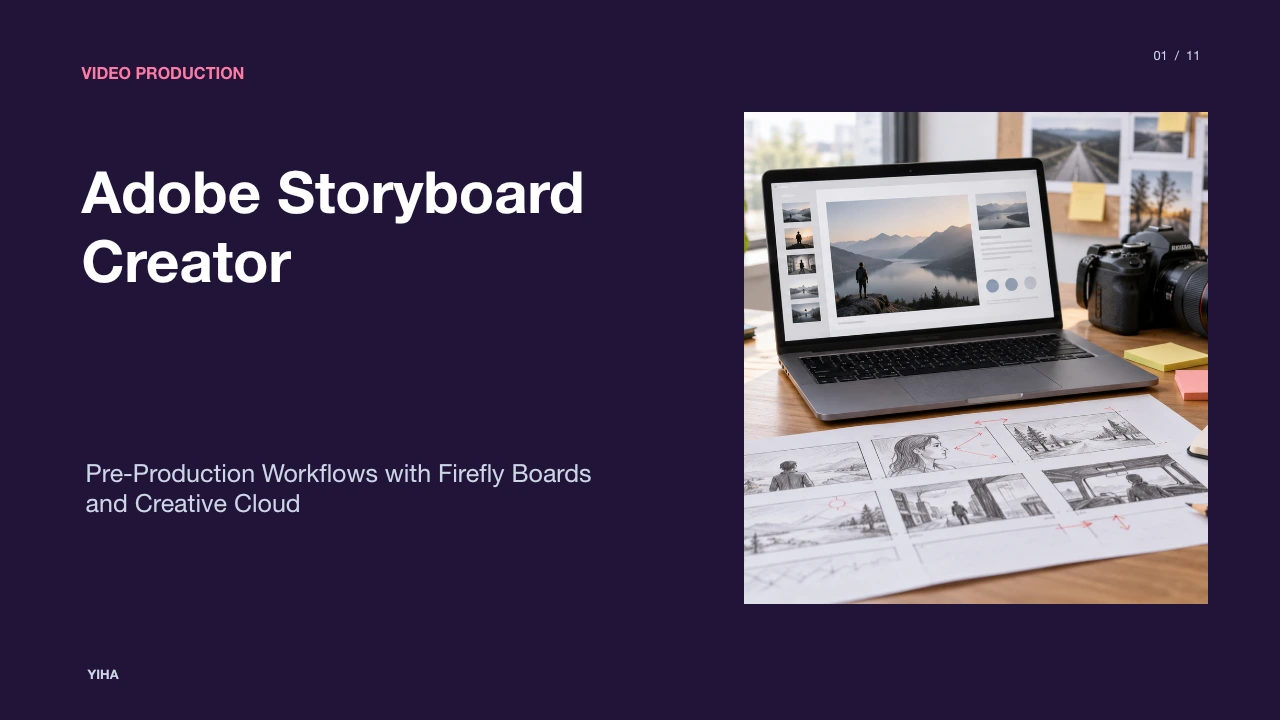
Adobe Storyboard Creator
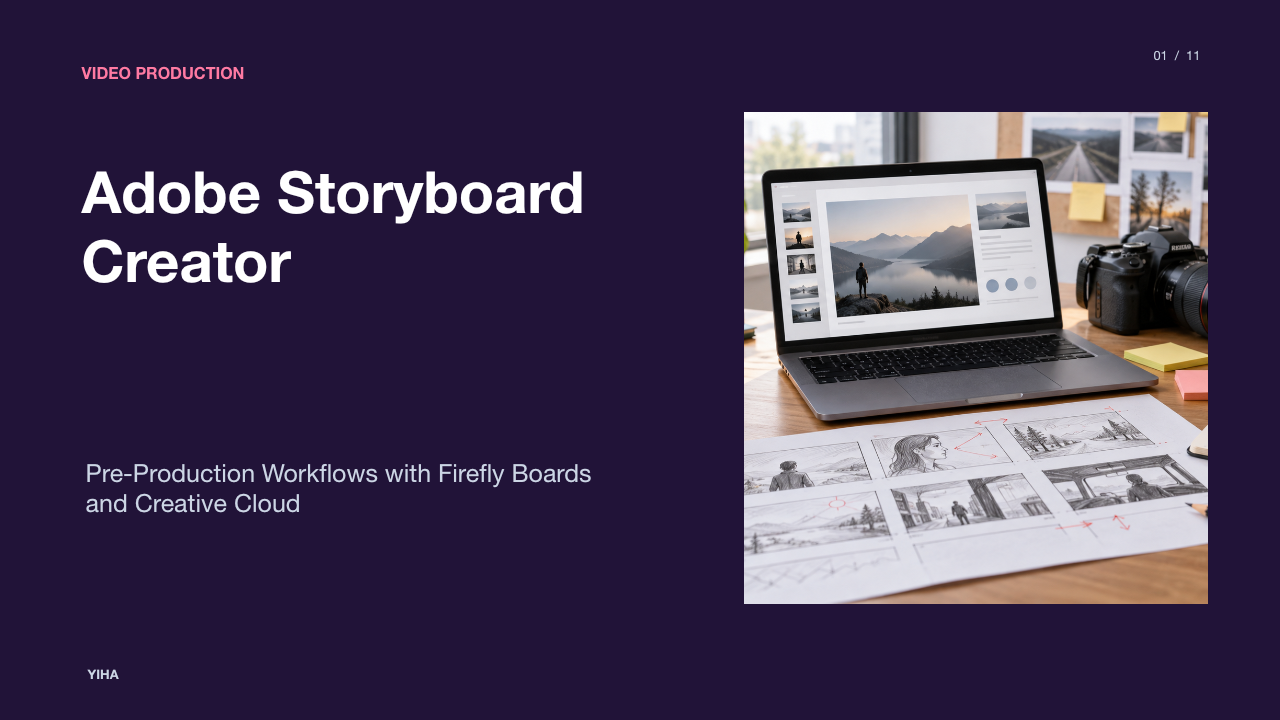
A guide to visual pre-production using Adobe Firefly Boards and Creative Cloud, covering cinematic shot grammar, generative consistency, collaborative review, and animatic timelines in Premiere Pro.
Free download · 4.9 MB11 editable slides · PowerPoint format
Download the editable PPTX
PPTX · 4.9 MB · 11 editable slides · Free to edit and reuse with attribution to Yiha.ai
View every slide
Use ← →, Home/End, or swipe on mobile
Visual pre-production transforms written screenplays into actionable production roadmaps. Before cameras roll or animators keyframe scenes, a production crew requires a shared visual language to coordinate lighting, camera movement, set construction, and editorial pacing. The modern storyboarding ecosystem combines established principles of cinematic grammar with emerging digital tools, including Adobe Firefly Boards and connected Creative Cloud applications. Understanding how to build, refine, and translate storyboard sequences allows directors, producers, and editors to eliminate creative ambiguities and optimize production resources.
The Role of Storyboards in Pre-Production Planning
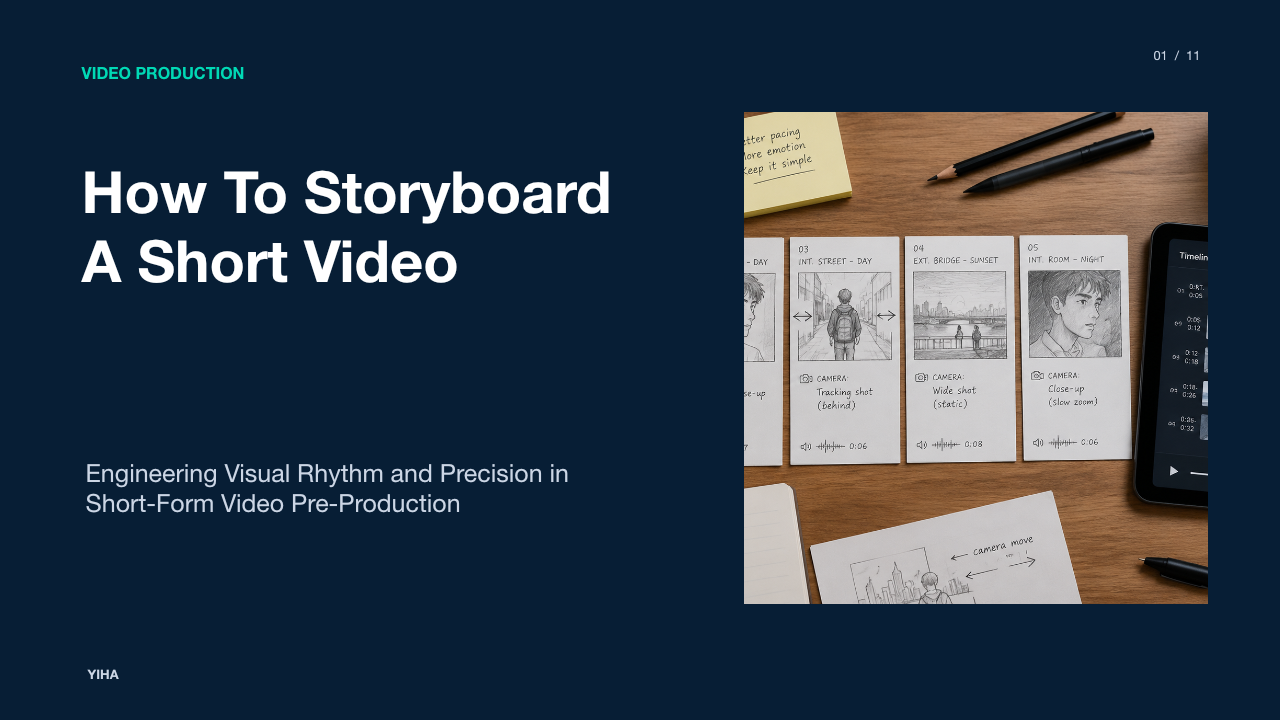
A storyboard functions as the technical blueprint of a film, commercial, or episodic sequence. It translates narrative beats into discrete visual panels that inform department heads how each scene should be staged and recorded. According to storyboard artist Kevin Mellon in How to get started on storyboarding, the artistic finish of a storyboard matters far less than its ability to convey information and emotion. Crude sketches and stick figures succeed on set as long as they communicate framing and intent clearly to the director and crew.
Pre-production storyboarding allows creative teams to test narrative choices before incurring production expenses. A director can visualize complex action sequences, identify pacing issues, and identify unworkable setups before assembling equipment on set. Mellon notes that artists should explore dynamic or ambitious staging during the storyboarding phase, after which the production team can trim complex or costly setups during practical scheduling. Furthermore, commentary from How to Use Adobe Storyboard AI for Video Pre-Production notes that visual pre-visualization democratizes planning across departments, ensuring that lighting technicians, camera operators, and set dressers operate from unified visual directions.
Cinematic Shot Grammar and Visual Continuity
Effective storyboarding relies on standard cinematic grammar. As Archer art director Neal Holman highlights in How to get started on storyboarding, artists establish scene tone and character dynamics through shot selection. Rather than recording every line in an identical mid-shot, storyboard artists construct sequences using establishing shots, close-ups, and character interactions to guide audience focus.
Cinematic shot vocabulary generally begins with three foundational setups: a single shot focusing on an individual character, an over-the-shoulder shot establishing spatial relationships, and a two-shot framing both subjects simultaneously. The technical tutorial on Camera Angles for Storyboard Artists: Complete Visual Guide demonstrates that camera elevation reinforces psychological status. Low-angle perspectives position the audience below eye level to convey authority, whereas high-angle views look down to emphasize vulnerability or spatial context. Lenses also dictate scene depth. Wide or short lenses (15 mm to 40 mm) capture broad environmental settings but introduce optical distortion in close-ups, whereas longer focal lengths isolate subjects against compressed backgrounds. Pacing emerges from the deliberate ordering of these angles across adjacent panels.
Traditional Sketching versus Digital Pre-Visualization
Production teams balance manual sketching, static graphic templates, and dynamic web canvases based on project requirements. Traditional hand-drawn thumbnailing provides immediate expressive control for directors who sketch rapid ideas on paper. However, static sheets present logistical hurdles when scenes require reordering or cross-department adjustments.
As outlined in the Storyboard Template Guide: Formats, Sizes & Free Downloads [2026], standard production templates organize empty grids tailored to project delivery formats. Feature film templates often adopt widescreen aspect ratios like 2.39:1 or 1.85:1 with dedicated fields for lens choices and camera motion notes, whereas commercial or social video layouts prioritize 16:9 or 9:16 aspect ratios across eight to twelve panels per page. Multi-layered Photoshop (PSD) templates let digital illustrators preserve vector layers and adjustment masks, but updating linear numbers manually across dozens of panels remains labor-intensive.
Modern web workspaces, such as Free Online AI Storyboard Generator | Adobe Firefly, modernize this layout process. Rather than redrawing blank grids, creators can generate, re-sequence, and remix frames across an infinite canvas, exporting assets directly to raster and video formats without manual grid reconstruction.
Generative Script-to-Image Creation in Firefly Boards
Adobe Firefly Boards introduces generative artificial intelligence to pre-production by generating visual sequences directly from text prompts, image references, and script excerpts. The platform overview on Free Online AI Storyboard Generator | Adobe Firefly explains that users can plan scenes and design shot sequences without manual drawing skills. By processing text descriptions, the tool converts narrative beats into composed visual panels.
As detailed in Generative AI Examples | Adobe Firefly, Firefly integrates multimodal image models and partner architectures within a unified creator environment. In an illustrative example of an urban car pursuit, a pre-visualization artist enters descriptive prompts specifying shot distance, lighting conditions, and dynamic motion. Firefly Boards produces corresponding frames that establish the setting. The flexible canvas enables creators to move panels, test visual pacing, and remix image variations directly within the workspace. By offloading initial rendering tasks to generative models, teams can translate conceptual scripts into presentable visual boards within hours rather than days.
Maintaining Character and Environment Consistency
A persistent technical challenge in generative storyboarding is maintaining visual continuity across sequential panels. Changing camera positions or lighting conditions often causes generative models to alter character facial structures, costume details, and environmental architecture. Adobe addresses this challenge through prompt structuring and reference anchoring.
According to the official feature documentation on Free Online AI Storyboard Generator | Adobe Firefly, Firefly Boards maintains consistent lighting, character styling, and background environments across multiple panels when users supply consistent scene parameters. Adobe recommends reusing explicit style references, specifying camera types, and preserving character descriptions across prompts. Practical user workflows shared on P: Maintaining a scene or character across different prompts | Community highlight that artists anchor consistency by assembling character reference sheets on the board. Selecting an original reference image via color and style pickers before issuing angle-specific prompts (such as wide angle or low angle) produces more coherent continuity than generating each frame in isolation.
Collaborative Review and Iteration Across Production Teams
Pre-production requires continuous alignment across directors, producers, cinematographers, and clients. Static email attachments often create version control confusion and miscommunicated creative revisions. Cloud-based storyboard systems resolve this issue by centralizing review workflows.
The feature specification on Free Online AI Storyboard Generator | Adobe Firefly highlights built-in collaboration features that allow teams to share boards, solicit stakeholder feedback, and adjust visual layouts collaboratively. Rather than rebuilding full panels to accommodate notes, teams can reorder frames, swap background elements, and iterate layouts directly in the shared workspace. Comparative production analysis in Best Storyboard Software | 2026 Rankings observes that dedicated pre-production platforms provide clear feedback mechanisms by connecting written comments to specific visual panels. When stakeholders review boards inside a unified canvas, directors can approve shot lists and confirm visual pacing before physical filming begins.
Transitioning Panels into Premiere Pro for Animatic Editing
Once static panels are approved, pre-production advances to the animatic phase. An animatic is a moving video storyboard that synchronizes static frames to temporary scratch audio, dialogue tracks, and sound effects to evaluate pacing and narrative rhythm. Without an animatic, a production risks discovering timing flaws during principal photography.
As described in Free Online AI Storyboard Generator | Adobe Firefly, Firefly Boards exports storyboard sequences as individual image frames (JPEG or PNG) or compiled video files (MP4) that integrate into Creative Cloud tools like Adobe Premiere Pro. Editorial templates from FREE Storyboard Templates & Storyboard Creator emphasize focusing initially on key frames that communicate composition and screen motion. In Premiere Pro, editors place exported panels on the video timeline, apply keyframe zooms or horizontal pans to simulate camera moves, and align panel transitions to vocal cadence. This editing step ensures that screen time is distributed effectively across scenes before expensive production resources are deployed.
Technical Limitations and Workflow Tradeoffs in AI Generation
While generative storyboard tools offer rapid ideation, they introduce technical limitations that require editorial oversight. Generative systems can experience prompt drift, where subtle nuances in camera staging, complex perspective grids, or specific background props shift between iterations. As noted in the workflow analysis from Free storyboard creator — unlimited frames, no sign-up, many generic design platforms offer templates but lack dedicated production metadata fields for camera movement, lens length, and script page links.
Furthermore, generative models do not automatically interpret specialized directorial intent, such as multi-actor blocking or camera axis constraints (the 180-degree rule). In How to get started on storyboarding, seasoned storyboard artists emphasize that storyboarding is fundamentally about narrative problem-solving rather than generating isolated imagery. If an AI generator misinterprets spatial staging, the storyboard artist must manually retouch the image in Photoshop or sketch over the frame. Understanding these boundaries ensures production teams treat generative outputs as rapid pre-visualization foundations rather than final execution blueprints.
Building an Integrated Hybrid Storyboarding Pipeline
To maximize efficiency while maintaining narrative control, modern production houses implement a hybrid pre-production pipeline. This structured approach combines rapid generative ideation with rigorous human art direction, detailed shot lists, and editorial testing.
[Screenplay Breakdown]
       │
       ▼
[Generative Pre-Viz in Firefly Boards] (Text-to-Image / Style Anchors)
       │
       ▼
[Artistic Refinement in Photoshop] (Hand Sketching / Overlays / Arrows)
       │
       ▼
[Animatic Assembly in Premiere Pro] (Pacing / Scratch Audio / Motion)
       │
       ▼
[Production Handoff] (Shot List / Call Sheets / Director Deck)
A recommended workflow operates across five coordinated steps:
- Screenplay Breakdown: The director and cinematographer break down the script into scene beats, identifying primary focal points, emotional objectives, and required camera perspectives.
- Generative Pre-Visualization: Pre-visualization artists use Free Online AI Storyboard Generator | Adobe Firefly to produce broad conceptual panels, testing scene palettes, atmospheric lighting, and framing variations.
- Artistic Refinement and Notation: Production artists import generated panels into Adobe Photoshop or Illustrator. They draw directional action arrows, correct actor blocking, and add technical notes covering lens lengths and dolly motions.
- Animatic Editing: The team exports refined panels to Adobe Premiere Pro, cutting the frames against recorded script reads, temp music, and sound design to confirm scene pacing.
- Department Handoff: The finalized visual sequence is exported into production decks alongside scheduled shot lists, providing clear, unambiguous instructions for production day.
By uniting generative speed with human artistic precision, this hybrid pipeline protects production schedules, minimizes on-set friction, and ensures that the final footage faithfully reflects the director's visual intent.
Research sources
- Free Online AI Storyboard Generator | Adobe Firefly · www.adobe.com
- How to get started on storyboarding | Adobe · www.adobe.com
- How to Use Adobe Storyboard AI for Video Pre-Production - Shai Creative · shaicreative.ai
- Camera Angles for Storyboard Artists: Complete Visual Guide · storyboardart.org
- Storyboard Template Guide: Formats, Sizes & Free Downloads [2026] · www.drawstory.ai
- Generative AI Examples | Adobe Firefly · www.adobe.com
- P: Maintaining a scene or character across different prompts | Community · community.adobe.com
- Best Storyboard Software | 2026 Rankings · zipdo.co
- FREE Storyboard Templates & Storyboard Creator · www.studiobinder.com
- Free storyboard creator — unlimited frames, no sign-up · krock.io