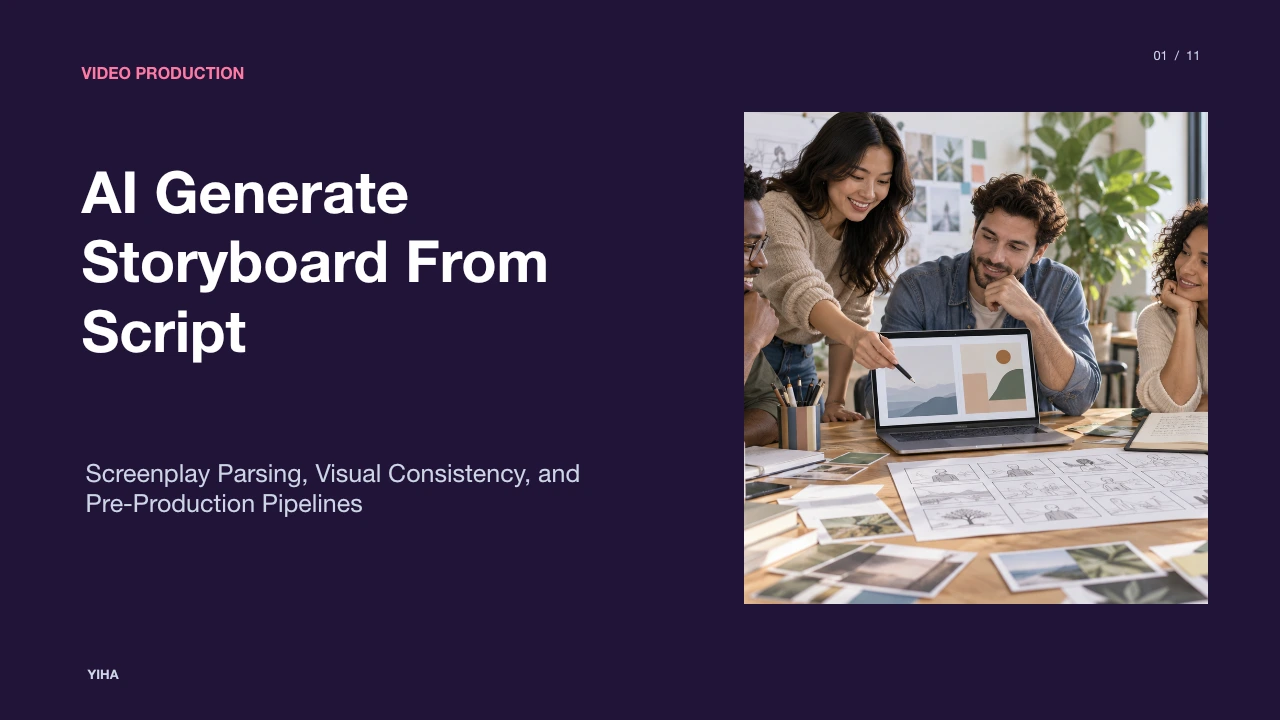
AI Generate Storyboard From Script
Discover how modern generative pipelines parse screenplays into discrete camera angles, maintain character continuity, and turn static boards into timed animatics.
Free download · 4.9 MB11 editable slides · PowerPoint format
Download the editable PPTX
PPTX · 4.9 MB · 11 editable slides · Free to edit and reuse with attribution to Yiha.ai
View every slide
Use ← →, Home/End, or swipe on mobile
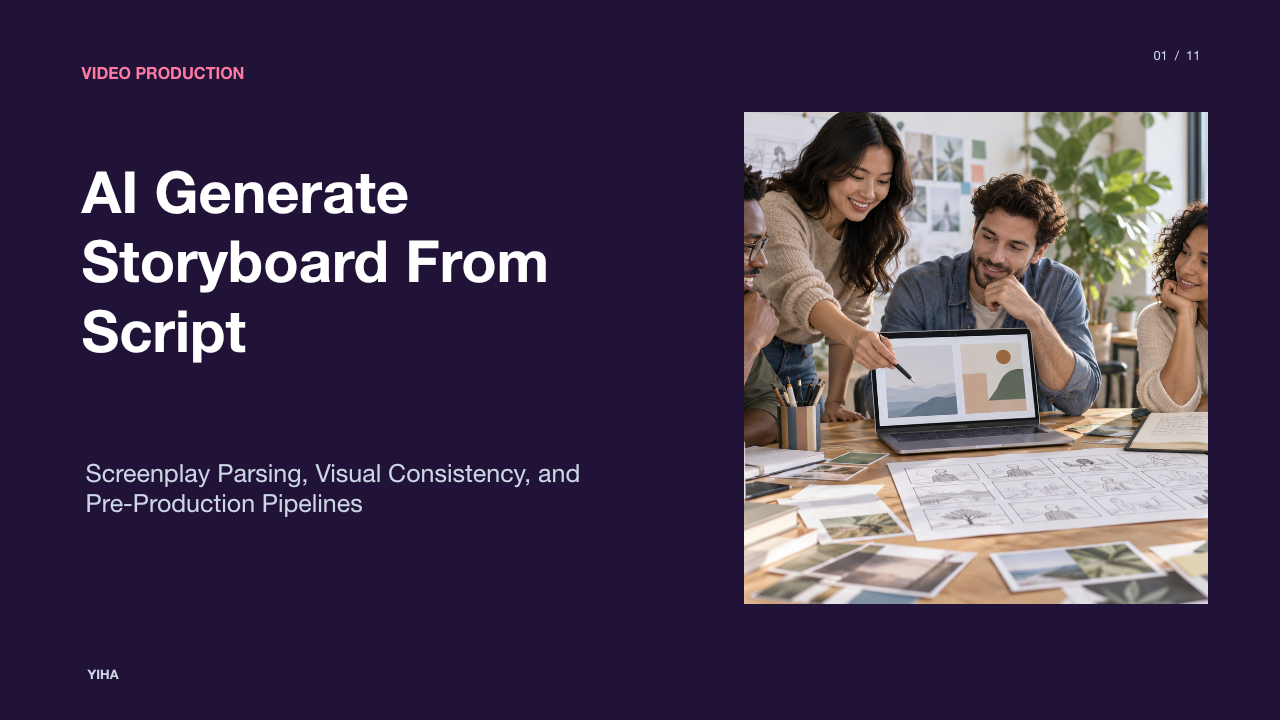
Pre-production has traditionally required extensive time and manual drafting to turn written scripts into shootable sequences. When directors, commercial agencies, and indie filmmakers attempt to visualize narrative concepts, creating hand-drawn panels or wrangling disconnected text-to-image prompts often causes friction. Modern script-first platforms connect structured script writing directly with generative visual assets, establishing a unified pipeline from written scenes to animatics and editorial handoffs.
The Pre-Production Bottleneck and Script-First AI
Traditional pre-production workflows frequently stall between screenplay delivery and camera setup. Hand-drawing dozens of frames requires days or weeks of specialist labor. When production teams attempt to bypass this bottleneck using standard generative image tools, they encounter disconnected results. Standalone prompt engines produce isolated images without narrative context, leaving directors with pictures that fail to reflect scene chronology.
Script-first systems change this relationship by treating the script itself as the structural core of the project. Platforms like ScreenWeaver keep the screenplay, shot breakdown, and generated frames within a single workspace. Instead of prompting for single images in isolation, the system breaks each scene into shots directly beside the text. Similarly, Boords enables teams to paste a script or brief to produce sequential frames that follow narrative progression, preserving script continuity rather than generating unlinked visuals. In addition, Storyboarder.ai processes formats such as PDF, Final Draft FDX, Fountain, and text files to generate screenplays, shot lists, and boards simultaneously.
Parsing Screenplay Structure into Discrete Shot Lists
Before an image model renders a frame, the underlying text must be analyzed for cinematic structure. Screenplays contain standardized structural components, including scene headings, action descriptions, dialogue blocks, and parentheticals. Natural language parsing processes these elements to identify characters, physical settings, and narrative progression.
As highlighted in the FlyAIgh Guide, a disciplined workflow avoids generating images immediately. Instead, the system analyzes the narrative and develops a sequenced shot list with human review steps before rendering. Automated systems classify scene components into specific shots, assigning coverage categories such as establishing wide shots, over-the-shoulder medium angles, or detail inserts. According to Anijam, reading a full script as a narrative enables automatic breakdown into structured panels containing character placement, action summaries, and camera instructions. Platforms like CinemaDrop allow filmmakers to paste screenplays to visualize key turning points and build out shot coverage across the narrative arc.
Translating Textual Cues into Camera Framing and Angles
Transforming text into a coherent visual layout requires translating literary beats into cinematic framing rules. An action block describing a quiet personal realization calls for a tighter composition, whereas a sequence describing an arrival in an unfamiliar city requires an establishing wide perspective.
Platforms address this translation algorithmically and interactively. According to Storyboarder.ai, systems provide specific composition controls for bird's-eye views, low angles, Dutch tilts, and over-the-shoulder perspectives, alongside a 3D camera tool that allows creators to orbit, pan, and reframe scenes from a single image. Anijam analyzes emotional beats in the script to suggest wide establishing shots, close-ups for dramatic tension, or slow pull-backs for scene resolution. Tools such as StoryboardAI.ai allow creators to establish clear shot logic, including shot-reverse-shot dialogue setups and chase sequences, translating narrative pace into structured visual continuity.
Maintaining Character and Environmental Continuity
Visual drift represents one of the most common technical hurdles in generative pre-production. Standard diffusion models resample faces, costumes, and props each time a new prompt runs, causing a lead character to look completely different across consecutive panels.
Script-to-storyboard pipelines address this challenge using persistent visual asset libraries. The FlyAIgh Guide details how binding a character to identity reference images and a defined persona prevents generative drift, automatically injecting consistent reference data across every scene. On Boords, users add characters, locations, and props to a centralized library once and reference them in prompt calls, keeping faces and environments consistent across setups. Similarly, CinemaDrop uses persistent Elements for characters and locations alongside reference image reuse, allowing teams to maintain wardrobe, physical traits, and atmospheric style throughout the board.
Selective Inpainting and Non-Destructive Frame Editing
Production storyboards require frequent revisions as director notes and agency briefs evolve. Re-generating an entire frame from scratch to fix a minor prop or expression often disrupts an otherwise approved composition, wasting time and credit budgets.
Modern platforms provide targeted, non-destructive editing mechanics. Boords offers selective area regeneration, allowing creators to mark an isolated part of a frame for modification while preserving the surrounding composition approved by the team. This prevents minor adjustments from triggering full redraws. Furthermore, Storyboarder.ai enables angle modifications through a virtual camera workflow, allowing reframing and perspective shifts without rebuilding scene assets from zero. Systems like Anijam allow directors to adjust camera angles, reposition actors, and reorder panels on an interactive timeline canvas.
Generating Animatics and Motion Previsualizations
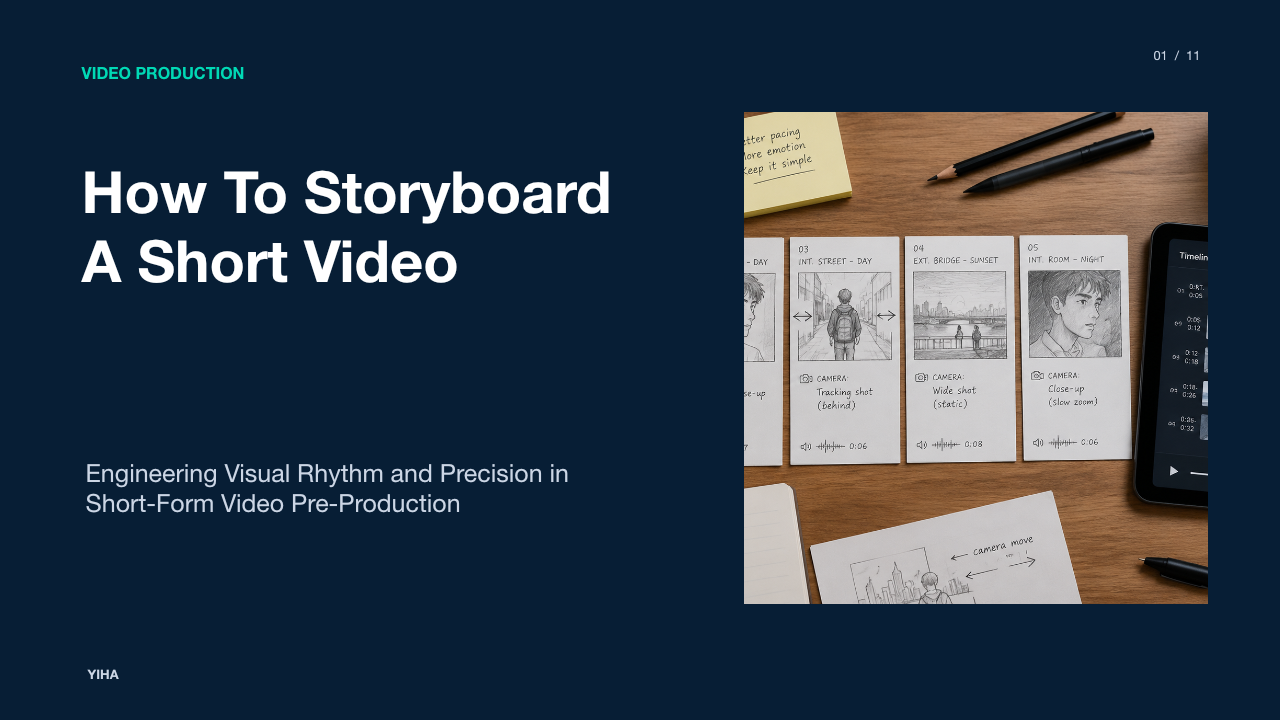
Static boards are useful for framing, but timing and rhythm require motion. An animatic combines sequential images with duration timings, camera movements, and scratch audio tracks to simulate the pacing of the finished film.
Dedicated pre-production tools build animatics directly from storyboard frames. As noted by Storyboarder.ai, platforms convert static frames into dynamic previews using motion presets such as Orbit, Track, Push In, and Pull Out, with specialized video models offering multi-cut sequences and audio synchronization. In Anijam, boards can be transformed into animated sequences with cinematic camera movement and dialogue-synchronized lip movement using multilingual voice tracks. Boords allows teams to set panel durations, layer in voiceover, and export animatics as MP4 video files to evaluate timing before committing to live filming.
Collaborative Review, Versioning, and Pitch Deck Assembly
Storyboards function as communication documents for clients, investors, and department heads. Effective workflows require clear review mechanisms where stakeholders can comment on specific panels without disrupting project metadata.
Platforms package storyboard deliverables into presentation and review formats. TopView allows creators to generate commercial boards in one pass, enabling clients to evaluate visual compositions instead of reading descriptive text blocks. With Boords, teams share review links where clients leave frame-level comments and record formal approvals, while maintaining version snapshots so subsequent script adjustments do not unintentionally overwrite approved frames. Additionally, StoryboardAI.ai formats sequenced shots for internal review and pitch decks, ensuring visual flow and shot metadata remain aligned during creative discussions.
Technical Limits and the Role of Human Artists
Despite rapid improvements in image generation and natural language parsing, automated systems have clear technical limitations. Generative models struggle with complex spatial blocking, nuanced character acting, micro-expressions, and physical interactions between multiple characters in three-dimensional environments.
Industry analyses emphasize that automation does not replace skilled practitioners. The UseAIWriter Guide explains that while AI tools can automate routine technical breakdowns, human artists remain essential for creative direction, staging nuances, and artistic interpretation. As Storyboarder.ai notes, tools can generate initial blueprints for productions, yet human oversight is necessary to ensure practical shootability. Similarly, Anijam structures automated passes while allowing directors to step in and adjust compositions directly. Automated tools serve as initial drafting engines, creating baseline coverage that human artists and cinematographers refine.
Integrating AI Storyboarding into Production Pipelines
Integrating AI storyboards into production pipelines requires establishing clean handoffs between departments. Production teams across commercial advertising, independent features, and episodic projects must preserve scene metadata as boards move toward physical production.
As highlighted across platforms like Storyboarder.ai, workflows allow teams to export detailed shot lists as formatted PDF documents or export MP4 animatics that editorial teams drop directly into non-linear editing timelines. In animation and episodic planning, Anijam enables teams to export clean panels and animated previews for crew handoffs and studio pitch reviews. Furthermore, Boords keeps scripts, boards, and client approvals synchronized in one location, connecting directly with team communication tools. By combining script parsing, persistent asset libraries, and exportable animatics, script-to-board pipelines establish clear technical blueprints that keep directors, cinematographers, and clients aligned.
Research sources
- Storyboarder.ai — AI Storyboard Generator | From Script to Storyboard in Minutes · www.storyboarder.ai
- AI Storyboard Generator: Script to Storyboard | ScreenWeaver · www.screenweaver.ai
- AI Storyboard Generator: From Script to Storyboard | Boords · boords.com
- Free AI Storyboard Generator: Script to Visual Scenes Online · www.anijam.ai
- How to Turn a Script Into a Storyboard with AI — 2026 Workflow · FlyAIgh · www.flyaigh.com
- Pitch Deck Generator For Films From Script To Storyboard | CinemaDrop · www.cinemadrop.com
- AI Storyboard Generator From Script | StoryboardAI.ai · storyboardai.ai
- AI Storyboard Generator — Script to Visual Storyboard in Minutes · www.topview.ai
- How to Write Storyboard Scripts with AI: Complete Guide 2026 | UseAIWriter · www.useaiwriter.com