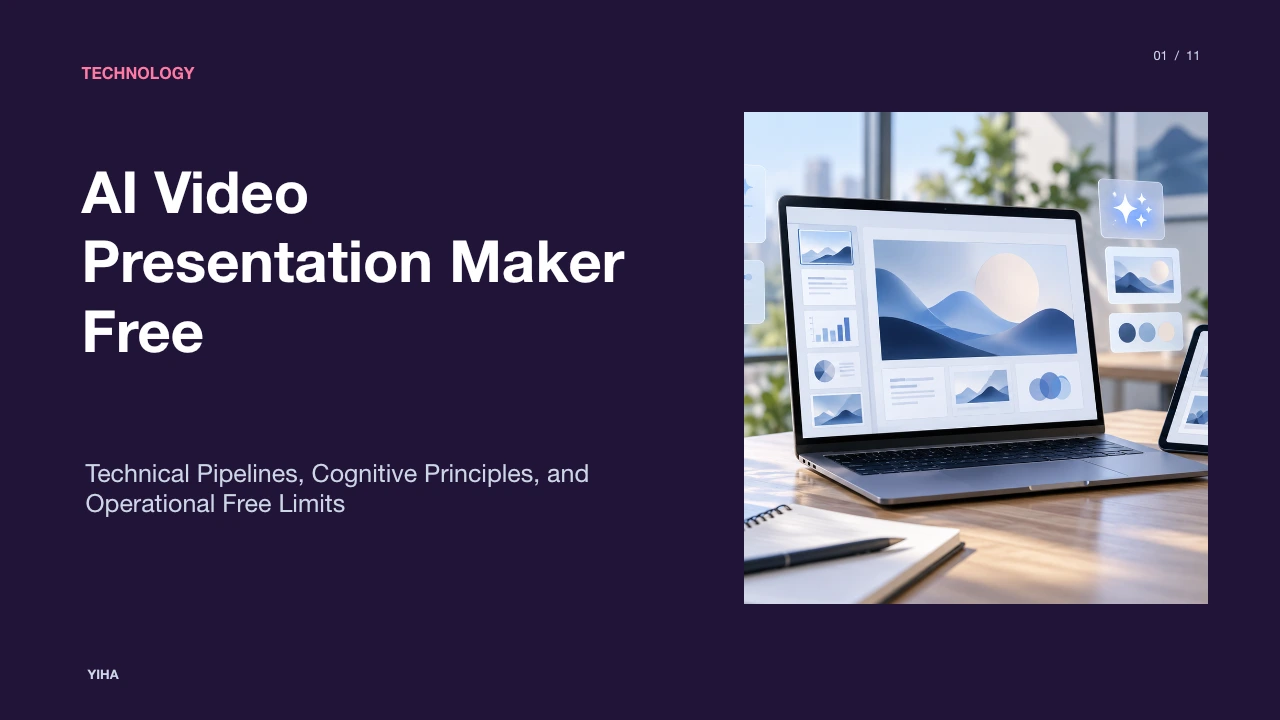
AI Video Presentation Maker Free
A technical analysis of free AI video presentation generators, examining automated document ingestion, prosodic speech synthesis, avatar rendering pipelines, cognitive multimedia retention, and practical platform constraints.
Free download · 4.9 MB11 editable slides · PowerPoint format
Download the editable PPTX
PPTX · 4.9 MB · 11 editable slides · Free to edit and reuse with attribution to Yiha.ai
View every slide
Use ← →, Home/End, or swipe on mobile
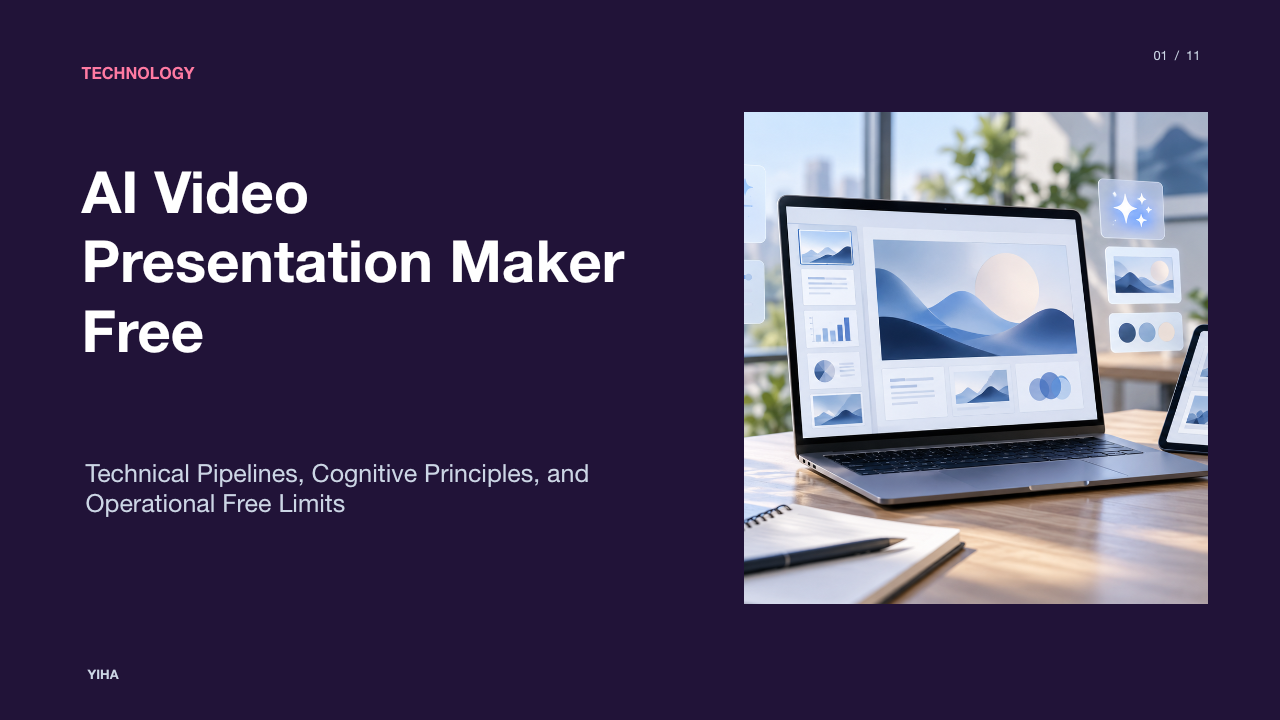
Digital communication across workplace and instructional settings is shifting from static presentation slide decks toward automated, voice-driven video formats [SlideMaker]. Traditionally, sharing project updates, business proposals, or curriculum materials required either convening synchronous meetings or distributing slide decks for recipients to read independently [SlideMaker, Synthesia 1]. Free artificial intelligence video presentation platforms now provide automated pipelines that transform raw text, structured documents, and existing slide files into voiceover-driven video assets [Leadde]. Understanding how these systems work requires examining the technical pipeline from document ingestion to multi-track rendering, the cognitive foundations of multimedia learning, speech synthesis, digital avatar animation, and the concrete operational boundaries enforced across zero-cost tiers [Synthesia 1, Synthesia 2].
The Evolution of Presentations: From Static Slides to Video
Slide decks created in traditional office suites have long served as the default format for business reporting, product demos, and classroom lectures [SlideMaker]. However, manual deck creation requires considerable effort. As documented by SlideMaker, authoring a standard twelve-slide presentation manually often requires between two and four hours of focused labor spent formatting layouts, arranging text boxes, and sourcing media assets. Once distributed asynchronously, static slides rely on the recipient reading through bullet points without guided vocal emphasis, pacing, or intentional narrative structure [SlideMaker, Synthesia 1].
Automated presentation tools address this limitation by packaging presentation delivery into asynchronous video formats [SlideMaker]. According to FlexClip, specialized presentation conversion tools convert static slide decks into voiceover-driven presentation videos without requiring manual video editing skills. By converting static slide materials into timed video sequences with synchronized narration, organizations can deliver standardized project summaries, onboarding modules, and educational materials that team members can watch on mobile devices or review at their own pace without scheduling a live conference call [SlideMaker].
Architectural Pipeline: How Text and Slides Become Video
The technological engine behind generative video presentation software relies on a staged pipeline connecting document parsing, natural language processing, visual layout compilation, and cloud rendering [Leadde, Synthesia 1]. The workflow begins at the ingestion stage, where tools such as Leadde accept unstructured inputs such as text prompts and scripts, or structured files including PDF, DOCX, and PPTX documents up to specific file size limits.
During ingestion, the system parses the document hierarchy to extract slide headers, bullet points, body text, and embedded visual assets [Leadde]. A language model processes the textual content to generate structured narration scripts for each scene [Leadde, Synthesia 1]. Concurrently, a layout engine converts slide data into an interactive scene graph, selecting typography styles, background palettes, and layout positions [Leadde, Synthesia 1]. Platforms like Synthesia support direct PowerPoint file imports, converting existing shapes, images, and text boxes into editable elements while mapping speaker notes directly into scene scripts. Once the layout and synthesized speech tracks are aligned on a unified timeline, a cloud renderer compiles the assets into a downloadable MP4 video file [SlideMaker, Synthesia 1].
Cognitive Principles of Multimedia Learning in AI Video
The transition from reading text-heavy slides to watching narrated video is grounded in cognitive psychology [Synthesia 2]. Richard Mayer's Cognitive Theory of Multimedia Learning posits that the human mind processes information through two separate channels: an auditory channel and a visual channel. Each channel possesses limited processing capacity in working memory. When presentation slides display dense blocks of text while a speaker reads them verbatim, both streams compete for verbal processing capacity, inducing cognitive overload and split-attention effects.
As noted in educational research summaries published by Synthesia, delivering instructional content through coordinated spoken narration and structured visual support leads to measurable improvements in comprehension compared to text-only alternatives. Narration paired with concise visuals allows the visual channel to process diagrams while the auditory channel processes explanatory speech [Synthesia 2]. However, automated video tools can inadvertently degrade learning if automated templates overload slides with dense text while simultaneously playing synthetic narration. Effective design requires using on-screen space for clear graphics and key metrics, allowing the spoken voice track to carry narrative complexity [Descript, Synthesia 2].
Synthetic Speech Systems and Prosodic Timing
The voiceover track in automated presentation tools is driven by neural text-to-speech systems [FlexClip, Powtoon]. Modern speech synthesis pipelines convert text strings into phonetic sequences, predict acoustic features using deep neural networks, and synthesize realistic audio waveforms through neural vocoders. Beyond basic acoustic clarity, instructional effectiveness depends on prosody, which encompasses pitch modulation, rhythm, stress, and strategic pausing.
Platforms such as Descript demonstrate how text-based editing environments allow creators to control audio pacing by editing the written transcript directly, removing unnecessary filler words, and placing explicit scene break markers to manage presentation flow. When synthetic speech models deliver rapid narration without natural pauses between complex ideas, listeners experience cognitive fatigue. Inserting deliberate pauses around technical terms and slide transitions provides viewers with the processing time needed to absorb difficult concepts before new information appears on screen [Descript].
Neural Talking Heads: Lip Sync and Avatar Synthesis
Many modern video presentation tools feature synthetic on-screen presenters that deliver instructional scripts [FlexClip, Synthesia 2]. Talking-head generation combines facial landmark detection, audio feature extraction, and neural rendering to deform a digital face in synchronization with spoken phonemes [FlexClip]. As detailed by FlexClip, avatar engines map speech phonemes directly to virtual facial features to produce synchronized lip movements from written text scripts.
While synthetic presenters add a human element to asynchronous communication, they introduce computational and visual challenges [FlexClip, Kapwing]. Subpar facial animation can trigger the uncanny valley effect, where unnatural blinking, rigid head orientation, or misaligned mouth shapes distract viewers from the core presentation topic. Alternatively, video tools such as Kapwing allow creators to combine screen recordings, stock footage, and self-recorded webcam video. When deploying synthetic avatars, creators must ensure the avatar does not obscure critical diagrams or data charts displayed on screen [FlexClip, Kapwing].
The Anatomy of Free Tiers: Capabilities and Constraints
While software vendors market free access to AI video creation, zero-cost tiers are governed by strict technical constraints designed to manage cloud rendering costs [Synthesia Pricing, Powtoon]. These free tiers serve primarily as proof-of-concept testing environments rather than full-scale production platforms.
According to the official Synthesia Pricing documentation, their free plan provides up to ten minutes of generated video per month, restricts individual video duration to three minutes, and embeds a mandatory platform watermark on exported media. Similarly, the service specifications on Powtoon Pricing state that free plans limit exports to a maximum of three minutes in HD resolution, cap cloud storage at 100 megabytes, include platform watermarks, and restrict commercial usage rights exclusively to paid tiers. Users testing zero-cost video tools must recognize that removing visible watermarks, exporting extended multi-topic presentations, and securing commercial rights require upgrading to paid plans [Synthesia Pricing, Powtoon].
Structuring Source Content for Automated Video Assembly
Generative video software requires structured source text to produce coherent multi-scene video presentations [VEED, Synthesia 2]. Submitting unstructured, rambling documents often causes layout clipping, confusing visual hierarchies, and misaligned audio timing [Synthesia 2]. Guidance from VEED highlights that users achieve the best results by providing clear text prompts that specify presentation topics, key objectives, audience context, and desired design styles.
- Illustrative Example Workflow for Content Preparation:
- Step 1: Divide the source document into modular scenes, dedicating each scene to a single concept [VEED].
- Step 2: Write concise on-screen headlines limited to short, single-line takeaways [Descript].
- Step 3: Draft spoken narration scripts separately using conversational language [VEED, Synthesia 2].
- Step 4: Calibrate narration length as a recommendation to 20-30 seconds per slide to maintain viewer attention.
- Step 5: Review visual balance and text placement in preview mode before committing rendering credits [Leadde].
By following this structured approach, authors can ensure that automated tools generate visually balanced slides where the spoken narrative and on-screen visuals complement each other effectively, as supported by Synthesia.
Data Governance, Biometrics, and Acceptable Use
Using web-based generative video tools introduces important data governance and compliance considerations [Synthesia 1]. Uploading internal financial audits, strategic roadmaps, or confidential customer documentation to free cloud platforms exposes sensitive assets to third-party processing environments. Service terms outlined by Synthesia explicitly mandate that users confirm they possess all necessary rights, licenses, and permissions for any uploaded materials, and that all generated content adheres to platform acceptable use policies.
Digital avatars and synthetic voices also raise legal and ethical questions regarding biometric consent and likeness rights [Synthesia 1, Synthesia Pricing]. Organizations should ensure that custom avatars and voice models are created only with the verified, written consent of participating employees. Furthermore, teams must monitor evolving regulatory frameworks that require clear watermarks or digital provenance metadata to distinguish synthetic media from authentic human recordings in corporate communications [Synthesia Pricing, Powtoon].
Decision Framework: Benchmarking Free Tools vs Paid Stacks
Determining whether a free video presentation maker meets project requirements requires evaluating organizational goals against platform limitations [Synthesia Pricing, Visme]. Free tiers are well suited for individual learning projects, rapid prototyping, and short internal briefings [Synthesia Pricing, Visme]. However, institutional communication often demands strict visual branding, data protection, and scalable rendering throughput. As outlined by Visme, free tiers offer core templates and web sharing, but reserve centralized Brand Kits, premium design assets, and downloadable export formats for paid subscribers.
Similarly, cloud video editors such as Kapwing provide collaborative shared workspaces and brand asset libraries that streamline production across teams. Organizations should use free tiers to test prompt-to-video accuracy, voice naturalness, and user interfaces [Synthesia 1, Kapwing]. When project requirements include video runtimes exceeding three minutes, unwatermarked high-definition exports, single sign-on security, or dedicated commercial rights, migrating to enterprise video platforms becomes necessary [Synthesia Pricing, Powtoon].
Research sources
- Best 7 Free Video Presentation Makers Online/Desktop to Try · www.flexclip.com
- AI Slideshow Maker Free — Create Video Slideshows With AI | SlideMaker · slidemaker.app
- Free AI Presentation Maker - Create AI Video Presentations · www.synthesia.io
- Free Video Presentation Maker · www.synthesia.io
- Video Presentation Maker Free Online - Leadde · leadde.ai
- Free Video Presentation Maker – AI Tools | Descript · www.descript.com
- Video Presentation Maker (Free & Online) · www.kapwing.com
- Synthesia Pricing - Compare Free and Paid Plans · www.synthesia.io
- Powtoon plans & pricing · www.powtoon.com
- AI Presentation Maker - Create Video Presentations - VEED · www.veed.io
- Free Online Presentation Maker - Generate PPT Now | Visme · www.visme.co