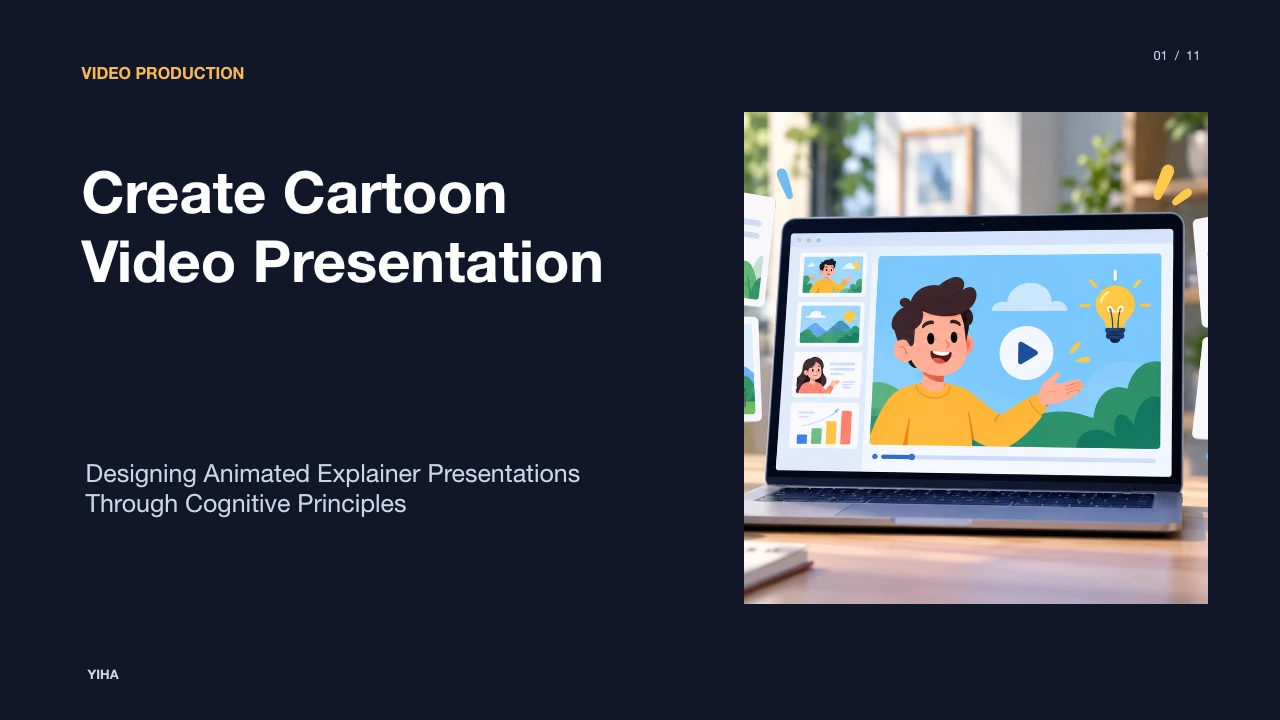
Create Cartoon Video Presentation
A complete operational guide to creating cartoon video presentations, covering cognitive load management, script cadence, storyboarding, character design, and accessibility standards.
Free download · 4.9 MB11 editable slides · PowerPoint format
Download the editable PPTX
PPTX · 4.9 MB · 11 editable slides · Free to edit and reuse with attribution to Yiha.ai
View every slide
Use ← →, Home/End, or swipe on mobile
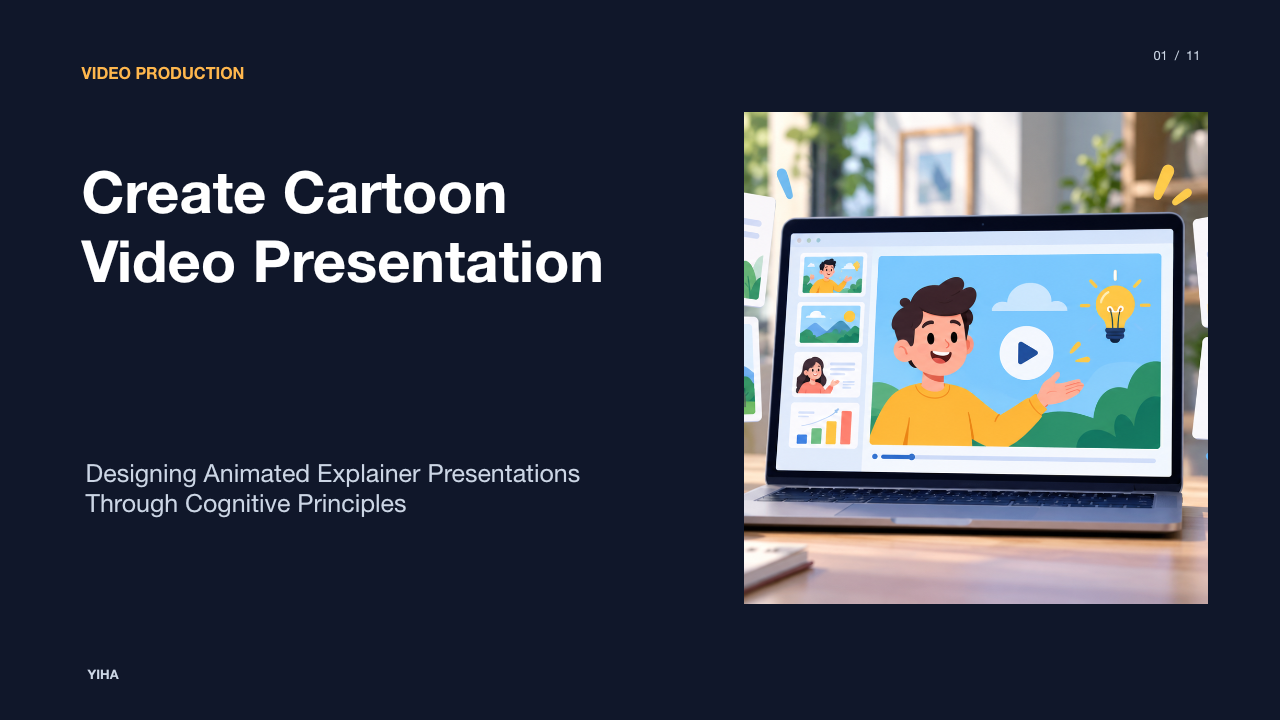
Animated video presentations combine illustrative character design, narrative scripts, and synchronized audio to communicate complex messages. When presenters translate technical documents or training modules into cartoon presentations, they engage multiple sensory pathways at once. Doing this effectively requires an understanding of how audiences process dual visual and verbal channels, how to pace narrative delivery, and how to verify accessibility standards across diverse playback environments.
Cognitive Science of Animated Learning and Retention
Educational research demonstrates that comprehension improves when instruction pairs visual information with spoken explanation rather than relying purely on text. As highlighted by Synthesia's presentation analysis, breaking information into short, guided visuals accompanied by narration improves understanding and reduces cognitive load. When learners attempt to digest unformatted paragraphs on a slide while listening to a speaker, visual and auditory channels compete directly for working memory resources.
Cartoon presentations resolve this cognitive friction by converting dense written explanations into illustrative graphics. The visual channel processes shape, movement, and spatial orientation, while the auditory channel simultaneously absorbs the spoken narration. When graphic sequences directly reflect what is spoken, the audience constructs unified mental representations without experiencing split attention. Presenters must ensure that visual actions support the core idea rather than competing with it. By structuring motion graphics around natural cognitive processing limits, instructional designers help viewers retain structural relationships and procedural sequences far longer than static slide decks allow.
Scriptwriting for Spoken Cadence and Information Flow
Effective animation requires a script authored specifically for the ear rather than the eye. Written documents often contain complex sentence clauses, passive structures, and technical jargon that sound awkward or confusing when read aloud. According to ChatSlide's scripting framework, generating slide-aware narration with built-in timing cues, emphasis markers, and pause indicators prevents rush and allows listeners to absorb critical details.
Narrative scripts should follow a structured sequence that introduces a concrete problem, explains the operational mechanism, and outlines practical application. For an illustrative example, a 60-second animated sequence explaining data encryption might allocate fifteen seconds to defining data transit, twenty seconds to depicting cartoon lock-and-key cipher mechanisms, and twenty-five seconds to showing verified server delivery. Writers must eliminate unnecessary adjectives and replace abstract terminology with direct verbs to keep pacing steady throughout the presentation. Reading drafts aloud against a timer ensures that spoken dialogue matches visual screen changes without forcing rapid delivery.
Storyboarding Narrative Beats and Visual Layouts
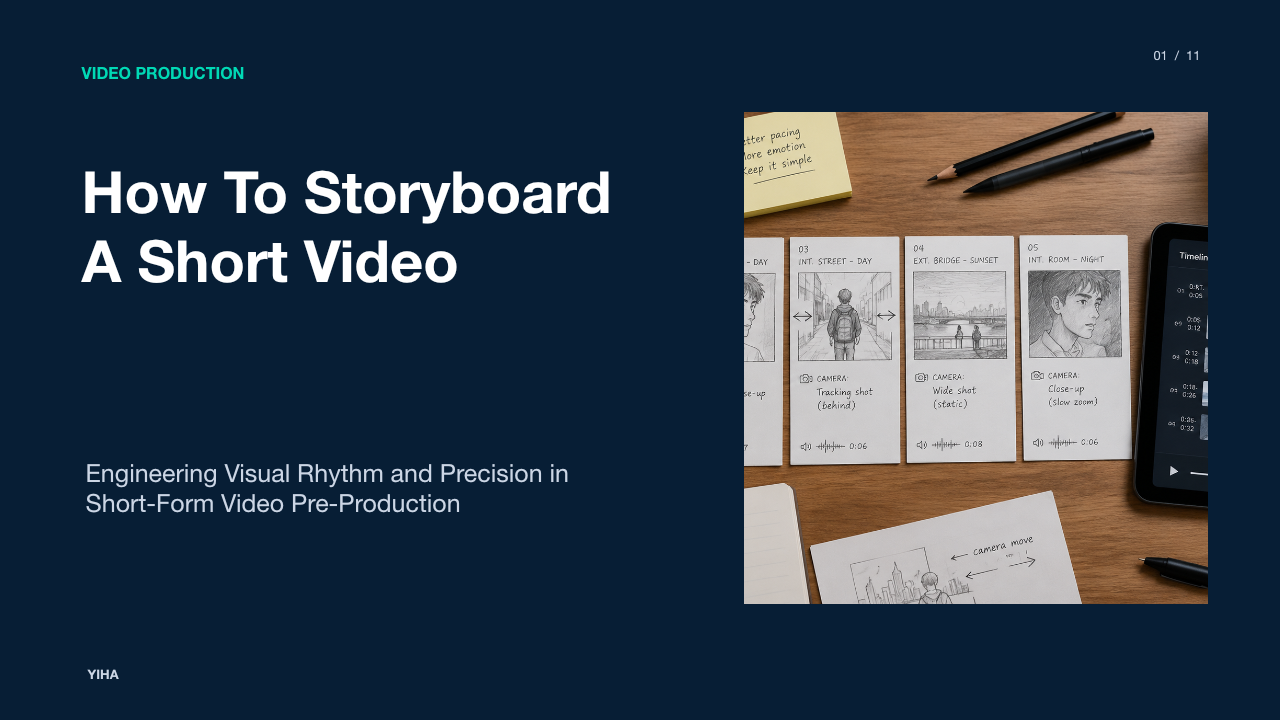
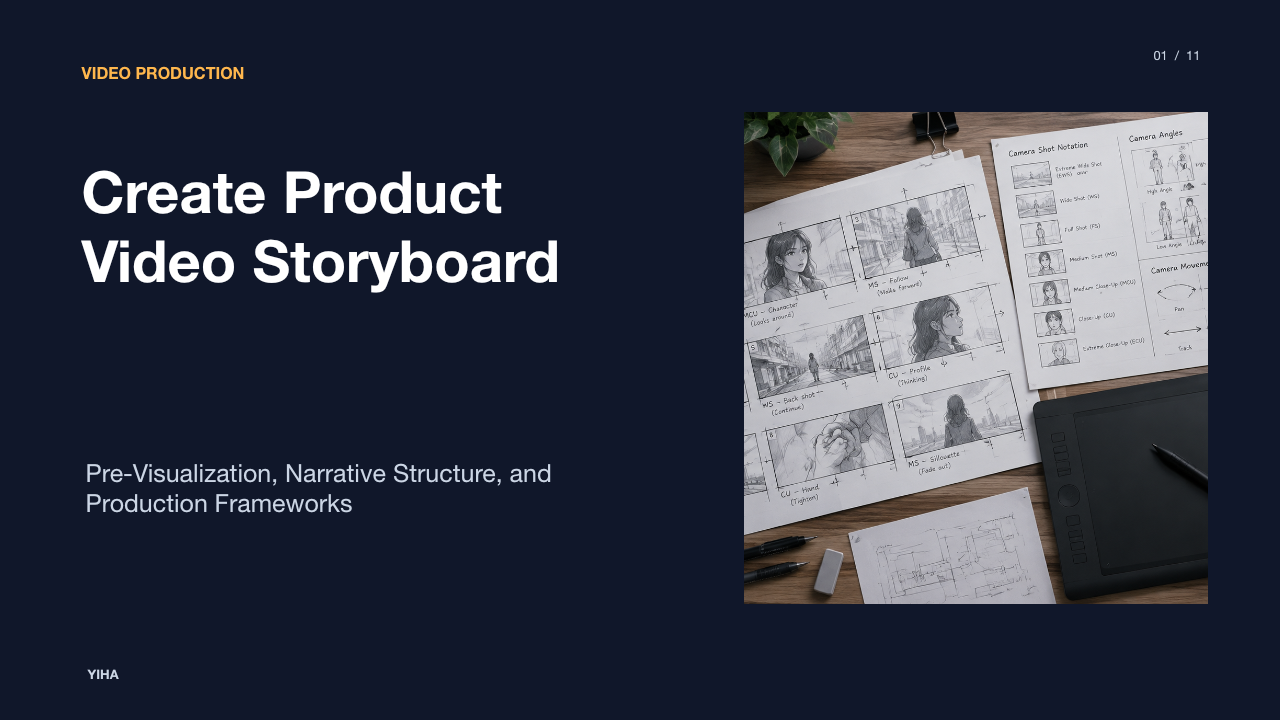
Before launching production software or rendering scenes, animators organize narrative flow using storyboard panels. As detailed by StudioBinder's storyboarding guide, every action or dialogue line in a script can map directly to a sequential frame to define camera angles, shot types, and visual pacing. This visual roadmap confirms whether scene transitions support the spoken points before committing time to asset rendering.
Tools like StoryBoard Express show that laying out shot sequences panel by panel catches structural flaws, missing coverage, and uneven pacing early in the production cycle. By assembling panels into a rough timed animatic, designers can evaluate whether an illustration lingers too long or transitions before the listener comprehends the concept. Adjusting sketches on paper or digital panels takes minutes, whereas rebuilding finished animation requires hours of rework. Establishing clear framing choices during pre-production guarantees that characters, focal objects, and graphic callouts maintain visual balance across every scene change.
Character Design and Visual Metaphor for Complex Topics
Cartoon characters provide an approachable focal point within corporate and educational media. Instead of realistic human avatars that can cause distraction or feel uncanny, simplified characters express universal emotions through exaggerated posture and clean silhouettes. As demonstrated by Mootion's visual presentation research, dynamic graphics and visual metaphors clarify abstract ideas and make technical topics accessible.
Visual metaphors allow presenters to explain invisible structures using physical analogies. For an illustrative example, a presenter can portray an application programming interface as a cartoon courier carrying sealed parcels between two office buildings to explain request and response architecture. While these metaphors help viewers understand interactions quickly, designers must ensure the analogy does not oversimplify the system or obscure critical operational constraints. Maintaining consistent character proportions and visual styles across all scenes preserves thematic coherence and prevents viewers from misinterpreting underlying technical rules.
Applying Mayer's Multimedia Principles to Motion Design
Richard Mayer's research on multimedia learning identifies fundamental rules for structuring instructional media. As explained in Water Bear Learning's multimedia analysis, the Coherence Principle establishes that humans learn best when extraneous, distracting material is removed, while the Multimedia Principle shows that combining words and pictures outperforms words alone.
When designing motion graphics, developers must avoid the temptation to include decorative elements that do not advance comprehension. Ambient looping animations, decorative mascot dances, or unrelated visual trivia overload processing capacity. Similarly, the redundancy principle indicates that displaying verbatim on-screen text while a voiceover reads identical words creates interference. Instead, on-screen text should be limited to sparse labels, diagram tags, and key data points that anchor spoken ideas. Applying spatial and temporal contiguity ensures that labels appear adjacent to their corresponding visual objects and animate simultaneously with related narration cues.
Voiceover Recording and Audio-Visual Synchronization
Audio clarity directly governs audience comprehension. Even visually striking animations fail when narration suffers from room reverberation, clipping, or poor timing. Production workflows outlined by FlexClip's video creation guidelines emphasize that clean voiceover recording and intentional audio editing prevent unnecessary fillers, mispronunciations, and pacing breaks.
Video editing documentation from VEED further highlights the value of background noise removal and balanced audio mixing to ensure spoken dialogue remains prominent. Once dialogue is recorded, developers synchronize motion cues with audio transients. When a character points to a diagram or introduces an object, the visual entrance must align precisely with the spoken noun. If narration mentions an outcome a full second after it appears on screen, viewers must divide their focus to reconcile the discrepancy. Maintaining balanced background audio levels also ensures that musical tracks never mask vocal frequencies.
Evaluating Handcrafted, Rigged, and Generative Animation
Producers choose between distinct production pipelines depending on schedule and precision requirements. Handcrafted frame-by-frame animation provides bespoke stylistic flexibility but requires substantial labor. In contrast, 2D puppet rigging allows character limbs and facial expressions to be manipulated via digital skeletal controllers, accelerating repeatable movement across recurring presentation scenes.
Previsualization and sequence assembly workflows, such as those detailed on StoryBoard Express, allow animators to test shot pacing and transitions before committing to detailed animation passes. Furthermore, production strategies outlined by Stackmatix illustrate how matching video formats to specific communication stages ensures effective resource allocation. Teams producing recurring explainers benefit from modular puppet libraries, while highly bespoke conceptual demonstrations justify dedicated hand-drawn passes. Evaluating these technical trade-offs early in project planning prevents expensive production overruns.
Managing Cognitive Overload and Tonal Misalignment
Animated presentations present specific editorial risks, particularly regarding tone and density. As noted in VEED's presentation editing documentation, presenters can add annotations, speech bubbles, and kinetic text to highlight key takeaways, but overusing these elements creates visual clutter. Excessive kinetic movement distracts viewers from core messages.
Presenters must also exercise caution when integrating humor. While cartoon characters naturally invite levity, poorly matched jokes or caricature can undermine serious compliance, technical, or financial topics. Presenters must audit both visual assets and dialogue to ensure character actions maintain appropriate professional tone and respect institutional guidelines. Establishing strict visual style guides covering movement velocity, character expression, and color palette prevents unintended tone breaks across production teams.
Review Milestones, Accessibility, and Final Delivery
High-quality video presentation workflows rely on disciplined staging gates. Teams should secure stakeholder sign-off on the text script and static storyboard panels before starting animation rendering, as altering vector paths and voice recordings late in production incurs significant delays. Collaborative tools described by StudioBinder allow teams to review, comment, and resolve layout issues directly on storyboard panels.
Final delivery must meet established accessibility requirements. The W3C Web Content Accessibility Guidelines 2.2 define global standards for accessible web content, including accommodations for blindness, deafness, and cognitive limitations through synchronized captions and clear media controls. Finally, following ingestion standards such as YouTube's encoder technical guidelines ensures consistent bitrates, correct resolutions, and stable playback across mobile, tablet, and desktop displays.
Research sources
- Free AI Presentation Maker - Create AI Video Presentations · www.synthesia.io
- AI Presentation Maker - Create Video Presentations - VEED · www.veed.io
- Video Presentation Maker - Empower. Drive Results - VEED.IO · www.veed.io
- AI Script Generator — Create Presentation & Video Scripts Instantly | ChatSlide · www.chatslide.ai
- AI Video Presentation Generator | Create Professional Presentations · www.mootion.com
- Create Free Storyboard Online for Video and Film Projects · www.studiobinder.com
- Free Storyboard Tool | Create storyboards from video, images, and drawings · www.storyboard-express.com
- How to Use Mayer’s 12 Principles of Multimedia Learning [Examples Included] - Water Bear Learning · waterbearlearning.com
- Free Introduction Video Maker | Create Video Introduction | FlexClip · www.flexclip.com
- Video Marketing Funnel: What to Create at Each Stage · www.stackmatix.com
- Web Content Accessibility Guidelines (WCAG) 2.2 · www.w3.org
- Choose live encoder settings, bitrates, and resolutions - YouTube Help · support.google.com