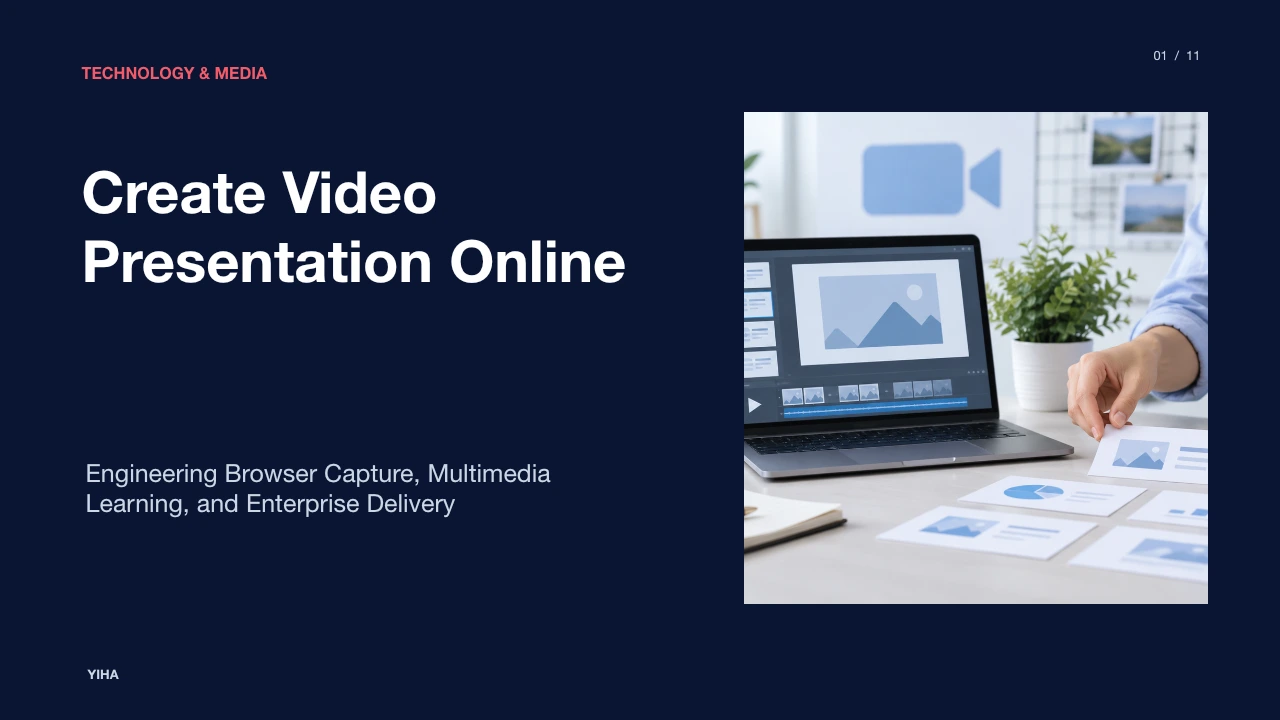
Create Video Presentation Online
A technical and instructional guide to creating video presentations online. Explore browser media capture, Web Audio signal routing, timeline composition, and accessibility standards.
Free download · 4.9 MB11 editable slides · PowerPoint format
Download the editable PPTX
PPTX · 4.9 MB · 11 editable slides · Free to edit and reuse with attribution to Yiha.ai
View every slide
Use ← →, Home/End, or swipe on mobile
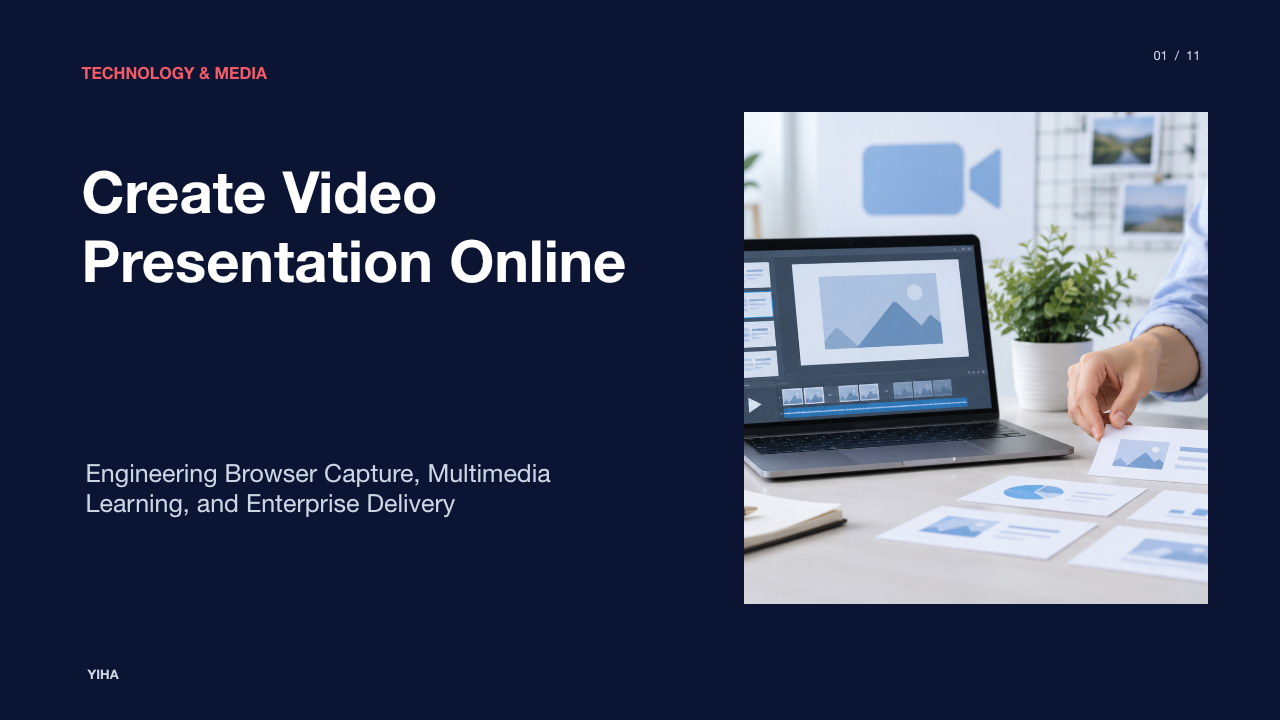
Creating a video presentation online has evolved from an ad hoc screen recording workaround into a disciplined software and communication discipline. Modern web platforms allow creators to combine visual presentation assets, live camera inputs, synthetic narrations, and system audio directly inside client browsers. By removing heavy native desktop dependencies, online video authoring enables rapid knowledge sharing across distributed teams, educational settings, and enterprise operations. However, producing effective video presentations requires more than simply pushing record. Creators must navigate multimedia learning constraints, audio signal hygiene, hardware encoding limits, and content governance.
The Shift to Asynchronous Video Presentations
The move away from synchronous meetings toward recorded online presentations addresses severe scheduling bottlenecks in global organizations. In live video conferences, scheduling across time zones forces compromises that often degrade participation and create operational fatigue. Asynchronous delivery replaces recurring live slide reviews with focused, reusable video assets that recipients can consume on demand.
Traditional slide decks convey static information, but they frequently require separate written documentation to explain complex technical diagrams or business metrics. By contrast, online presentation workflows allow speakers to guide viewer attention directly through tone, pacing, and visual callouts. As highlighted by platforms like the VEED AI Presentation Maker, turning raw topic outlines into structured audiovisual collateral significantly reduces manual layout time compared to designing static slide decks from scratch. Furthermore, solutions such as Synthesia AI Presentation Maker demonstrate that presenter-led video formats help maintain viewer focus through structured visual delivery and voice guidance. Rather than forcing entire departments into synchronous calendar blocks, distributed teams can preserve meeting hours for high-value debate while delegating status reviews to asynchronous recordings.
Cognitive Foundations of Dual-Channel Learning
Effective presentation videos respect human cognitive architecture. Educational psychology demonstrates that working memory processes visual and auditory information through separate, limited channels. When an online presentation overloads one channel with redundant information, comprehension declines sharply.
A primary risk in digital video presentations is the split-attention effect, which happens when a speaker reads dense slide text aloud verbatim. In that scenario, the viewer's visual channel attempts to parse written paragraphs while the auditory channel processes the spoken voice, triggering cognitive interference. Online video makers such as Kapwing Video Presentation Maker emphasize multi-track arrangements where visual assets provide spatial diagrams, data charts, or software demonstrations while spoken narration supplies explanatory context. Under this dual-channel framework, visual text is minimized to essential signaling cues, such as bold keywords or numerical callouts, allowing the auditory narration to carry the conceptual explanation. This separation frees viewer working memory to organize and integrate new concepts without sensory overload.
Pre-Production Planning and Storyboard Architecture
A common failure point in self-recorded presentations is impromptu speaking without a clear visual plan. Rambling explanations inflate video length, introduce verbal fillers, and induce early viewer drop-off. Professional workflows mitigate this by investing in pre-production storyboards and structured scripts before opening a recording browser tab.
As explained in the StudioBinder Storyboard Guide, a storyboard acts as a visual blueprint that translates script concepts into shot sequences, framing choices, and camera movements before recording begins. Even lightweight digital panels clarify whether a concept requires a full-screen presenter view, a detailed screen capture, or an annotated diagram. Modern storyboard engines like the Loopa AI Storyboard Generator demonstrate how sequence breakdowns and shot lists can be generated from text concepts to plan dynamic framing and camera angles ahead of time. Defining visual shifts early prevents static, monotonous screen recordings and ensures that visual transitions align cleanly with narrative topic changes.
Browser Capture with Screen and MediaStream APIs
Modern web browsers can capture high-resolution display buffers and camera feeds without desktop software plugins. This capability relies on open W3C standards that standardize how web applications request device media tracks securely inside browser sandboxes.
According to the W3C Screen Capture specification, client-side web applications request display buffers using navigator.mediaDevices.getDisplayMedia({ video: true }). This method produces a MediaStream containing display surfaces such as an entire monitor, an application window, or a specific browser tab. Simultaneously, web applications invoke navigator.mediaDevices.getUserMedia({ video: true, audio: true }) to capture the presenter's camera and microphone. As documented in the MDN MediaStream Recording API documentation, the resulting media streams are processed by a MediaRecorder instance. Data is emitted in successive dataavailable events containing encoded chunks that can be assembled into standard container formats such as WebM or MP4 directly on the client machine.
Audio Processing and Environmental Noise Control
Audio quality consistently dictates viewer retention more than visual resolution. While viewers often tolerate minor visual compression artifacts, distorted, reverberant, or low-volume audio causes immediate listener strain. Browser-based presentation recording environments require careful audio signal chain configuration to deliver intelligible speech.
The W3C Web Audio API defines an audio graph architecture composed of interconnected audio processing nodes within an AudioContext. In this signal chain, raw microphone inputs captured via media stream sources pass through dynamic processing nodes, such as a DynamicsCompressorNode, to attenuate excessive acoustic peaks and raise lower vocal dynamics. In tandem, developers utilize microphone configuration constraints defined under the W3C Media Capture and Streams specification. By explicitly setting audio constraints such as echoCancellation: true and noiseSuppression: true, browsers engage native platform filters that cancel speaker feedback loops and attenuate ambient background hum prior to recording.
Non-Destructive Web Editing and Visual Layouts
Once raw video and audio streams are captured, presentation tooling must combine them into a balanced composition. Traditional linear editors required heavy desktop applications, but modern web applications perform dynamic multi-track editing directly within client tabs.
Modern browser rendering pipelines leverage low-level primitives to manipulate media frames. The MDN WebCodecs API specification outlines how browsers provide hardware-accelerated, per-frame access to raw VideoFrame objects and AudioData buffers. These decoded frames can be composited onto an HTML5 Canvas alongside graphic text, kinetic arrows, and picture-in-picture presenter overlays. Online tools like the VEED Video Presentation Maker utilize these compositing techniques to allow users to split clips, rearrange timeline sequences, add annotations, and crop webcam circles over shared slide layouts. Because timeline modifications run non-destructively, authors can resize screen captures and adjust callout timing without altering the underlying raw recordings.
Synthetic Media and Automated Script-to-Video
Generative artificial intelligence has introduced automated workflows where text scripts directly produce narrated video presentations. Instead of requiring human presenters to sit before a webcam, automated platforms assemble visual scenes, synthesize neural voiceovers, and animate digital avatars.
Platforms such as Synthesia Text to Video illustrate this workflow, transforming text prompts, uploaded PDF slides, or script files into narrated video presentations featuring synthetic avatars speaking in multiple languages. Concurrently, generative presentation makers like the VEED AI Presentation Maker generate visual slides with automated styling and transitions directly from topic prompts. However, creators must weigh significant pedagogical trade-offs when choosing synthetic avatars over live human recordings. While synthetic generation drastically simplifies content updates and multilingual translation, photorealistic avatars can produce subtle uncanny valley artifacts if facial expressions fail to reflect emotional nuance. Synthetic media is best suited for standardized procedural documentation, technical onboarding, and compliance training, whereas high-stakes organizational pitches benefit from authentic human presence.
Encoding Standards, Streaming, and Accessibility
Exporting a completed video presentation requires balancing file size, playback latency, and universal accessibility across diverse devices. Authors must select appropriate codecs and packaging formats while ensuring compliance with accessibility mandates.
Universal delivery requires strict adherence to accessibility standards. The W3C Web Content Accessibility Guidelines (WCAG) 2.1 outlines four core principles: content must be perceivable, operable, understandable, and robust. For multimedia content, this requires synchronized closed captions and transcripts. Technical implementations achieve captioning through the W3C WebVTT Specification, which defines a standardized text track format for time-aligned cues. Using the HTML <track> element, browsers overlay WebVTT cues onto <video> players. This allows viewers to read subtitles styled with CSS ::cue selectors, toggle chapter markers for direct section navigation, and access auditory content in noisy or sound-restricted environments.
Engagement Analytics and Enterprise Content Governance
The completion of an online video presentation marks the beginning of its operational lifecycle. In educational and corporate ecosystems, organizations need robust observability to measure audience comprehension and enforce data governance.
Viewer analytics provide granular telemetry that surpasses simple view counts. Analysis published by The Video Effect Retention Guide shows that audience retention drops sharply when videos fail to engage viewers within the opening seconds, emphasizing the necessity of tracking drop-off curves and average view duration. Backend video analytics dashboards graph playhead drop-off points, identifying specific slides where viewer confusion peaks. Alongside analytics, enterprise governance mandates strict access controls. As highlighted in enterprise platforms like Synthesia AI Presentation Maker, platforms must enforce acceptable use policies, commercial licensing rights, and compliance boundaries. Role-based access permissions, audit logs, and scheduled archival prevent confidential product roadmaps or sensitive customer data from leaking into public video repositories.
By treating online video presentation creation as an integrated engineering and instructional discipline, creators produce clear, accessible, and high-retention media that scales communication across the web.
Research sources
- AI Presentation Maker - Create Video Presentations - VEED · www.veed.io
- Free AI Presentation Maker - Create AI Video Presentations · www.synthesia.io
- SlideClips - Online Video Maker and Presentation Builder · www.presentermedia.com
- Free AI Storyboard Generator - Create Storyboards in Minutes Online | Loopa · www.loopa.im
- Video Presentation Maker (Free & Online) · www.kapwing.com
- Video Presentation Maker - Empower. Drive Results - VEED.IO · www.veed.io
- How to Make a Storyboard: Ultimate Step-by-Step Guide · www.studiobinder.com
- Online Call Sheet Template for Film, TV, & Video (2026) · www.studiobinder.com
- Screen Capture · www.w3.org
- MediaStream Recording API - Web APIs | MDN · developer.mozilla.org
- MediaStream Recording · www.w3.org
- Web Audio API · www.w3.org
- Media Capture and Streams · www.w3.org
- Web Audio API 1.1 · www.w3.org
- WebCodecs API - Web APIs | MDN · developer.mozilla.org
- WebCodecs · www.w3.org
- Free Text to Video AI - Create Engaging AI Videos from Text · www.synthesia.io
- Web Content Accessibility Guidelines (WCAG) 2.1 · www.w3.org
- WebVTT: The Web Video Text Tracks Format · www.w3.org
- WebVTT API - Web APIs | MDN · developer.mozilla.org
- Optimal Video Lengths to Boost Viewer Retention in 2026 · www.thevideoeffect.tv