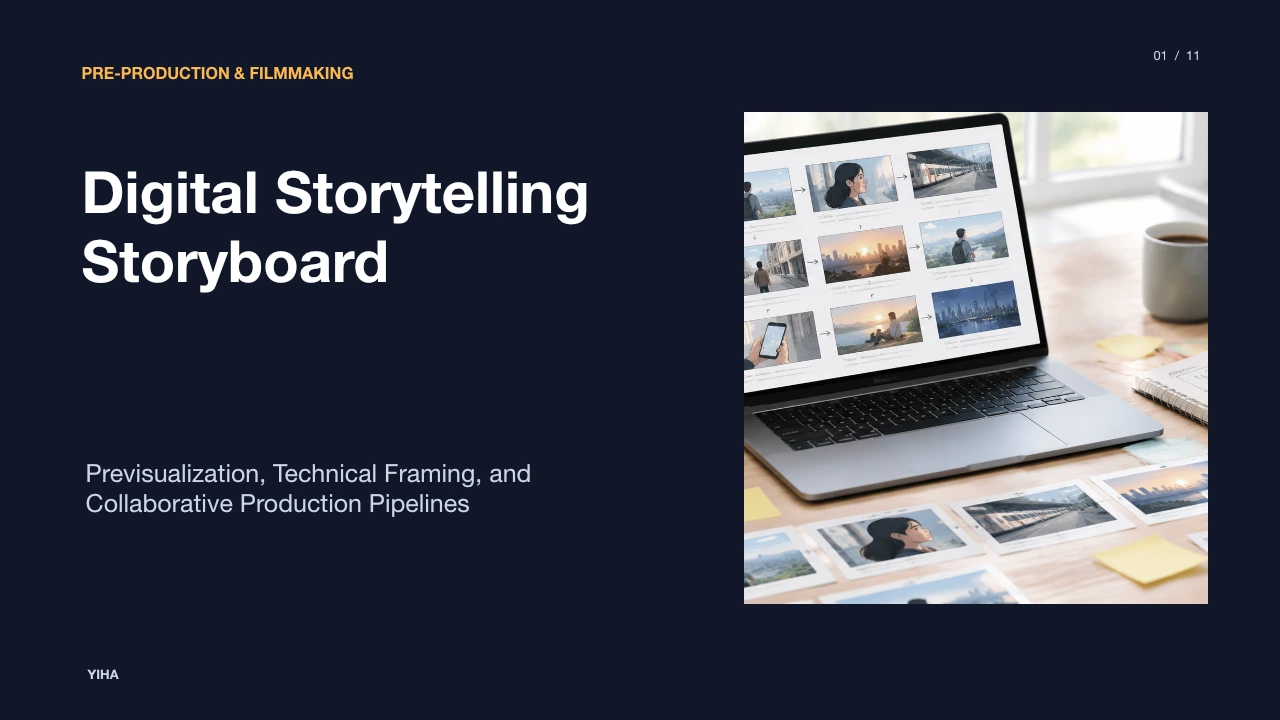
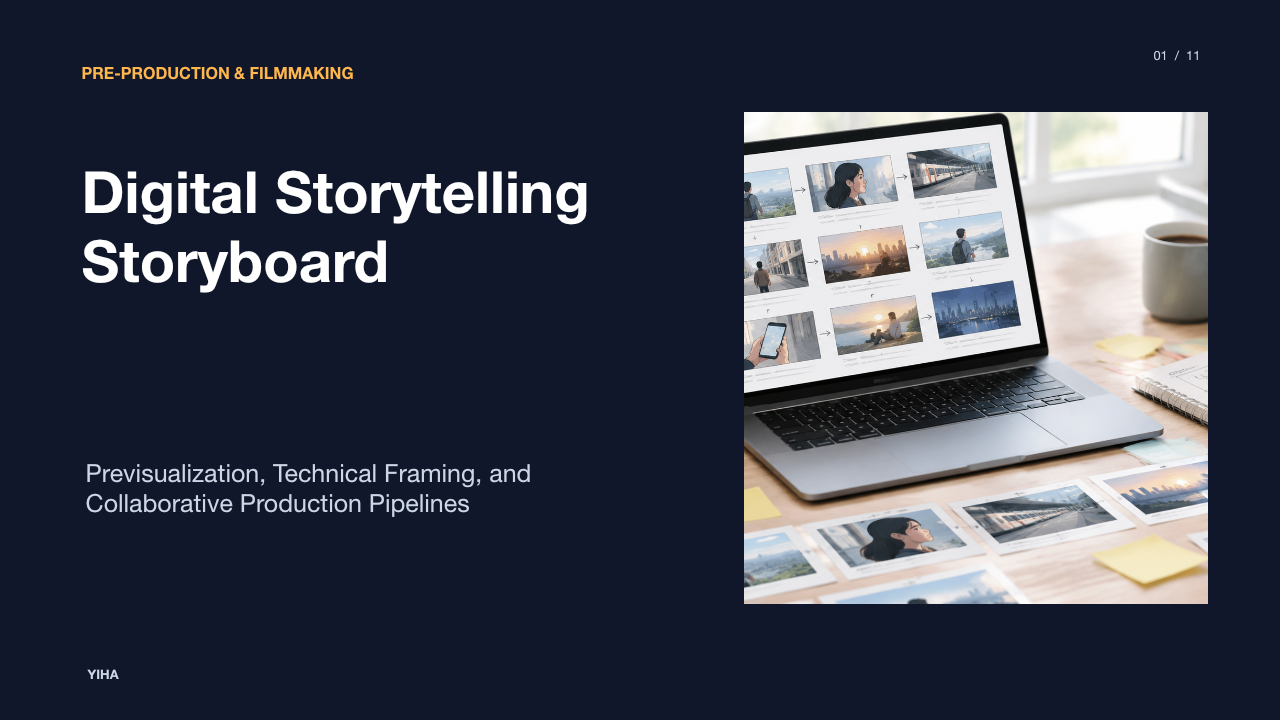
Digital Storytelling Storyboard
A technical guide to digital storytelling storyboards, exploring the transition from paper boards to digital workflows, framing standards, motion conventions, animatic transitions, and collaborative toolchains.
Free download · 4.9 MB11 editable slides · PowerPoint format
Download the editable PPTX
PPTX · 4.9 MB · 11 editable slides · Free to edit and reuse with attribution to Yiha.ai
View every slide
Use ← →, Home/End, or swipe on mobile
Visual storytelling relies on previsualization to bridge the gap between written text and finished screen media. A digital storytelling storyboard acts as an operational blueprint for film, commercial, animation, and interactive media projects. By translating narrative beats into structured frames with technical notes, creative teams ensure that camera positions, pacing, audio cues, and blocking are tested before entering physical production or asset rendering.
The Evolution from Physical Boards to Digital Workflows
Storyboarding originated during the early days of Walt Disney Studios, where artists pinned hand-drawn sketches and illustrations to bulletin boards to evaluate narrative rhythm, camera angles, and visual flow across scenes. Traditional boards gave artists unique tactile freedom and expressive hand-drawn quality, yet they imposed significant logistical friction whenever script revisions occurred. Making changes required countless hours of manual redrawing and physical reordering of paper sheets, as detailed in the Storyboard Artists Guide.
Modern digital preproduction workflows retain this core goal of previsualizing sequences while removing the friction of manual paper handling. In modern production environments, directors and illustrators utilize digital templates and specialized software to reconfigure board structure, dimensions, and panel counts with a few clicks, as highlighted in StudioBinder's Storyboard Guide. Digital platforms also enable teams to maintain centralized project files rather than printing duplicate physical decks for each department head. Many artists employ a hybrid approach, beginning with traditional hand-drawn sketches on paper and scanning them into digital applications for rapid layering, template alignment, and remote distribution, balancing tactile aesthetics with modern pipeline efficiency.
Framing Standards and Shot Vocabulary in Digital Panels
Establishing a consistent visual grammar across panels requires standard aspect ratios and systematic shot scales. In contemporary film, television, and animation industries, 16:9 widescreen serves as the conventional baseline standard, though mobile-targeted formats frequently require 9:16 vertical staging. According to StudioBinder's Storyboard Guide, maintaining a layout of three to six panels per storyboard page prevents visual crowding and keeps presentation sheets readable for production heads.
Visual grammar in digital panels relies on standardized shot scales that define how much subject information appears on screen, as detailed in the Katalist Shot Types Guide:
- Extreme Long Shot (ELS) and Wide Shot (WS): Capture expansive environments and landscapes to establish geographic location, spatial relationships, and atmospheric scale between characters.
- Medium Shot (MS): Frames characters from the waist or upper body up, balancing spoken dialogue and interpersonal body language with immediate environmental context.
- Close-Up (CU) and Extreme Close-Up (ECU): Focus directly on facial reactions or minute physical details, drawing audience focus to critical narrative elements and intense emotions.
Alternating between wide establishing shots, medium conversation framing, and close reaction panels establishes visual flow and maintains narrative momentum across scenes.
Conventions for Motion, Blocking, and Spatial Continuity
Static panels must communicate physical motion, actor blocking, and camera perspective changes clearly to crew members. Production teams rely on directional arrows drawn directly over panels to indicate character paths across the set or camera movement vectors such as pans, tilts, zooms, and tracking moves, as emphasized in The L.A. Film School Storyboarding 101 Guide. These visual annotations show camera operators and animators how a shot evolves from its initial frame to its final composition.
According to StudioBinder's Storyboard Guide, digital tools make directional arrows easier to apply and modify during sketch passes, ensuring character action like running or turning is immediately evident. Storyboards also preserve spatial continuity across cuts. Maintaining consistent screen direction and eyeline alignment prevents audience disorientation. When a panel establishes a subject moving from left to right, subsequent cutaway frames must respect the established visual axis, ensuring that post-production editors can assemble the sequence without jarring spatial breaks.
Aligning Script Beats, Voiceover, and Audio Layers
Storyboards integrate visual framing with spoken narration, scripted dialogue, and environmental audio cues. Beneath each digital frame, structured captions and notes document character action, dialogue lines, sound effects, and musical cues, as explained in Murphy's Step-by-Step Storyboard Guide. These written descriptors provide vital context that turns raw illustrations into actionable blueprints for actors, sound designers, and camera operators.
In personal digital storytelling and multimedia projects, narratives rely heavily on recorded voiceovers paired with curated still imagery and deliberate transitions. Software platforms like Boords, Shotboard, and Toon Boom Storyboard Pro support frame-level shot notes, shot durations, and timing cues, as reviewed in Zipdo's Digital Storyboard Software Roundup. Documenting audio layers directly inside panel metadata allows directors and editors to test whether the spoken narration matches the visual duration allocated for each scene beat before sound recording begins.
From Static Panels to Animatics and Production Assets
Once static panels are approved, production pipelines convert them into animatics, which are timed sequences of storyboard frames assembled alongside temp dialogue, sound effects, and musical tracks. Dedicated desktop suites like Toon Boom Storyboard Pro feature native animatic timelines that align shot timing metadata, thumbnail boards, and camera blocking directly within the software, as outlined in Zipdo's Digital Storyboard Software Roundup.
Managing shot duration metadata inside storyboard panels ensures that timing choices survive export into editorial and production handoffs. Tools like MakeStoryboard embed duration metadata directly within panels, preserving timing during revision passes. By evaluating narrative rhythm and pacing in an animatic before shooting live-action footage or rendering complex 3D assets, directors identify scenes that drag or lack visual clarity, preventing expensive production reshoots and schedule overruns.
Collaborative Review Loops in Cloud-Based Toolsets
Cloud-based storyboarding platforms streamline creative collaboration by centralizing assets in accessible digital workspaces, replacing disconnected email threads and scattered files, as discussed in Murphy's AI vs Traditional Storyboard Analysis. Distributed teams can evaluate panels asynchronously, using frame-level threaded comments to suggest framing adjustments or narrative revisions directly on specific cards.
According to Zipdo's Digital Storyboard Software Roundup, whiteboard platforms like Miro center real-time collaboration with threaded, frame-level comments and presentation-friendly board sharing, keeping feedback attached to specific panels during reordering. Meanwhile, production-specific platforms allow creators to export locked PDF storyboard packages equipped with title covers and watermarks, as demonstrated in StudioBinder's Storyboard Guide. Watermarked PDF exports protect unreleased intellectual property from accidental leaks while ensuring that gaffers, cinematographers, and set designers operate from synchronized, version-controlled documentation.
Evaluating Lightweight Canvases Versus Dedicated Suites
Selecting storyboarding software requires balancing onboarding speed against technical pipeline capabilities. Generalist whiteboard platforms like Miro enable rapid team onboarding through drag-and-drop elements, flexible templates, and real-time canvas collaboration, making them useful for initial narrative beat mapping and visual brainstorms, as analyzed in Zipdo's Digital Storyboard Software Roundup. However, generalist canvases lack editorial export formats such as EDL or AAF and do not provide strict shot-numbering schemas needed for downstream edit conform.
In contrast, dedicated production suites like Toon Boom Storyboard Pro offer timeline control, layered drawing tools, and native shot-to-animatic workflows tailored for animators and cinematographers. Specialized web-first editors like Boords, Shotboard, and Panels provide an intermediate alternative, maintaining structured shot numbering, scene organization, and clean browser review links without the steep learning curve of desktop animation suites. Creative teams must choose tools based on whether their immediate requirement is broad stakeholder brainstorming or frame-accurate editorial handoff.
Production Pitfalls and Common Storyboarding Traps
Preproduction teams encounter predictable pitfalls when creating storyboards. A frequent trap is over-rendering panel artwork. Illustrators may spend excessive time polishing detailed drawings rather than clarifying blocking and visual pacing, which slows iteration without improving crew communication, a distinction noted in The L.A. Film School Storyboarding 101 Guide. Simple sketches, mockups, or reference images are sufficient as long as they convey the action and setting clearly, as highlighted in Murphy's Step-by-Step Storyboard Guide.
Another common error is overcrowding too many narrative beats or competing actions into a single panel. According to StudioBinder's Storyboard Guide, complex actions require splitting movements across consecutive panels and utilizing clear directional arrows. Furthermore, omitting essential technical annotations such as camera angles, lens perspectives, and sound cues leaves production crews guessing, resulting in on-set miscommunication and wasted shooting hours.
A Structured Implementation Model for Digital Teams
Creative teams can implement a reliable preproduction pipeline by following a structured six-phase workflow synthesized from industry best practices:
- Script Breakdown: Deconstruct the narrative script into key emotional beats, essential plot moments, and visual scene transitions, as taught in The L.A. Film School Storyboarding 101 Guide.
- Thumbnailing and Shot Selection: Map out rapid rough thumbnails to test aspect ratio composition and shot scales without investing excessive time in finished artwork.
- Annotation and Technical Tagging: Attach descriptive captions beneath each panel, specifying character actions, camera movements, dialogue lines, and audio cues, as outlined in Murphy's Step-by-Step Storyboard Guide.
- Collaborative Review: Distribute panels to directors, cinematographers, and department leads via cloud review links for threaded feedback and panel revisions.
- Animatic Assembly: Compile approved panels onto an editing timeline with shot durations, temp voiceover, and audio effects to verify scene rhythm before filming, as detailed in Zipdo's Digital Storyboard Software Roundup.
- Production Asset Sign-Off: Export locked PDF storyboard packages and conform files to align crew operations during principal photography and animation production.
Research sources
- Top 10 Best Digital Storyboard Software | Top Picks 2026 · zipdo.co
- FREE Digital Storyboard Templates for Film [2026] · www.studiobinder.com
- The Evolution of Storyboarding: From Paper to Digital - Storyboard Artists Guide · storyboardartists.com
- Storyboard Shot Types: Essential Guide for Visual Storytelling · www.katalist.ai
- Storyboarding 101 | The L.A. Film School · www.lafilm.edu
- How to Create a Storyboard: A Step-by-Step Guide to Visual Storytelling – Murphy · murphy.inc
- AI Storyboard vs Traditional Storyboard: Future of Storytelling Explained – Murphy · murphy.inc
- Storytelling | Digital Pedagogy in the Humanities · digitalpedagogy.mla.hcommons.org