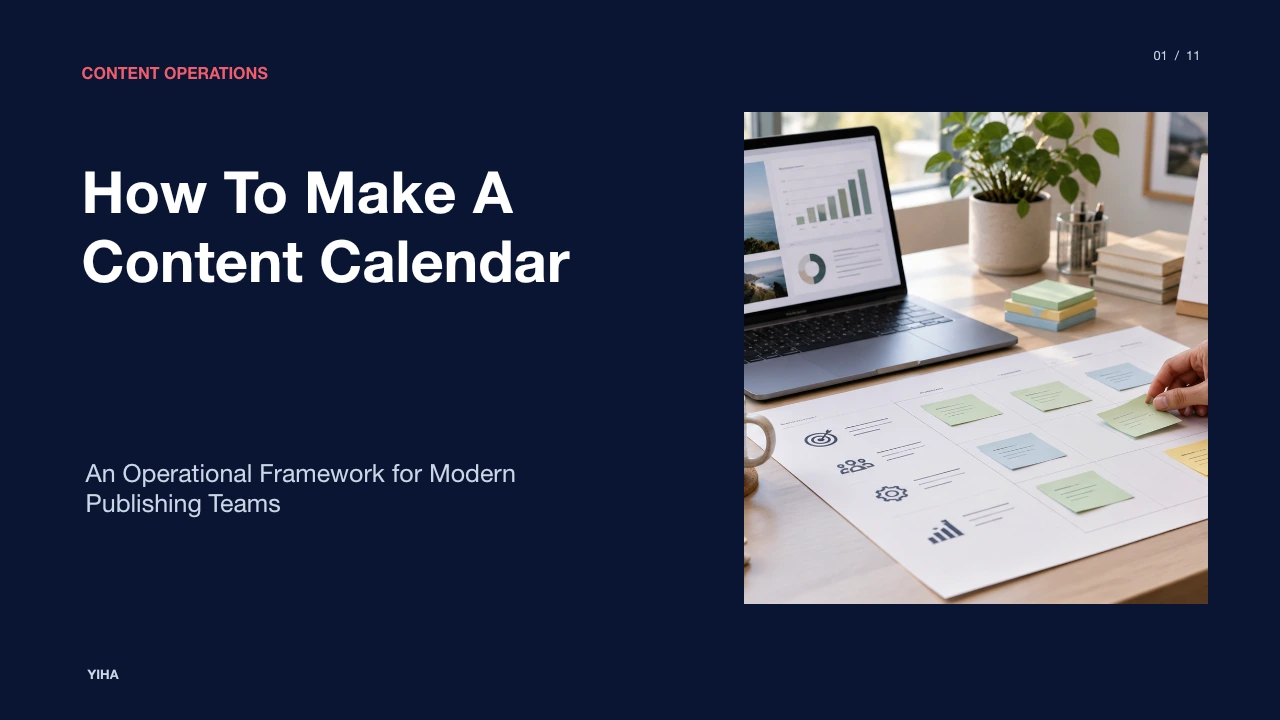
How To Make A Content Calendar
A structured operational guide to designing, structuring, and maintaining a multi-channel content calendar that aligns strategy, workflows, and delivery cadences.
Free download · 4.9 MB11 editable slides · PowerPoint format
Download the editable PPTX
PPTX · 4.9 MB · 11 editable slides · Free to edit and reuse with attribution to Yiha.ai
View every slide
Use ← →, Home/End, or swipe on mobile
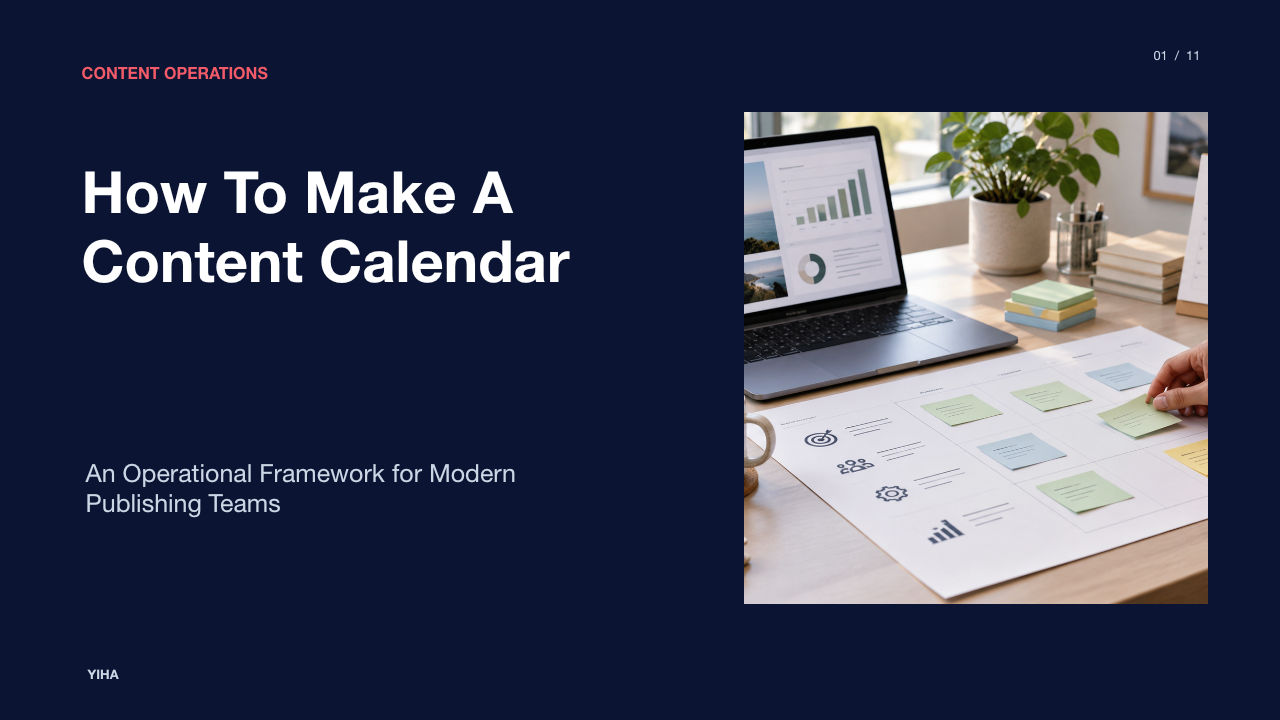
A content calendar serves as the operational foundation of any effective marketing organization. Without a structured publishing roadmap, editorial teams default to reactive scrambles, fragmented cross-team communications, and erratic release schedules. Constructing a functional content calendar requires moving beyond simple lists of dates and headlines. It demands a deliberate operational system that connects high-level business goals to daily production steps, review gates, and multi-channel delivery.
The Purpose of a Content Calendar in Modern Operations
Modern content marketing requires managing numerous concurrent tasks, including topic ideation, subject matter research, copywriting, asset generation, and platform formatting. When teams operate without a central calendar, draft files scatter across local folders and cloud storage, deadlines slip silently, and publishing velocity fluctuates dramatically. According to guidance on Editorial Calendar Templates, content creation involves a multitude of small tasks, and a reliable system keeps track of all those processes and each asset's status as it moves through them.
Beyond managing individual deliverables, an operational calendar provides cross-functional transparency across an entire company. Sharing the production schedule with sales, human resources, and public relations helps those departments understand upcoming assets and leverage them for their own initiatives. This visibility encourages external teams to flag upcoming product updates, events, or customer stories early enough to factor into editorial timelines. Establishing a predictable publishing cadence also protects team morale by replacing frantic, last-minute requests with a sustainable production rhythm.
Separating Thematic Strategy from Distribution Scheduling
Teams frequently undermine their publishing efforts by conflating strategic editorial planning with tactical posting schedules. An editorial calendar operates at a high thematic level, defining monthly focus areas, overarching narrative arcs, and major campaign messaging. In contrast, a content calendar governs granular execution details such as target publishing hours, platform-specific copy variations, asset attachments, and live status tracking, as analyzed in the guide to 11 Best Content Calendar Tools to Plan, Schedule & Automate.
When teams populate dates and times without clear editorial intent, they produce disconnected social posts and disjointed blog entries that fail to build topical authority over time. Conversely, high-level campaign themes without clear delivery dates remain theoretical concepts. Operational clarity requires using the editorial strategy as the architectural blueprint while treating the scheduling calendar as the active construction site where physical assets are sequenced and distributed.
Core Data Architecture: Essential Fields for Every Entry
An effective calendar relies on a standardized data schema. If rows or cards lack key metadata, team members must constantly query project leads for context. Practical implementations in relational platforms show that linking records across content items, topics, and channels builds a coherent repository, as highlighted in testing of Airtable's free plan for content planning.
Every calendar entry should record a core set of standard attributes to keep operations orderly:
- Working Title and Topic Pillar: Defines the working headline and links the asset to a specific topic cluster to reinforce authority.
- Target Persona and Search Intent: Outlines the intended audience segment and the specific questions the asset resolves.
- Target Channel and Content Format: Distinguishes between blog articles, social snippets, newsletters, or long-form guides so contributors know the required production scope.
- Assigned Roles: Explicitly identifies the writer, visual designer, copy editor, and final approving stakeholder.
- Milestone Due Dates: Documents target deadlines for initial outlines, first drafts, visual assets, and final staged copy.
- Production Status: Reflects the real-time stage, such as Pitch, Drafting, Review, Staged, or Published.
Multi-Channel Coordination and Cross-Platform Cadence
Managing distribution across multiple digital touchpoints presents the risk of audience message fatigue and topic cannibalization. If a company publishes an in-depth guide, an email announcement, and multiple social media posts on identical days without coordinated scheduling, audiences face repetitive promotional bursts followed by extended silence. As detailed in the operational framework for Maintaining SEO Content Calendar: Complete Guide 2026, calendars must balance stable foundation content with agile opportunity slots while orchestrating multi-format variations.
An illustrative example of multi-channel synchronization is the modular campaign framework. When an organization finishes a comprehensive white paper or pillar article, the calendar staggers derivative assets across subsequent weeks. The primary article launches first, followed by email digest coverage several days later, and visual carousels or short summaries across relevant social networks over the next two weeks. This structured cadence extends the reach of each core concept without overwhelming audiences.
Production Workflows: Workback Schedules and Gatekeeping
Meeting a target publication date requires calculating milestones in reverse rather than moving forward from ideation. Workback scheduling determines exact deadlines by deducting required task durations from the target release date. For instance, if an article is scheduled to go live on Friday, final CMS staging must occur on Thursday, editorial sign-off on Wednesday, design asset delivery on Tuesday, and draft submission on Monday.
Grouping similar operational phases together further enhances delivery efficiency. As outlined in the guide on Social Media Content Batching: 2026 Guide | Sprout Social, batching production activities into dedicated working blocks reduces context switching and clarifies stakeholder handoffs. Implementing strict stage gates prevents bottlenecks: drafts cannot advance to visual design without approved text, and materials cannot be scheduled without compliance sign-off.
Tool Selection Tradeoffs: Spreadsheets vs. Platforms
Selecting the right calendar tooling requires evaluating team size, operational complexity, and ongoing maintenance overhead. Collaborative spreadsheets like Google Sheets or Microsoft Excel provide immediate familiarity, low setup barriers, and flexible customization, as explained in the overview of 4 free content calendar templates + tips | Zapier. However, spreadsheets present distinct operational limitations. They require continuous manual updating, lack automated dependency tracking, and easily become unwieldy when tracking complex approval hierarchies across large teams.
Dedicated project management software and relational database platforms provide structured relational records, customizable views (such as Kanban boards, monthly calendars, and timeline grids), and granular permission controls. These tools reduce human tracking errors but introduce steeper learning curves, higher configuration costs, and potential process bloat. Small creative teams often thrive on simple spreadsheet templates, whereas distributed enterprise marketing groups require database-driven management systems.
Bridging the Planning Calendar to Automated Publishing
Maintaining calendar velocity manually across multiple standalone channels consumes excessive administrative hours. Modern operational setups connect planning calendars directly to content delivery engines. By utilizing webhook automations, relational formulas, and API triggers, updating a status field in a calendar can automatically create CMS draft entries or stage social posts, as explored in operational templates for Editorial Calendar Planner: Free Excel Template for Efficient Content Scheduling / xlstemplate.com.
An illustrative example of automated workflow handoffs involves status-triggered publication queues. When an editor changes an asset record status from "Under Review" to "Approved," an automated webhook transfers the copy and image URLs directly into the content management system as a staged draft. Concurrently, notification pings alert the social distribution coordinator to review scheduled social messages. This integration eliminates manual copy-pasting, mitigates formatting errors, and ensures that planned assets transition seamlessly into published assets.
Operational Pitfalls: Over-Scheduling and Bottlenecks
Even thoughtfully designed content calendars fail when operations become overly rigid or burdened by administrative friction. A widespread error is calendar over-commitment, where teams plan all of their operational capacity weeks in advance. As highlighted in the Blog Content Calendar: Complete Planning Guide 2026, over-planning without built-in capacity buffers leaves teams unable to react to sudden industry events or breaking company news. When unexpected events occur, the entire quarterly schedule collapses under cascading deadline delays.
A secondary pitfall is bureaucratic review bloat. When an asset requires sequential approvals from multiple department leads without clear response windows, reviews stall indefinitely. To maintain calendar resilience, teams should establish clear governance rules: define explicit review turnarounds, allocate unassigned capacity buffers for reactive production, and empower a single managing editor with final sign-off authority for standard editorial releases.
Establishing Review Cadences and Closed-Loop Iteration
A content calendar cannot remain a static planning archive; it must operate as a dynamic system sustained by recurring review cadences. The operational advice in How to use Airtable for content calendar - The Tech Edvocate emphasizes scheduling regular team meetings to review schedules, process feedback, and conduct periodic content audits to evaluate performance trends.
Effective calendar governance uses a three-tiered review framework:
- Weekly Standups: A brief operational check-in focused solely on identifying immediate blockers, reassigning delayed assets, and confirming items scheduled for the coming week.
- Monthly Backlog Alignment: A forward-looking review to evaluate upcoming campaign themes, assess internal team production bandwidth, and refine topic assignments.
- Quarterly Closed-Loop Audits: A strategic evaluation matching published calendar entries against real-world performance metrics. Identifying which content pillars generated traction allows teams to reallocate future calendar capacity toward proven topics and discontinue underperforming formats.
Research sources
- Editorial Calendar Templates · contentmarketinginstitute.com
- Blog Content Calendar: Complete Planning Guide 2026 · www.trysight.ai
- Maintaining SEO Content Calendar: Complete Guide 2026 · www.trysight.ai
- news · contentmarketinginstitute.com
- 11 Best Content Calendar Tools to Plan, Schedule & Automate · www.youngurbanproject.com
- I rebuilt my entire content calendar in Airtable's free plan — and it's better than most paid PM tools · www.xda-developers.com
- Social Media Content Batching: 2026 Guide | Sprout Social · sproutsocial.com
- 4 free content calendar templates + tips | Zapier · zapier.com
- Editorial Calendar Planner: Free Excel Template for Efficient Content Scheduling / xlstemplate.com · xlstemplate.com
- How to use Airtable for content calendar - The Tech Edvocate · www.thetechedvocate.org