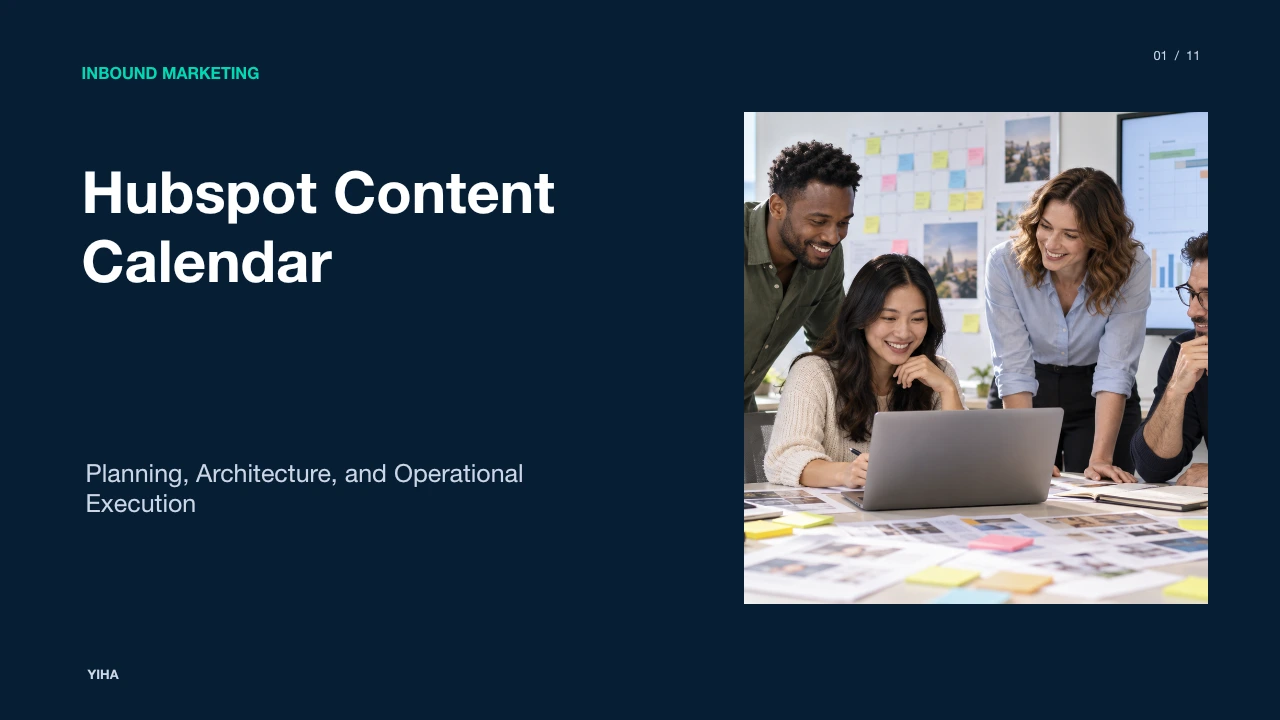
Hubspot Content Calendar
A detailed operational breakdown of the HubSpot content calendar, covering native marketing calendars, social composer workflows, bulk scheduling schemas, campaign attribution, and governance controls.
Free download · 4.9 MB11 editable slides · PowerPoint format
Download the editable PPTX
PPTX · 4.9 MB · 11 editable slides · Free to edit and reuse with attribution to Yiha.ai
View every slide
Use ← →, Home/End, or swipe on mobile
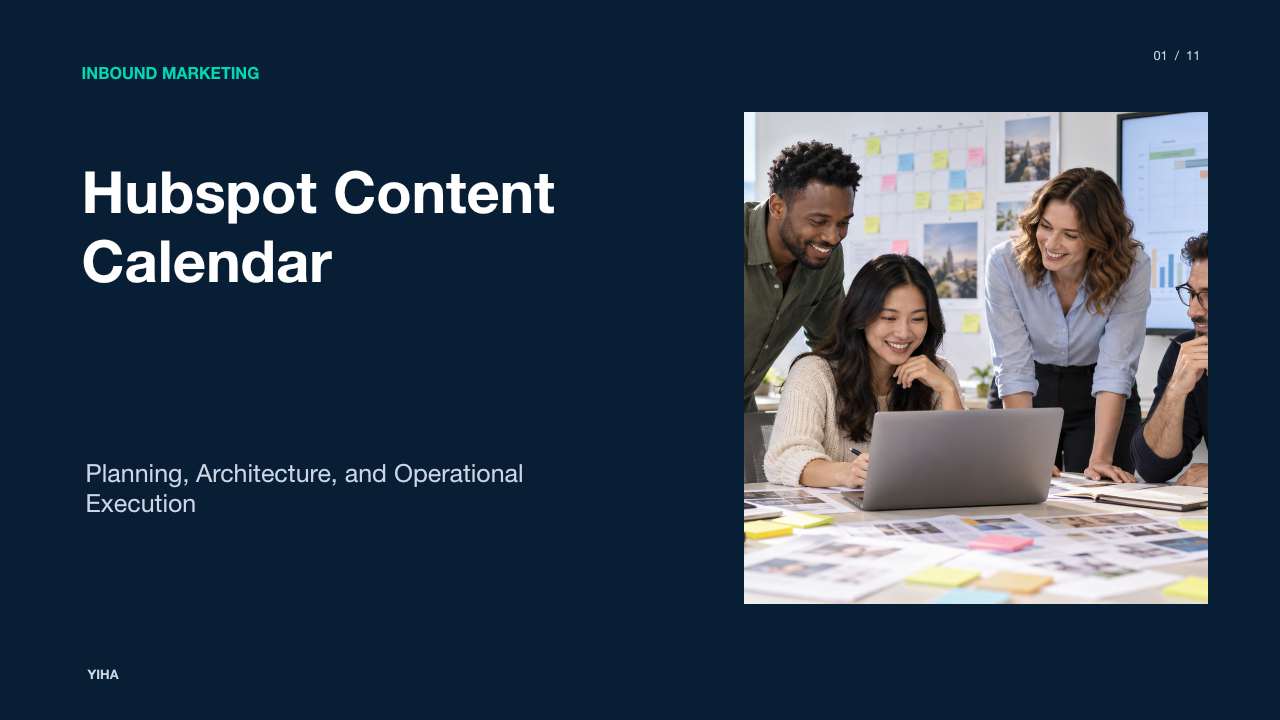
Marketing teams frequently struggle with fragmented messaging, overlapping publication dates, and disorganised campaign tracking when managing several channels at once. A disciplined content calendar provides a single planning environment to align multi-stage campaigns, prevent last-minute distribution bottlenecks, and give stakeholders visibility into upcoming marketing activities.
Within the HubSpot ecosystem, content calendar functionality spans native calendar views, cross-network social publishers, bulk CSV data repositories, and campaign tracking engines. Understanding how these features interact allows marketing operations teams to govern asset delivery, improve team coordination, and connect individual content deliverables to quantifiable pipeline milestones.
Multichannel Content Scheduling and Operational Friction
When cross-channel marketing operations lack a central scheduling architecture, teams encounter severe operational friction. Marketers find themselves working on a reactive cycle where assets are planned, authored, and pushed without long-term coordination. As highlighted by HubSpot's Social Media Calendar Guide, planning assets at the last minute leads to overlooked distribution opportunities, lower copy quality, and missed audience engagement. Without cross-channel visibility, concurrent initiatives frequently collide, resulting in inconsistent messaging across blogs, email announcements, and social channels.
Centralising these operations into a cohesive calendar system enables teams to map distribution dates well in advance of key milestones such as product rollouts or user conferences. According to BlueOshan's Content Hub Guide, a formal calendar acts as a master operational plan that facilitates interconnected campaign mapping. Teams can schedule core cornerstone assets, such as long-form blog posts or webinars, and simultaneously sequence supporting promotional pieces. In addition, evaluating historical performance in third-party and native planning reviews helps content strategists spot channel-specific patterns and refine future distribution cadence, as noted in HubSpot's Social Media Tools Review.
Architecture of the HubSpot Marketing Calendar
HubSpot embeds native planning capabilities directly into its marketing environment. Users access this interface by heading to Marketing, selecting Planning and Strategy, and opening the Calendar view, as outlined in BlueOshan's Content Hub Guide. The interface aggregates discrete marketing events into a visual timeline, displaying blog publishing schedules, landing page launches, email drops, and social posts side by side.
The calendar interface relies on color-coding taxonomy to establish clear visual boundaries across initiatives. According to HubSpot's Social Media Calendar Guide, assigning specific colors to distinct content formats, such as ebooks, webinars, or blog posts, allows stakeholders across the organization to instantly parse the publication mix. When integrated directly into HubSpot Marketing Hub, this planning workspace pulls scheduled publishing dates directly from the CMS and email editors. Consequently, marketing teams can spot editorial overload or channel gaps weeks in advance without manually cross-referencing disparate platform dashboards.
The Social Publishing Calendar Interface and Controls
Social distribution introduces distinct challenges due to unique character counts, platform-specific media specifications, and varying audience routines. The social calendar inside HubSpot provides an interactive management space designed to coordinate these nuances. As documented in HubSpot's Social Media Tools Review, the dedicated social publishing tools let users schedule, queue, and review posts directly across connected networks including Facebook, Instagram, LinkedIn, and X.
The visual drag-and-drop mechanics detailed in BlueOshan's Content Hub Guide allow managers to rebalance congested dates quickly by dragging scheduled cards across calendar slots. Marketers can also filter views by channel or content type to evaluate network distribution parity. When scheduling professional network updates, specific platform boundaries apply. For instance, HubSpot social tools allow users to tag or mention LinkedIn company pages directly, but they do not permit tagging individual personal profiles in those posts, requiring content operators to adapt their promotional strategy accordingly.
Data Schemas for Content Repositories and Bulk Uploads
High-volume marketing operations require reliable structured schemas to maintain an organised content repository. Relying on ad-hoc brainstorming documents often results in broken URL parameters and missing asset links. A structured content repository provides a systematic inventory where topics, draft copy, target channels, and asset links are recorded before queueing, as explained in HubSpot's Social Media Calendar Guide.
To populate the publishing queue without manual entry, teams can use bulk scheduling spreadsheets. As detailed in HubSpot's Social Media Tools Review, HubSpot supports bulk uploading social content using CSV files formatted with explicit data columns. These files require designated fields for publication date and time, post text, destination link, and channel identifiers. For teams orchestrating cross-channel taxonomy outside standard spreadsheets, relational data models illustrated in XDA-Developers' Content Calendar Breakdown show that isolating content items, topics, and publishing channels into interconnected tables eliminates redundant record keeping and prepares structured copy for platform ingestion.
Connecting Calendar Milestones to HubSpot Campaigns
Publishing content consistently is ineffective if individual deliverables cannot be tied to business performance. The HubSpot campaigns tool bridges this gap by enabling marketers to associate multiple marketing assets including blog posts, landing pages, marketing emails, and social posts with a single overarching campaign umbrella, as described in HubSpot's Campaign Management Documentation.
When a campaign is created, users assign a unique campaign color and strategic goal, such as target contact numbers or influenced revenue. Every asset and task linked to that campaign inherits the selected campaign color on the marketing calendar. However, teams must understand strict technical parameters: adding an asset or piece of content to a new campaign will automatically remove it from any existing campaign, as only workflows and contact lists can be associated with multiple campaigns simultaneously. Once assets are connected, the campaign details page aggregates attribution analytics, allowing teams to trace how specific calendar deliveries contribute to overall marketing objectives.
Spreadsheet Templates Compared to Native Platform Calendars
Organizations frequently debate whether to manage editorial planning in collaborative spreadsheets or through native software tools. Free spreadsheet templates in Google Sheets or Excel offer accessible collaboration and low technical barriers, as highlighted in Zapier's Content Calendar Guide. A shared link enables cross-functional partners to review deadlines without needing software licenses or specialized technical onboarding.
However, spreadsheets introduce substantial operational friction as publishing volume grows. They require manual data entry, lack automated links to live CMS drafting tools, and rely on disciplined human updates to reflect true publication status. In contrast, native software platforms and relational systems reviewed in XDA-Developers' Content Calendar Breakdown provide real-time status synchronisation, interactive calendar views, and automated record associations. As noted in HubSpot's Social Media Tools Review, managing campaigns within a central software dashboard eliminates redundant tracking sheets, while external spreadsheets require additional automation layers or manual CSV transfers to execute live publishing.
Governance, User Permissions, and Approval Controls
Maintaining editorial quality across growing marketing teams requires robust governance structures to prevent unsanctioned publishing and broken campaign links. HubSpot manages access using administrative permission switches that govern viewing, editing, and publishing rights, as detailed in the official guide to Plan Campaigns with the Marketing Calendar.
Calendar visibility is strictly tied to account-level permissions. If a team member lacks social publishing privileges, social posts will not appear on their marketing calendar view. Furthermore, Super Admin or Campaign permissions are required to access and modify campaigns, while Super Admin or Task permissions are necessary to create and manage scheduled tasks directly on the calendar interface. These permission controls ensure external contractors or junior writers can review assigned task deadlines without holding the publishing authority needed to push live updates across company networks.
Technical Limits and Environmental Visibility Boundaries
While native calendar tools streamline publishing, marketing teams must navigate concrete technical constraints and plan-tier boundaries. First, administrative permissions such as "Draft only" social permissions are gated to specific tiers, such as Marketing Hub Enterprise, as detailed in the HubSpot User Permissions Guide. Under this restriction, designated team members can assemble drafts across shared accounts but cannot trigger live posts.
Second, multi-network composition involves distinct interface rules. According to HubSpot's Social Composer Documentation, the "Draft (all networks)" tab copies starter content across selected accounts, but once a post is edited for a specific network, edits made on the global tab no longer apply to that customized post. Third, external scheduling blindness presents a critical limitation: native HubSpot calendars exclusively track content and social updates scheduled within HubSpot. If an external community team publishes natively on LinkedIn or uses an unintegrated scheduling tool, those items do not populate the HubSpot marketing calendar, creating blind spots unless external data is consolidated.
Establishing a Sustainable Calendar Production Cadence
Operating an effective content calendar requires a reliable production rhythm that balances long-term strategy with daily execution. As outlined in Common Core Marketing's Editorial Guide, successful teams break annual objectives into quarterly and monthly milestones, conducting regular audits to balance content formats between educational blog pieces, conversion assets, and social distributions.
An illustrative example of a weekly marketing workflow demonstrates how these tools synchronize:
- On Monday, marketing operators perform backlog grooming in the calendar view, filtering by task assignees to confirm upcoming deadlines.
- On Tuesday and Wednesday, writers draft content inside the CMS while social specialists populate the composer, leveraging campaign color tags for easy scanning.
- On Thursday, editors review scheduled drafts and ensure appropriate campaign associations are locked in.
- On Friday, the team reviews native analytics to assess distribution cadence and resolve scheduling conflicts for the following week.
By anchoring daily tasks to structured calendar milestones, marketing departments avoid reactive scrambles, maintain steady publishing cadence, and ensure every published asset supports measurable campaign goals.
Research sources
- Social Media Calendar Template: The 10 Best for Marketers [Free Templates] · blog.hubspot.com
- Guide to Creating a Content Calendar on HubSpot Content Hub · www.blueoshan.com
- I Tested Different Social Media Content Calendar Tools — Here’s How They Performed · blog.hubspot.com
- I rebuilt my entire content calendar in Airtable's free plan — and it's better than most paid PM tools · www.xda-developers.com
- Create campaigns · knowledge.hubspot.com
- 4 free content calendar templates + tips | Zapier · zapier.com
- Plan your campaigns with the marketing calendar · knowledge.hubspot.com
- Create and publish social posts · knowledge.hubspot.com
- HubSpot user permissions guide · knowledge.hubspot.com
- Creating a Content Calendar That Drives Results (with HubSpot) · blog.commoncoremarketing.com