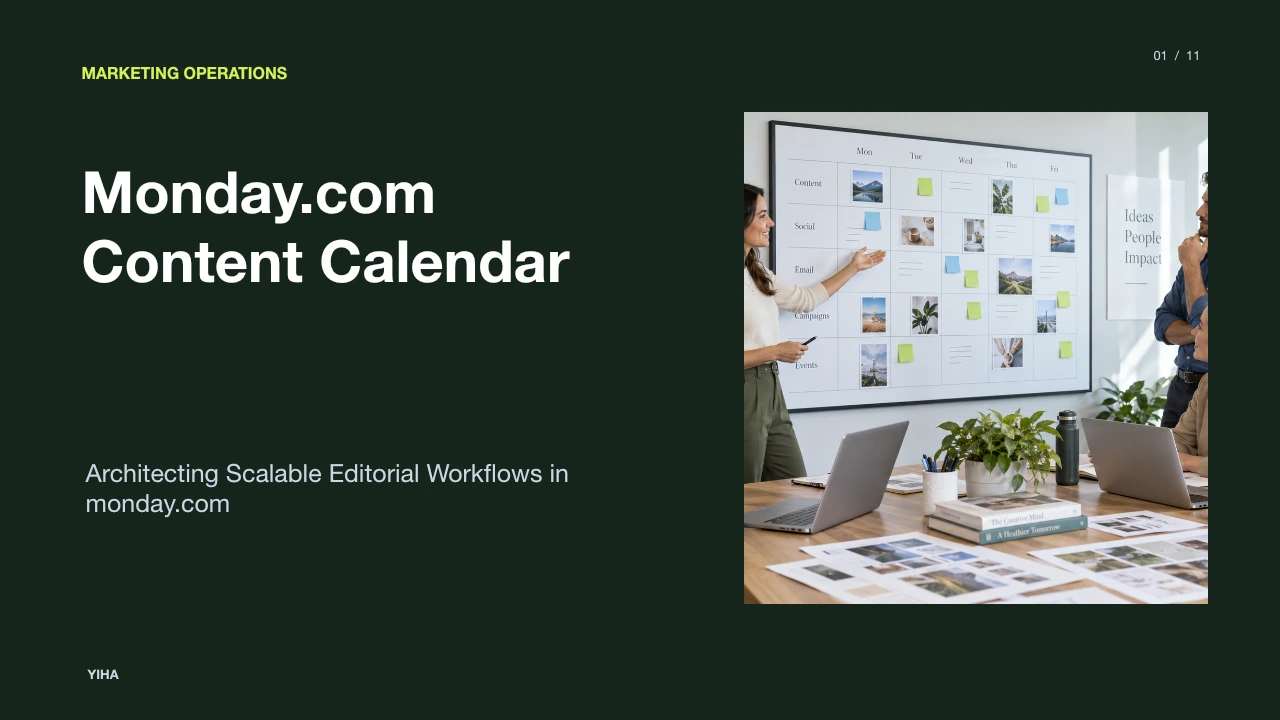
Monday.com Content Calendar
A technical guide to designing an editorial calendar in monday.com, covering relational column architecture, automated approval stages, and cross-channel reporting.
Free download · 4.9 MB11 editable slides · PowerPoint format
Download the editable PPTX
PPTX · 4.9 MB · 11 editable slides · Free to edit and reuse with attribution to Yiha.ai
View every slide
Use ← →, Home/End, or swipe on mobile
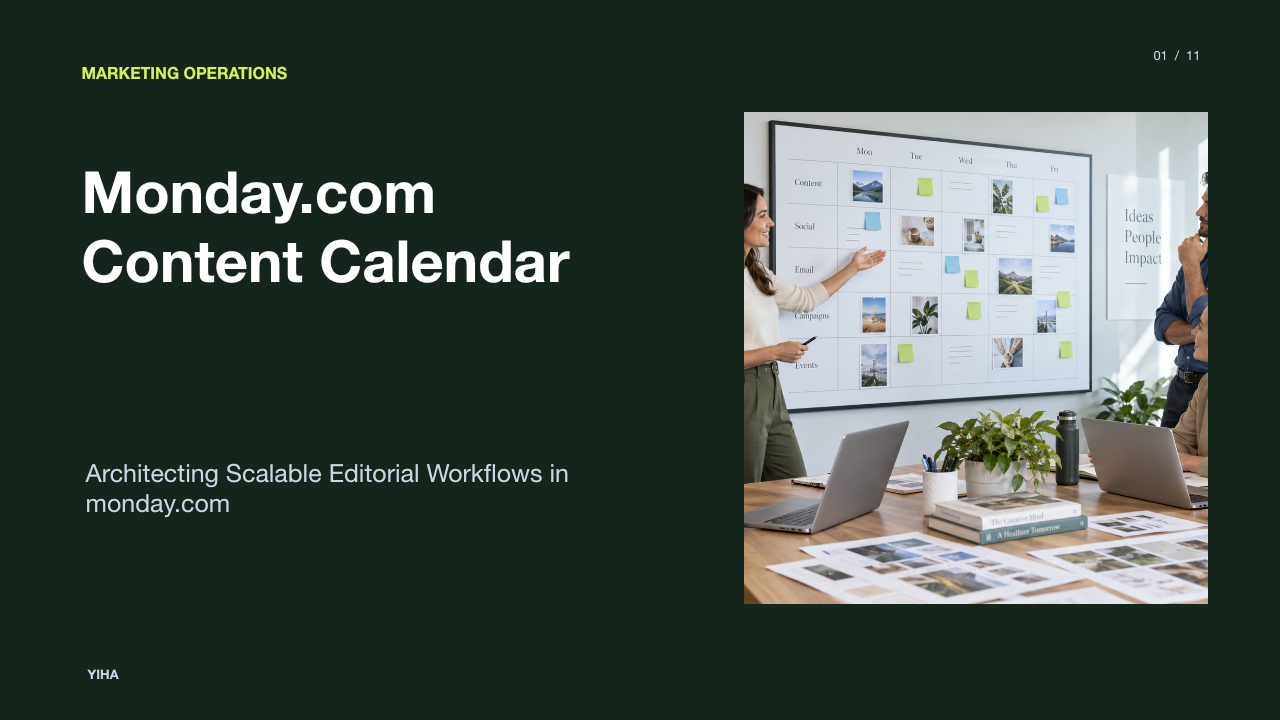
Content marketing operations frequently stumble not on creative ideation, but on operational coordination [57bab998fa]. When marketing initiatives span multiple formats such as long-form articles, social media posts, email newsletters, and webinars, cross-team handoffs become difficult to track across scattered threads and disparate documents [57bab998fa, 577929e247]. A structured content calendar transforms reactive scheduling into a coordinated operating system [f81532d39a]. By structuring editorial planning, production stages, and distribution tracking inside monday.com, marketing teams can establish consistent production cycles, minimize approval bottlenecks, and provide clear visibility into team throughput [f81532d39a, 57bab998fa].
Operational Foundations of Editorial Planning
High-performing content operations separate strategic scheduling from asset production while maintaining a clear link between them [f81532d39a]. According to monday.com's marketing workflow guide, marketing teams rarely struggle with a shortage of ideas or tools; they struggle with coordination across email, social media, paid advertising, and events [57bab998fa]. Editorial planning requires a clear distinction between two core operational concepts: the content management workflow and the content calendar [f81532d39a].
A content management workflow governs how work gets done, defining the standard progression from initial concept and research to drafting, review, and final clearance [f81532d39a]. Conversely, a content calendar defines when and where the finished asset appears publicly [f81532d39a]. When teams try to execute production directly inside a static calendar without tracking underlying workflows, assets frequently miss deadlines because work dependencies remain hidden [f81532d39a, 57bab998fa]. Structured frameworks replace ad-hoc message threads with defined owners, explicit status flags, and predictable handoffs, creating an operational rhythm that protects quality across multi-channel campaigns [f81532d39a, 57bab998fa].
Board Architecture and Core Column Schemes
The foundation of any digital editorial pipeline is its relational data schema [d9dbb6e5ea]. Unlike traditional spreadsheets where entries lack dynamic relationships, work management boards rely on distinct column types to organize production metadata [d9dbb6e5ea]. While tools like spreadsheets offer basic table layouts, comparative analyses such as the XDA Developers teardown of content calendar structures highlight the necessity of structured data fields like status tags, due dates, and cross-table linkages to keep editorial pipelines from fracturing [d9dbb6e5ea].
In monday.com, an effective content calendar board relies on a core group of primary columns [f81532d39a]:
- Item Name: Stores the working title of the content asset [49bfdabf4b].
- People Column: Assigns specific primary owners, such as the lead writer, editor, or graphic designer [f81532d39a, 49bfdabf4b].
- Status Column: Tracks operational stages, including Planned, Writing, Internal Review, Legal Review, and Ready to Publish [f81532d39a].
- Date and Timeline Columns: Distinctly isolate draft deadlines from final live distribution dates [f98f2d0114].
- Files Column: Attaches source drafts, creative briefs, and approved image assets directly to the item [d9dbb6e5ea].
- Connect Boards Column: Relates individual content deliverables to overarching marketing campaigns or strategic content pillars [f81532d39a].
Illustrative example: A blog article titled "Guide to B2B Lead Nurturing" is created as a board item. It links the writer in the People column, marks the production stage as "Drafting," sets a production deadline for Thursday, and connects to the "Q2 Demand Generation Campaign" on a separate campaigns board. This structure ensures that asset metadata remains organized and visible to all contributors.
Visualizing Schedules Across Calendar and Board Views
Different roles within a marketing team require distinct perspectives to evaluate editorial schedules [f98f2d0114, 726a68eccab]. Writers focus on daily submission deadlines, editors track revision queues, and marketing leaders monitor multi-channel distribution balance [f98f2d0114, 726a68eccab]. Relying on a single table layout forces users to manually sift through irrelevant operational details [f98f2d0114].
As explained in monday.com's calendar planning documentation, monday.com provides flexible visualization layers over the underlying board data [f98f2d0114]. The primary view types include:
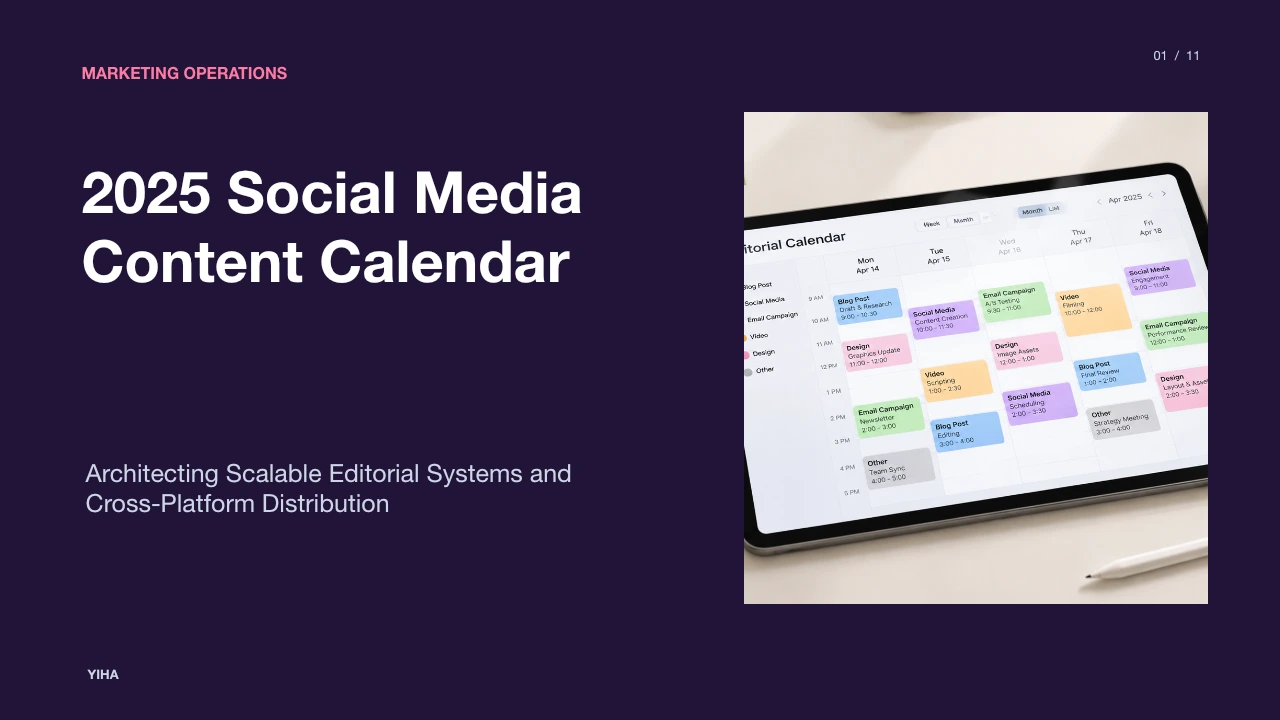
- Calendar View: Renders items based on Date or Timeline columns across month, week, or day layouts [f98f2d0114]. This allows teams to spot publication clusters, empty distribution days, and conflicting release dates [f98f2d0114].
- Kanban View: Organizes items into vertical cards grouped by Status [d9dbb6e5ea]. Writers and editors use this view to drag deliverables across production gates, giving immediate clarity on active draft volumes [d9dbb6e5ea].
- Timeline View: Visualizes asset production spans as horizontal bars [d9dbb6e5ea, f98f2d0114]. This view reveals overlapping commitments and scheduling bottlenecks before hard deadlines arrive [d9dbb6e5ea, f98f2d0114].
A major operational limitation of single-board calendar views is their scope: a board-level Calendar View can only display dates from within that single board [f98f2d0114]. When multi-channel teams manage distinct boards for blogs, social media, and product launches, high-level oversight requires aggregating views across the organization [f98f2d0114].
Standardizing Content Intake and Creative Briefs
Unscheduled requests and incomplete assignment details represent a persistent source of friction in editorial teams [57bab998fa]. When content ideas arrive through casual chat messages or unformatted emails, writers spend excess time chasing basic creative specifications like target audiences, distribution channels, and references [57bab998fa, 577929e247]. Standardizing intake through structured work forms ensures that no asset enters production without complete brief requirements [57bab998fa].
Using monday WorkForms, teams create public or internal intake portals that map directly to board columns [5212e3a677]. As highlighted on the monday.com platform overview, centralized forms and workspaces bring intake requests straight into structured pipelines without manual copy-pasting [5212e3a677]. Intake forms capture essential creative criteria upfront [57bab998fa]:
- Target audience and customer persona [57bab998fa, 49bfdabf4b]
- Primary objective and funnel stage (such as top-of-funnel awareness versus bottom-of-funnel conversion) [57bab998fa, f81532d39a]
- Required distribution channels and asset formats [57bab998fa, 49bfdabf4b]
- Target delivery date and supporting reference materials [49bfdabf4b]
When a stakeholder submits a creative request form, monday.com generates an item in an "Intake & Triage" group on the main planning board [5212e3a677]. Content leads can then review the brief, confirm that all required information is present, and approve or decline the submission before assigning resources.
Building the Multi-Stage Review and Approval Pipeline
Content quality depends on structured, consistent review stages [f81532d39a]. A single "In Progress" status obscures where drafts actually sit, leaving managers unable to tell whether delays stem from initial drafting, editorial review, or final legal compliance [f81532d39a]. Implementing stage-gate pipelines clarifies asset progress across each checkpoint [f81532d39a].
According to monday.com's content management templates analysis, structured pipelines with visible stages allow teams to spot bottlenecks before they delay an entire campaign [f81532d39a]. An effective review architecture breaks editorial progression into explicit status labels [f81532d39a]:
- Concept Approved: Brief is vetted and queued for assignment [f81532d39a].
- Writing / Creation: Creator is actively working on the initial draft [f81532d39a].
- Editorial Review: Editor evaluates messaging, structure, and brand voice [f81532d39a].
- Revisions Required: Creator addresses editorial comments [f81532d39a].
- Legal / Compliance Review: Regulated claims and licensing rights are verified [5212e3a677, 577929e247].
- Ready to Publish: Final asset and copy are packaged and ready for scheduling [f81532d39a].
For complex assets requiring multiple contributors, such as an ebook involving a copywriter, illustrator, and typesetter, teams use subitems. Each subitem carries its own assignee, timeline, and status flag, enabling granular dependency tracking without cluttering the main board's release schedule [57bab998fa].
Automating Notifications and Cross-Team Handoffs
Manual follow-ups consume significant operational bandwidth [57bab998fa, 577929e247]. When an editor finishes a review, sending an email or pinging a chat channel to alert the graphic designer introduces delays and increases the risk of missed notifications [577929e247]. Recipe-based automations eliminate these manual coordination steps [57bab998fa, 577929e247].
As detailed in monday.com's guide to content marketing automation, automating administrative logistics like status updates and handoff notifications enables creative teams to focus on strategy and asset production [577929e247]. Automation rules operate on simple trigger-and-action logic [f81532d39a, 577929e247]:
- Status Handoffs: When status changes to "Editorial Review," notify the designated editor and adjust the deadline [f81532d39a].
- Asset Alerting: When status changes to "Design Needed," reassign the People column to the lead designer and notify them [57bab998fa, 577929e247].
- Deadline Alerts: When a date arrives and status is not "Published," send an alert to the item owner [d9dbb6e5ea].
Automating status handoffs prevents assets from idling between creative stages, accelerating overall production cycles [57bab998fa, 577929e247]. In multi-channel creative teams, routine administrative tasks such as tracking down draft revisions, sending email check-ins, and alerting reviewers introduce systemic friction [57bab998fa, 577929e247]. By encoding predictable operational patterns into automated recipes, teams ensure that handoffs occur instantly when work is completed [577929e247]. As highlighted in monday.com workflow research, distinguishing between rule-based processes and creative judgment allows automation to handle repetitive logistics, freeing marketers to focus on storytelling, audience research, and content quality [577929e247].
Aggregating Multi-Board Output with Dashboard Widgets
As content teams scale, housing every channel deliverable on a single board creates visual clutter and slows navigation [f98f2d0114]. Teams frequently separate work into dedicated boards, such as Blog Operations, Social Media Calendar, and Product Marketing Launches [f98f2d0114]. However, department heads need a unified view to track cross-channel publishing schedules and balance team capacity [f98f2d0114].
To bridge this gap, monday.com uses dashboard widgets to aggregate data across multiple boards [f98f2d0114]. As documented in monday.com's calendar planning resources, the Calendar Widget sits on a centralized dashboard and pulls date or timeline columns from multiple project boards into a single master schedule [f98f2d0114]. This cross-board view allows marketing leadership to coordinate launch dates across social, email, and blog channels without opening each board individually [f98f2d0114].
In addition to calendar aggregation, managers deploy Workload widgets. By calculating assigned tasks per person against weekly capacity limits, team leads can identify overcommitted writers or designers and reallocate tasks before project timelines slip.
Integrating Publishing Channels and Asset Storage
A content calendar cannot function as an isolated planning silo; it must connect directly to the broader marketing tech stack [577929e247]. Content assets rely on digital asset management (DAM) platforms, cloud storage drives, content management systems (CMS), and social schedulers to move from production to final distribution [577929e247, 726a68eccab].
As outlined in Zapier's editorial calendar guide, connecting planning calendars to downstream publication platforms allows teams to trigger automated distribution workflows as soon as an asset is approved [726a68eccab]. Native connectors and API-driven automation enable practical technical integrations [577929e247]:
- Cloud Storage Sync: Attaching drafts directly from Google Drive, OneDrive, or Box ensures that file versions stay synchronized without inflating board file limits [726a68eccab, d9dbb6e5ea].
- CMS Publishing: Webhooks and integration tools can push approved body copy and metadata straight into platforms like WordPress or Webflow when a status flips to "Ready to Publish" [726a68eccab].
- Social Scheduling: Connecting monday.com to scheduling tools allows approved social updates and media links to queue automatically for distribution [57bab998fa, 726a68eccab].
Illustrative example: When a blog card moves to "Published," an automation sends the live URL to a Slack channel and alerts the social media manager to schedule supporting promotional posts, keeping team members aligned without manual coordination.
Establishing Governance, Access Controls, and Adoption
Building an advanced editorial calendar board provides little value if the team fails to adopt it or accidentally overwrites critical data [f81532d39a]. Governance and permission structures ensure long-term system hygiene while making the platform accessible for both core contributors and external partners [5212e3a677].
Operational pitfalls often stem from over-engineering [f81532d39a]. Introducing dozens of non-essential custom columns overwhelms creators, discouraging consistent updates [f81532d39a]. As emphasized in monday.com's content management template scaling principles, teams achieve the best adoption by starting with core fields, such as topic, owner, deadline, and status, and adding specialized fields only as operational requirements expand [f81532d39a].
Board governance also requires appropriate access tiers [5212e3a677]:
- Board Permissions: Restrict column editing permissions so only authorized editors can change final publication dates or approval statuses [5212e3a677].
- Guest Access: External freelancers, agency partners, and legal reviewers can be added as guests with restricted views, allowing them to upload drafts and leave comments without viewing broader organizational data [5212e3a677].
- Standardized Taxonomies: Consistent naming rules and tag choices prevent duplicate status definitions, keeping multi-board reporting clear and reliable [f98f2d0114].
Research sources
- Content management templates: how to choose, use, and scale them | monday.com Blog · monday.com
- Marketing Workflow Explained: How Modern Teams Work In 2026 · monday.com
- Content Marketing Automation: Tools, Strategy And Benefits · monday.com
- I rebuilt my entire content calendar in Airtable's free plan — and it's better than most paid PM tools · www.xda-developers.com
- 4 free content calendar templates + tips | Zapier · zapier.com
- Editorial Calendar Planner: Free Excel Template for Efficient Content Scheduling / xlstemplate.com · xlstemplate.com
- monday.com calendar: views, widgets, and planning [2026] · monday.com
- The AI Workspace for People & Agents | monday.com · monday.com