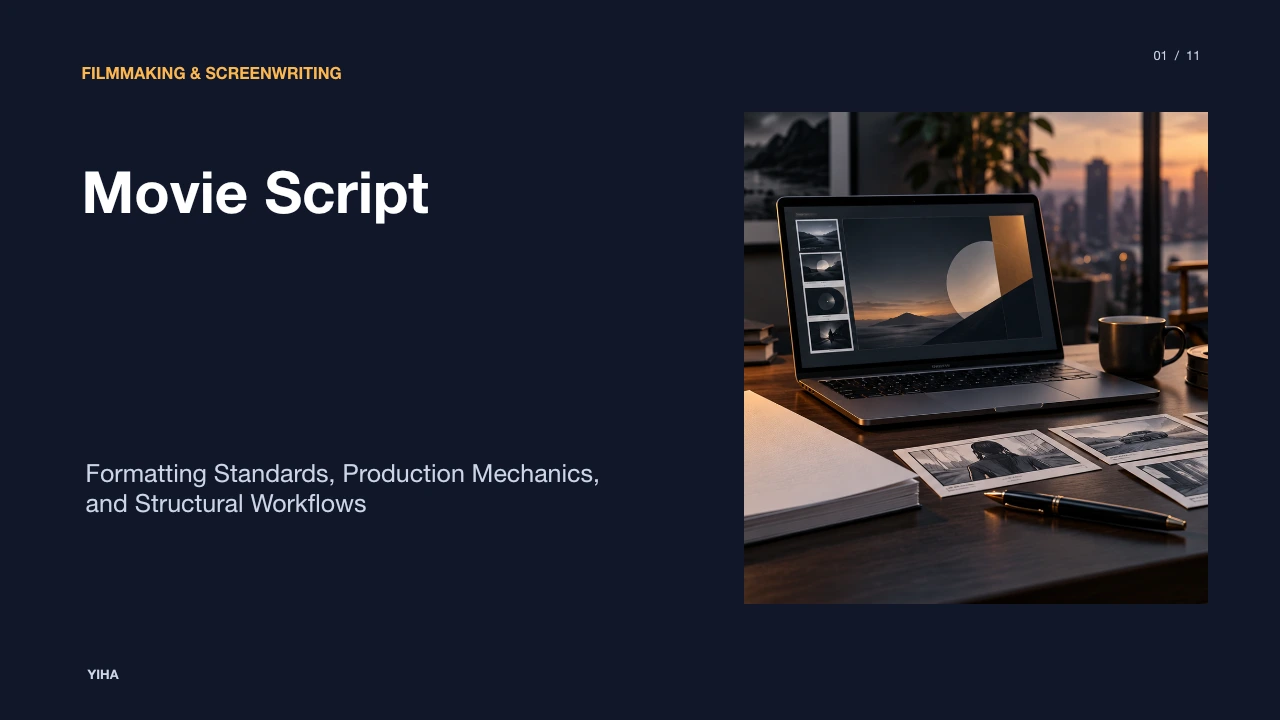
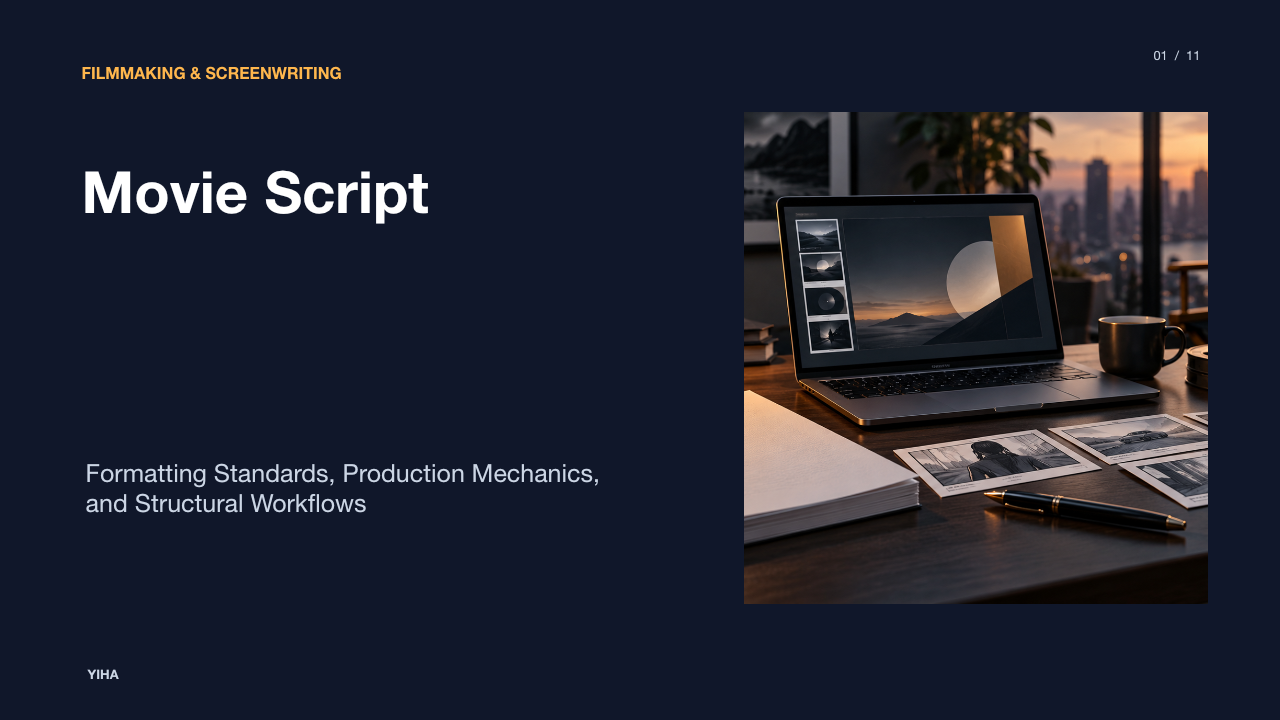
Movie Script
A technical guide to standard movie script formatting, master scene mechanics, production breakdown measurements, and structural workflows across film and video.
Free download · 4.9 MB11 editable slides · PowerPoint format
Download the editable PPTX
PPTX · 4.9 MB · 11 editable slides · Free to edit and reuse with attribution to Yiha.ai
View every slide
Use ← →, Home/End, or swipe on mobile
A movie script is often perceived as a literary work intended solely for reading pleasure. In professional film production, however, a screenplay functions as a manufacturing blueprint. Every line of text, indentation, and typographic choice coordinates complex logistical activities across directing, cinematography, lighting, casting, art direction, and scheduling. Understanding standard script formatting is necessary to ensure creative stories can be translated systematically into physical productions.
The Screenplay as an Industrial Blueprint
A motion picture script serves as the primary coordination document for an entire production team. As highlighted in the Celtx Guide to Movie Script Format, screenplay format is standardized so that directors, actors, and crew can parse creative intentions into operational tasks without ambiguity. The screenplay serves as a blueprint for a film, guiding everyone from the cinematographer to the costume designer.
When a project enters preproduction, each department relies on the screenplay to plan resources. Actors depend on standardized layout to identify their lines, timing, and cues quickly, which avoids the confusion caused when dialogue is buried in dense prose. Directors use the standardized layout to visualize pacing, scene transitions, and tone before cameras begin rolling. Cinematography, art direction, and editing departments treat the script as a shared roadmap. Neglecting basic formatting conventions creates logistical hurdles for the crew and misleads producers about project length and cost.
Physical Geometry and Typography Standards
The physical geometry of a script relies on rigid typographic conventions. According to the Celtx Screenwriting Overview, 12-point Courier is the universal industry standard typeface. Courier is monospaced, meaning every individual character occupies identical horizontal width, which maintains consistent spacing across the page and supports the industry estimation that one page equals roughly one minute of screen time.
Standard script formatting is calibrated around standardized paper dimensions, specifically 8.5 by 11 inches or international equivalents, as referenced in Template.net Script Formatting Resources. Maintaining uniform font sizing, line spacing, and margin boundaries is critical because film scheduling tools rely on consistent vertical page density. As detailed in StudioBinder's Script Breakdown Guide, improper formatting creates technical errors when importing script files into scheduling engines like Movie Magic Scheduling or StudioBinder.
The Core Elements of Master Scene Format
Narrative screenplays adhere to the master scene format, which divides a story into discrete physical units of time and place. As documented in StudioBinder's Screenplay Formatting Guide, this system utilizes specific mechanical elements:
- Scene Headings: Also called sluglines, these headers introduce each new scene and communicate three essential details: whether the scene occurs inside or outside (INT. or EXT.), the specific location, and the time of day.
- Action Lines: Visual and auditory descriptions of the setting, character movements, and physical events happening on screen.
- Character Cues: The capitalized name of the speaking character, positioned above their dialogue.
- Extensions: Notations placed on the character line to indicate delivery conditions, such as voiceover (V.O.), off-screen speech (O.S.), or continued dialogue (CONT'D).
- Parentheticals: Short instructions placed between the character cue and dialogue to clarify delivery or specify which character is addressed.
- Dialogue: The spoken lines assigned to each character, formatted in a distinct centered block.
- Transitions: Technical cues such as CUT TO: or FADE OUT: that indicate visual editing shifts.
According to Celtx Formatting Guidance, centering dialogue and keeping parentheticals concise allows actors and directors to focus on dramatic interpretation rather than deciphering an irregular page layout.
Pacing and the One-Page-Per-Minute Ratio
A foundational convention of screenplay formatting is that one formatted page corresponds approximately to one minute of screen time. The Celtx Production Guide notes that consistent 12-point Courier typography makes this calculation viable, allowing producers to assess total runtime and budgetary scope directly from page count.
Production teams expand on this relationship during scheduling. In StudioBinder's Script Breakdown Analysis, assistant directors divide every page into eight vertical one-inch segments. These eighths of a page are recorded on breakdown sheets, shot lists, and shooting schedules to track how much material must be captured each day. For an illustrative example of this scheduling mechanism: on a typical dialogue-heavy independent production, a team might target shooting roughly five pages per day. However, a summarized one-line action description such as a musical performance can take several minutes of screen time, requiring writers and planners to calibrate page length so the schedule remains realistic.
Writing for the Eye: Action and Scene Description
Action lines in a screenplay must capture only what can be photographed by a camera or recorded by a microphone. As explained in the Celtx Screenwriting Manual, action lines describe events occurring on screen and should remain concise, visual, and written in the present tense. Internal monologues and unfilmable historical backstory do not belong in scene descriptions.
Scene headings and character introductions also follow visual conventions. StudioBinder's Formatting Reference notes that scene headings must explicitly designate INT. or EXT., and action blocks introduce character cues in full capitalization to facilitate breakdown tagging. Because departments like cinematography, art direction, and sound design extract concrete elements from these descriptions, action lines must present physical reality clearly without cluttering the page with excessive camera angles.
Speculative Scripts versus Production Shooting Scripts
Writers must recognize the difference between speculative scripts and production shooting scripts. As outlined in the Celtx Spec vs. Shooting Overview, spec scripts are lean, clean versions written to sell a story to producers, executives, and talent. Spec scripts deliberately omit camera directions, locked scene numbers, and technical editing notes to preserve reading momentum.
Once a script is greenlit and enters production, it transitions into a shooting script. In StudioBinder's Production Breakdown Guide, shooting scripts feature numbered scenes that are imported into stripboards and breakdown sheets. In professional workflows, production changes are managed with colored revision pages, and scenes are tracked across shooting schedules. General script document structures and section-based layouts are also outlined in Template.net's Script Overview.
Master Scene versus Two-Column Audio-Visual Formats
While dramatic films rely on the single-column master scene format, non-narrative and short-form video projects frequently employ the two-column Audio-Visual (AV) format. According to StudioBinder's Two-Column Script Guide, the two-column format places visual cues on one side and audio information on the other side of a shared table.
This format is especially effective for marketing videos, corporate presentations, commercials, explainer videos, and documentaries, as detailed in StudioBinder's Video Script Template Analysis and MangoApps' Executive Video Script Guide. The AV format aligns voiceover lines, music cues, and sound effects directly with matching on-screen text, graphics, or b-roll. However, for narrative film and television projects, the single-column screenplay format remains the industry standard because it supports character interaction and temporal continuity across scenes.
Software Tooling and Plain Text Standards
Writing a screenplay in a standard word processor introduces significant formatting risks. As noted in the Celtx Screenwriting Guide, standard word processors often break formatting rules, whereas dedicated programs such as Celtx, Final Draft, and Fade In automate margins, character cues, and scene transitions.
Dedicated screenwriting applications ensure that elements are tagged correctly in digital formats. As shown in StudioBinder's Breakdown Platform Guide, screenwriting software allows scripts to be imported directly into production tools, where scene headings, cast members, and scene lengths in eighths of a page are categorized automatically into digital stripboards. This automated interoperability eliminates manual transcription errors during preproduction.
Industry Packaging and Submission Conventions
Before a script is submitted for professional evaluation, it must follow standard packaging conventions. As described in Template.net's Script Guidelines and the Celtx Script Formatting Guide, a professional script package includes a clear title page with the project title, author name, and contact details, followed by consistent scene headings, character cues, dialogue, and stage directions.
Submissions must avoid non-standard formatting, missing scene headers, or unnecessary cosmetic additions. Exporting the completed screenplay to a clean, print-ready PDF format ensures that layout, line counts, and margins remain identical across different devices and platforms. Adhering to these established conventions signals professional competence and ensures that the script can be read, evaluated, and broken down for production without technical complications.
Research sources
- Movie Script Format: Complete Guide (With Free Template) - Celtx Blog · blog.celtx.com
- Executive Video Message Script Template — Clear leadership updates | MangoApps · www.mangoapps.com
- Free Two-Column Script Template | Online AV Script Creator · www.studiobinder.com
- Breaking Down a Script (FREE Breakdown Template) · www.studiobinder.com
- Presentation Script Sample PPT Template | ReelMind · reelmind.ai
- How to Format a Script with Keyboard Shortcuts · www.studiobinder.com
- Free Script Templates to Edit Online & Print · www.template.net
- Video Script Template — Example and Guide · www.studiobinder.com