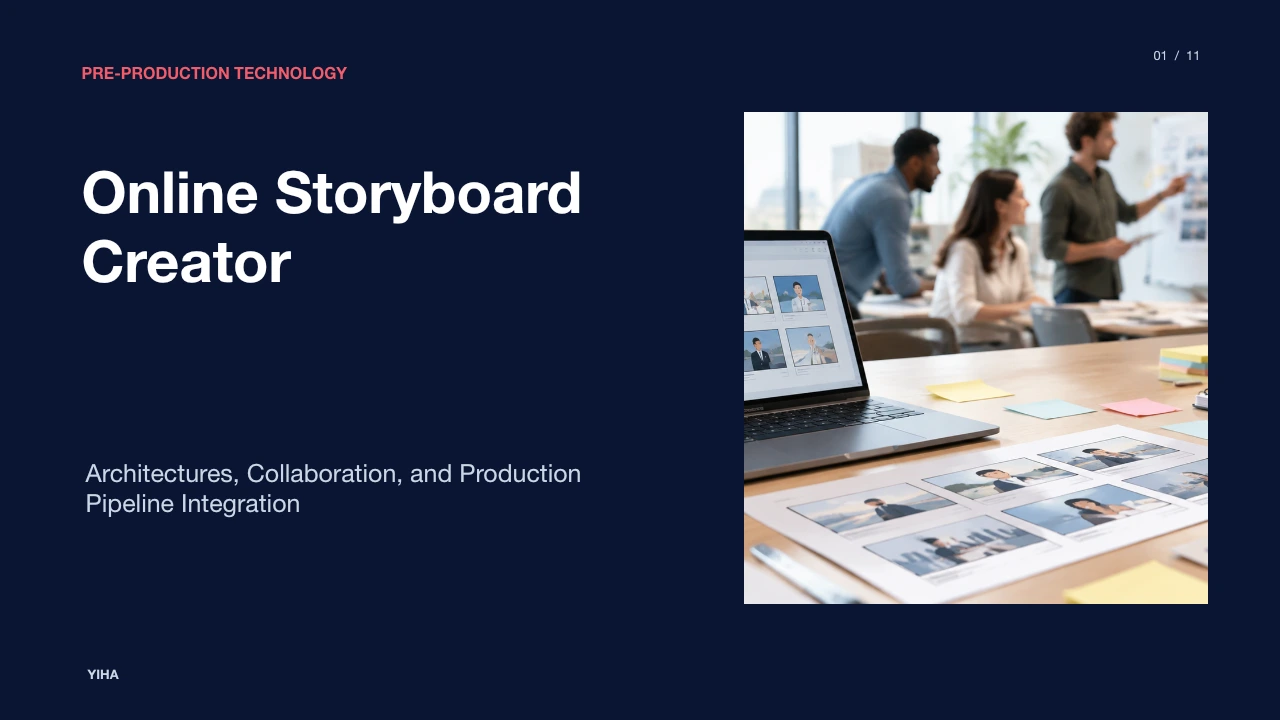
Online Storyboard Creator
A technical examination of online storyboard creators, covering cloud architectures, script-to-panel conversion, blocking notations, animatic generation, and pre-production pipeline workflows.
Free download · 4.9 MB11 editable slides · PowerPoint format
Download the editable PPTX
PPTX · 4.9 MB · 11 editable slides · Free to edit and reuse with attribution to Yiha.ai
View every slide
Use ← →, Home/End, or swipe on mobile
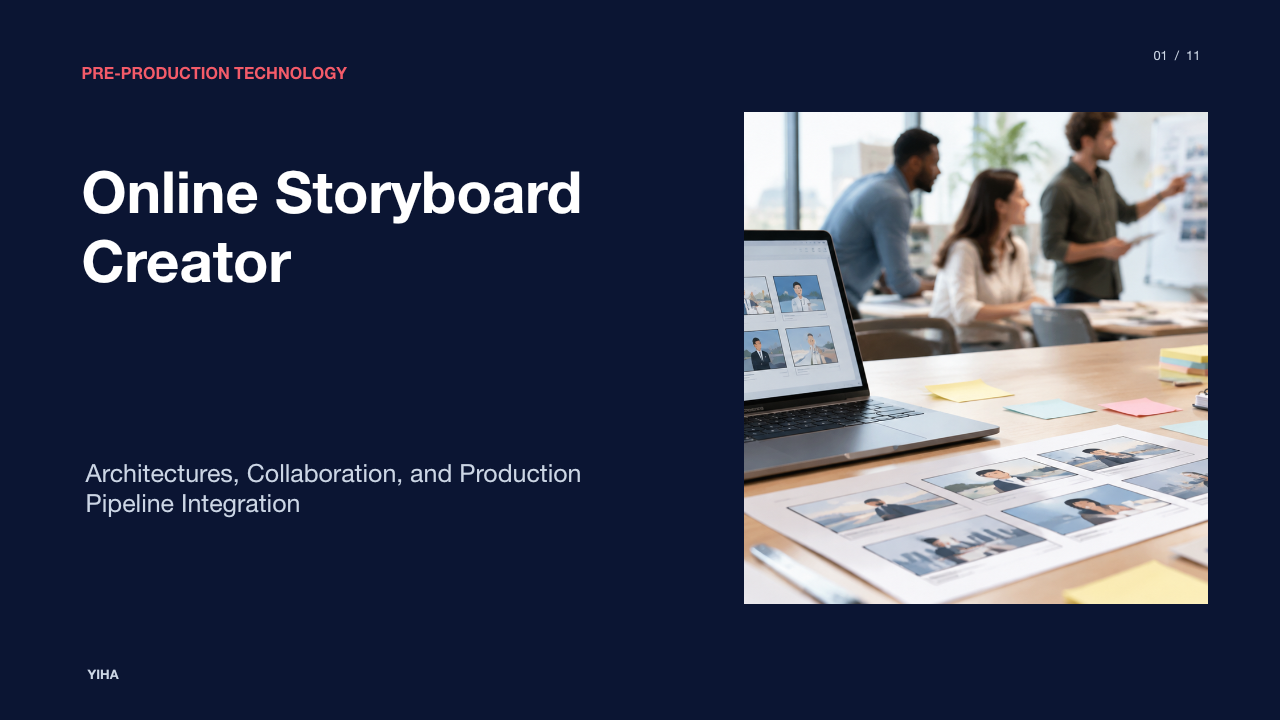
Visual planning forms the operational foundation of moving-image production. Whether developing a commercial campaign, a narrative feature, an episodic series, or an instructional module, transforming written concepts into deliberate visual sequences clarifies narrative flow and aligns creative teams. Digital pre-visualization has evolved from physical paper pads into cloud-based systems that connect screenwriting, shot composition, team review, and asset delivery into continuous workflows. This analysis explores how an online storyboard creator operates across technical, structural, and collaborative environments.
Visual Planning in Pre-Production
Pre-production requires translating narrative concepts into concrete visual roadmaps before cameras roll or animation assets are built. As detailed in the Boords Guide on How to Storyboard, a storyboard organizes chronological sequences of images paired with shot directions and action notes. This visual roadmap gives directors, cinematographers, and department heads a shared medium to evaluate scene flow, detect pacing issues, and identify narrative gaps while revisions remain inexpensive.
Early drafting often relies on scamping, which involves rapid, rough sketching focusing on composition, screen geometry, and character placement rather than polished illustration. In parallel, platforms such as the Loopa AI Storyboard Generator demonstrate how automated systems generate multi-angle scene breakdowns directly from written concepts, establishing camera positioning and lighting continuity. Furthermore, as shown in the Kling 3.0 Canvas Agent Guide, planning multi-shot sequences within a unified workspace prevents continuity drift by enforcing consistent character models, environments, and visual style across adjacent panels.
Core System Architecture of Cloud Storyboard Tools
Cloud-based storyboard applications use specialized architectures designed to manage visual panels, shot metadata, and persistent sequence states. Unlike static presentation tools, dedicated platforms structure projects into hierarchical databases containing projects, scenes, frames, and linked shot metadata. As reviewed in the Boords Best Storyboard Software Guide, solutions range from dedicated pre-production suites like Celtx to flexible canvas systems such as Milanote.
Within purpose-built engines, each panel operates as an individual data record holding image references, shot specifications, aspect ratio parameters, dialogue cues, and timing values. Web-based architectures like the Kling 3.0 Canvas Agent Workspace support persistent global style descriptions that establish baseline visual parameters across an entire sequence, while allowing users to override specific attributes on individual panels. Cloud synchronization ensures that when a shot sequence is reordered, all downstream numbering and script links update automatically.
Script-to-Panel Synchronization and Ingestion
One fundamental efficiency of modern storyboard platforms is the automated ingestion of written screenplays. Manual copy-pasting between word processors and drawing tools introduces organizational friction and errors. According to the StudioBinder Storyboard Creator Overview, production platforms allow users to import screenplay formats such as Final Draft, Fountain, or PDF files and generate scene-level storyboard containers automatically.
Filmmakers can click on specific lines of action or dialogue within the integrated script interface to spawn discrete visual panels. This creates bidirectional references where changes in narrative dialogue remain tied to their respective camera frames. In traditional workflows highlighted in StudioBinder's Storyboard Definition and Analysis, directors determine whether to build exhaustive shot-by-shot coverage or focus strictly on intricate technical sequences. Digital ingestion bridges these methodologies by allowing production teams to generate structural scene shells instantly, focusing visual effort where complex camera movement or blocking is demanded.
Framing, Aspect Ratios, and Blocking Notations
Accurate visual composition requires strict adherence to target delivery formats and technical framing conventions. The Boords Step-by-Step Storyboarding Tutorial emphasizes that selecting the project aspect ratio early dictates composition geometry. Common delivery standards include 16:9 for television and online video, 2.39:1 for theatrical cinema, and 9:16 for vertical mobile distribution, as referenced in StudioBinder's Storyboard Template Guide.
Within digital boards, technical framing is documented through standardized shot classifications, such as wide shots, medium shots, close-ups, and extreme close-ups. Camera movement paths, subject blocking, and lens transitions are marked using directional arrows and textual tags. The Kling Canvas Agent Storyboard System formalizes this by providing parameter controls for specific physical camera moves, including pans, tilts, dollies, and orbital tracking. Clear visual blocking ensures crew members understand whether subject size shifts are driven by focal length adjustments, physical camera tracking, or actor movement.
Real-Time Collaboration and Review Workflows
Pre-production depends on active alignment between directors, agency leads, cinematographers, and clients. Traditional desktop tools isolated storyboard files on local storage, requiring PDF exports and manual revision consolidation. In contrast, cloud platforms described in the StudioBinder Free Storyboard Creator Guide allow teams to invite collaborators into shared workspaces with role-based access permissions.
As noted in the Boords Software Comparison, real-time collaboration features such as on-canvas commenting, cursor tracking, and instant revision history enable distributed teams to resolve visual direction quickly. External stakeholder feedback is managed through view-only or comment-enabled shareable links that eliminate login barriers for client approvals. Reviewers can attach feedback directly to individual frames, preventing ambiguous email chains and ensuring that change requests are directly mapped to specific visual beats.
Transitioning from Static Panels to Animatics
Static boards evaluate spatial composition, but they cannot fully validate temporal rhythm, pacing, or audio synchronization. An animatic converts sequential illustration boards into a timed video timeline. As defined in the Boords Storyboarding Guide, an animatic plays images in chronological order alongside temporary voiceover tracks, sound effects, and score cues, allowing creators to assess the temporal flow of an edit before physical production.
Digital storyboard tools streamline this conversion by attaching duration metadata directly to each panel. As documented in the Kling 3.0 Storyboard Guide, individual panels can be assigned specific runtimes, such as five or ten seconds, establishing an intentional visual tempo where scenic establishing shots linger longer than rapid reaction cuts. Exporting these timed sequences into non-linear editors enables editorial teams to assemble early rough cuts, confirm dialogue cadence, and eliminate redundant coverage before expensive filming or 3D rendering begins.
Cross-Industry Applications Beyond Cinema
While storyboarding originated in animation and narrative film, online storyboard platforms are widely deployed across corporate video, commercial advertising, user experience design, and instructional design. According to the Boords Process Guide, visual storyboarding provides structured planning frameworks for television commercials, marketing explainers, presentations, novels, and interactive media.
In advertising and corporate video production, commercial storyboards visualize product reveals and brand narratives, balancing tight 15-second or 30-second broadcast constraints. As illustrated by the Loopa AI Storyboard Platform, instructional teams construct visual sequences for educational modules, mapping conversational steps or operational tutorials across panel grids. UX designers similarly employ sequential frame structures to map user journeys, documenting customer interaction paths through step-by-step visual scenarios.
Technical Tradeoffs and Operating Limitations
Despite their collaborative flexibility, web-based storyboard applications present distinct operational tradeoffs compared to high-end desktop drawing software. As highlighted in the Boords Storyboard Software Analysis, dedicated desktop applications such as Toon Boom Storyboard Pro offer advanced frame-by-frame vector drawing, onion skinning, and multiplane camera staging that browser tools generally do not match. Many production teams favor streamlined browser interfaces for their rapid setup and low learning curve, while animation departments require specialized vector engines.
Browser-based solutions rely on stable network connectivity, which can create friction on remote production locations with limited bandwidth. Pre-built character libraries, such as those in Storyboard That, provide speed for non-artists but risk visual uniformity that fails to convey nuanced art direction. Furthermore, commercial productions handling sensitive intellectual property must evaluate data privacy policies and compliance certifications, including SOC-2, GDPR, and CCPA standards, to safeguard confidential screenplays against unauthorized exposure.
Integration and Production Pipeline Implementation
Finalized storyboards serve as operational inputs for downstream physical and digital production pipelines. Within integrated production management ecosystems like StudioBinder's Storyboard Creator, panels connect directly to shot lists, department equipment requirements, call sheets, and shooting schedules. Reordering visual panels or filtering shots by set location allows assistant directors to organize filming days efficiently.
Teams using multi-tool workflows export boards as structured PDF documents, vector slide decks, or XML sequences compatible with non-linear editing systems like Adobe Premiere Pro and Final Cut Pro. As outlined in StudioBinder's Template Resources, attaching annotated storyboard panels to daily call sheets ensures camera crews, gaffers, and art directors share an identical visual frame of reference on set, eliminating visual ambiguity during active production hours.
Research sources
- Free AI Storyboard Generator - Create Storyboards in Minutes Online | Loopa · www.loopa.im
- Kling 3.0 Canvas Agent — Storyboard Guide | Kling3.online · www.kling3.online
- How to Storyboard: Step-by-Step Storyboarding Guide (2026) | Boords · boords.com
- 11 Best Storyboard Software in 2026 (Free & Paid) | Boords · boords.com
- Free Online Storyboard Creator Software | StudioBinder · www.studiobinder.com
- What is a Storyboard? | Free Storyboard Creator · www.studiobinder.com
- FREE Storyboard Templates & Storyboard Creator · www.studiobinder.com
- Create Free Storyboard Online for Video and Film Projects · www.studiobinder.com
- Free Storyboarding Software — Online Storyboard Creator · www.storyboardthat.com
- AI storyboard generator Online | Sora2 Hub · www.sora2hub.org