Presentation Video Production
A complete operational guide to presentation video production, covering audiovisual scripting, studio capture, editing workflows, review cycles, and technical delivery.
Free download · 4.9 MB11 editable slides · PowerPoint format
Download the editable PPTX
PPTX · 4.9 MB · 11 editable slides · Free to edit and reuse with attribution to Yiha.ai
View every slide
Use ← →, Home/End, or swipe on mobile

Modern business communications increasingly depend on recorded and produced video assets rather than static slide decks. Delivering high-quality presentation videos requires a disciplined balance of narrative structure, broadcast engineering, crew coordination, and technical post-production. Whether producing executive briefings, client proposals, or asynchronous technical demonstrations, organizations must replace impromptu recordings with systematic production architectures.
Strategic Role of Video in Business Presentations
Traditional slide decks often fail to convey emotional nuance or hold attention in distributed business environments. Integrating high-production video into business presentations transforms static material into dynamic visual communication. As documented in the HubSpot Marketing Statistics overview, video serves as an essential channel for communicating human emotion, helping brands explain complex ideas and build credibility with target audiences. Video assets allow presenters to combine verbal authority, visual demonstrations, and intentional pacing into an engaging format that static slides cannot duplicate [ce0fe8cec985cea791fd5d62a82d3860497c9c80bb363afd89ef3ce0341bd3e5].
In enterprise environments, presentation videos play a critical role across decentralized stakeholder groups. Analysis from Pixel8 Production points out that enterprise buying committees typically include 11 to 13 stakeholders spanning multiple operational departments [63400e657e29ced4c857202fb81110aa3b58581be98376458c2f3aa447cefc1d]. When an internal champion must communicate a strategic initiative or vendor evaluation internally, relying on that champion to verbally recount a slide deck often introduces omissions and messaging drift. A concise, professionally produced presentation video provides an accurate, repeatable asset that can be reviewed asynchronously across the organization [63400e657e29ced4c857202fb81110aa3b58581be98376458c2f3aa447cefc1d]. Despite these strengths, video has distinct operational limitations. High-production video is time-consuming and costly to produce compared to slide software. For reference documents, technical specifications, or legal schedules where viewers need to skim and cross-reference granular text, written documentation remains superior.
The End-to-End Three-Stage Production Architecture
Professional video projects maintain predictability by adhering to a three-stage architectural model: pre-production, live production, and post-production. Each phase establishes distinct milestone gates that prevent downstream financial and schedule disruption. As explained by RaffertyWeiss Media, pre-production represents the strategic phase where changes are free because script revisions and logistical adjustments cost nothing [ab8ca9267620ffdba7893f367e95739e9bec05fdf11b4744bb377aad83a5e598]. By the time cameras begin rolling, reversing creative or narrative decisions requires expensive reshoots and schedule overruns [ab8ca9267620ffdba7893f367e95739e9bec05fdf11b4744bb377aad83a5e598].
As outlined in the Adobe Video Production Guide, pre-production covers goal setting, concept drafting, storyboarding, budgeting, and crew hiring [7a77dc511a0edac5572a547ee3545303eb6852dc64d3f4292f7bd7429314b5e8]. The live production phase focuses on principal photography, camera operation, and capturing sound, while post-production transforms raw assets into delivery masters through editing, color correction, and audio mastering [7a77dc511a0edac5572a547ee3545303eb6852dc64d3f4292f7bd7429314b5e8]. Managing these phases sequentially ensures that creative concepts translate into executable plans without wasted effort [d1067fbdfa583c5fec0bb4a107e440f3fe745392744403fe9866a6596324fdb8]. Skipping pre-production gates to begin filming immediately frequently results in unfocused narratives, missing coverage, and protracted editing delays [7a77dc511a0edac5572a547ee3545303eb6852dc64d3f4292f7bd7429314b5e8, ab8ca9267620ffdba7893f367e95739e9bec05fdf11b4744bb377aad83a5e598].
Pre-Production: Concept, Scriptwriting, and Storyboards
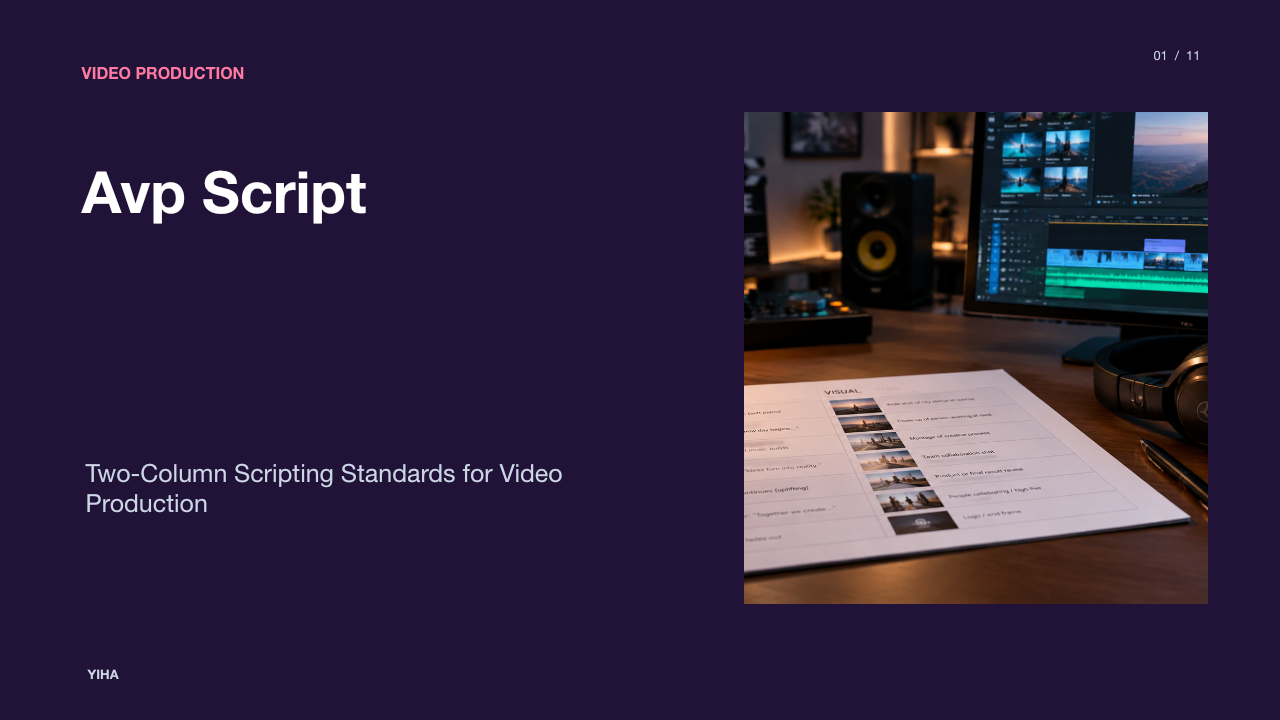
Pre-production begins by translating organizational intent into visual and verbal documentation. The primary foundation of this stage is the two-column audiovisual (AV) script, where spoken dialogue or voice-over sits parallel to visual descriptions, camera movement notes, and on-screen graphical cues. As noted in the Lemonlight Video Production Guide, structuring scripts with distinct lines for dialogue, voice-over, graphics, and camera direction ensures that directors, crew members, and client reviewers share identical expectations before production begins [210feb8d63e440850b08d993a3077f62fdaee942a606087b8313c03c8d4fc82e].
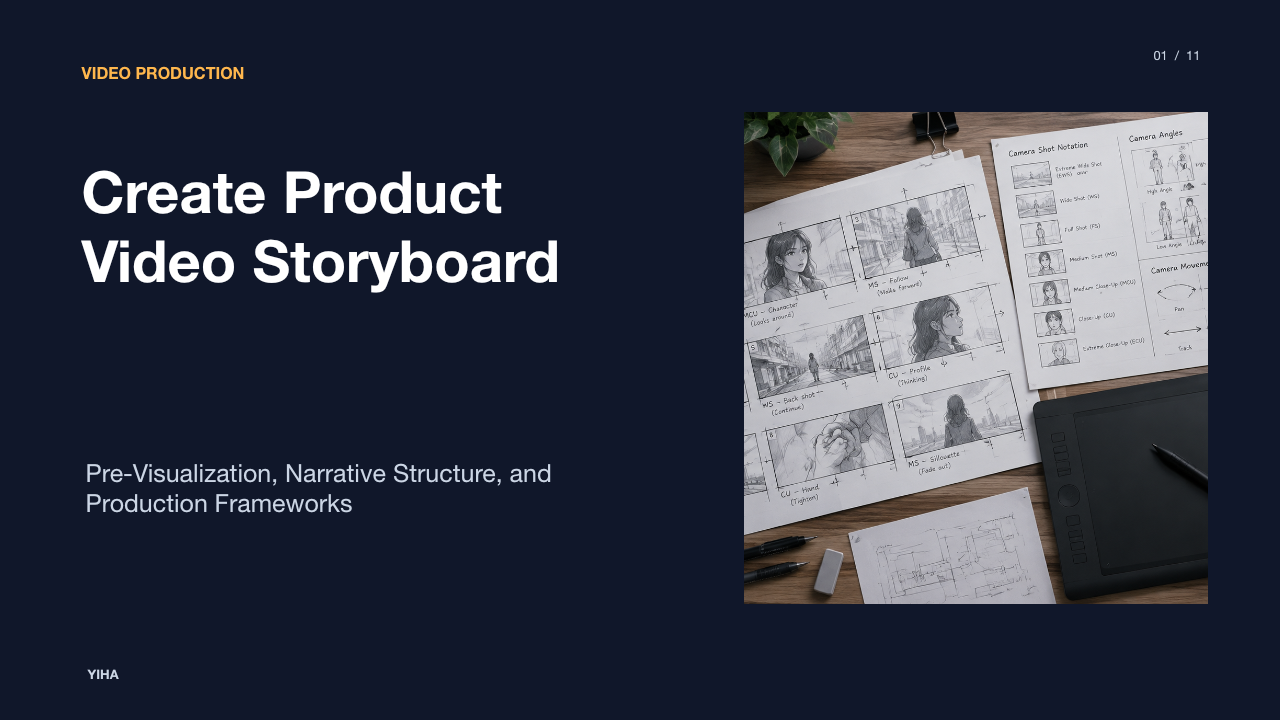
Once the script is approved, teams build storyboards and shot lists. A storyboard visualizes the narrative frame by frame, functioning as a trial run for the final cut [ee0f13dc9d3d97e652fd6e66c3edd555c0909e06b8e64eceb0cbab45be2bc664]. The StudioBinder Storyboard Guide illustrates that storyboards do not require artistic perfection [ee0f13dc9d3d97e652fd6e66c3edd555c0909e06b8e64eceb0cbab45be2bc664]. Even rough thumbnail sketches communicate composition, framing, and pacing effectively [ee0f13dc9d3d97e652fd6e66c3edd555c0909e06b8e64eceb0cbab45be2bc664]. An illustrative example of this workflow is an enterprise software briefing: the team drafts an AV script pairing software voice-over with close-up user interface mockups, creates six thumbnail sketches establishing panel transitions, and outputs a sequential shot list. The primary limitation of storyboard planning is rigid over-commitment; directors must retain enough situational flexibility on set to accommodate unexpected physical lighting, architectural reflections, or framing realities [ff50a066ef40de1a92fb96b70440419920693d9521d17268a332dfc5749019dd].
Live Production: Audio, Lighting, and On-Camera Talent
Live production is the physical capture phase, where technical execution directly determines the quality ceiling of post-production. Audio capture requires primary focus because audiences tolerate minor visual imperfections far more readily than distorted, echo-laden, or muffled speech. Production crews place directional lavalier or boom microphones close to the speaker while eliminating ambient acoustic interference from air handlers, computer fans, and room reverberation.
Lighting setups establish depth and professional credibility. As detailed in the Adobe Video Production Guide, utilizing soft lighting prevents harsh facial shadows, with three-point lighting setups providing balanced illumination across key, fill, and backlight sources [7a77dc511a0edac5572a547ee3545303eb6852dc64d3f4292f7bd7429314b5e8]. Corporate presentations routinely feature non-professional talent such as department heads or product managers [7a77dc511a0edac5572a547ee3545303eb6852dc64d3f4292f7bd7429314b5e8]. Videographer Margaret Kurniawan notes that crews should prepare lighting, sound, and framing using stand-ins before non-actors arrive on set [7a77dc511a0edac5572a547ee3545303eb6852dc64d3f4292f7bd7429314b5e8]. This shields internal presenters from technical stress and allows them to focus solely on delivery [7a77dc511a0edac5572a547ee3545303eb6852dc64d3f4292f7bd7429314b5e8]. As emphasized in the Lemonlight Video Production Guide, non-professional presenters require early over-communication regarding tone, posture, and line emphasis to prevent anxiety and unnatural delivery [210feb8d63e440850b08d993a3077f62fdaee942a606087b8313c03c8d4fc82e]. A persistent limitation on corporate sets is presenter fatigue; without careful pacing and empathetic coaching, non-actors quickly stiffen under continuous studio lights.
Managing Timelines, Crew Roles, and Task Dependencies
Managing a commercial presentation video requires rigorous operational scheduling and role allocation. According to StudioBinder Production Calendar Software, project schedules must account for strict task dependencies, highlighting conflicts where sequential activities cannot occur in parallel [e4bfe9aee438236fbadea19f3a79a7c6c2dcba22f8987905110c8ced10b9935c]. Filming cannot commence before script signoff, and rough assembly cannot finish until all principal footage and secondary cutaways are cataloged.
Crew allocation balances technical specialization against budget constraints. As described in the Adobe Video Production Guide, even small-scale productions require dedicated roles, including a director, camera operator, sound mixer, gaffer, and producer [7a77dc511a0edac5572a547ee3545303eb6852dc64d3f4292f7bd7429314b5e8]. The operational anchor for the shoot day is the call sheet. The Lemonlight Video Production Guide outlines how call sheets organize arrival times, scene order, talent requirements, meal breaks, and daily wrap targets [210feb8d63e440850b08d993a3077f62fdaee942a606087b8313c03c8d4fc82e]. An illustrative example of operational failure is scheduling executive talent without confirmed location access, forcing paid camera crews to idle. Scheduling models must include capacity buffers, though excessive buffering inflates contractor labor costs.
Post-Production: Editing, B-Roll Integration, and Sound
Post-production begins once footage is ingested and backed up across redundant storage systems. Editors catalog raw media, review shoot notes, and assemble the initial rough cut following the storyboard sequence [210feb8d63e440850b08d993a3077f62fdaee942a606087b8313c03c8d4fc82e]. As documented in the Lemonlight Video Production Guide, raw camera files deliberately maintain flat dynamic profiles to preserve color latitude, requiring systematic color correction and grading to normalize exposure, correct white balance, and balance color across multiple cameras [210feb8d63e440850b08d993a3077f62fdaee942a606087b8313c03c8d4fc82e].
Visual variety is achieved through B-roll cutaways, graphics, and sound design. The Ziflow Video Production Workflow emphasizes that capturing comprehensive B-roll and cutaways during filming gives editors the assets needed to mask cuts, trim dead air, and maintain narrative flow [d0740609294a33b07a5f156507803cd059e9c3a5103a4dacbb242c722a3a66e4]. Sound engineering proceeds in parallel, cleaning background noise, leveling dialogue dynamics, and balancing subtle musical beds below vocal tracks [7a77dc511a0edac5572a547ee3545303eb6852dc64d3f4292f7bd7429314b5e8, 210feb8d63e440850b08d993a3077f62fdaee942a606087b8313c03c8d4fc82e]. The Adobe Video Production Guide outlines that editors compile and sequence takes into a polished narrative before final review [7a77dc511a0edac5572a547ee3545303eb6852dc64d3f4292f7bd7429314b5e8]. The limitation in post-production lies in timeline friction; attempting complex color grading or sound mastering before locking the structural edit invariably causes redundant rework.
Structured Review and Multi-Stakeholder Approval Cycles
Unstructured review processes are a common cause of video delivery delays [d0740609294a33b07a5f156507803cd059e9c3a5103a4dacbb242c722a3a66e4]. When stakeholder comments arrive through scattered email threads, conflicting creative notes emerge, causing version sprawl and timeline drift [d0740609294a33b07a5f156507803cd059e9c3a5103a4dacbb242c722a3a66e4]. As analyzed in the Ziflow Video Production Workflow, centralized proofing platforms allow approvers across legal, marketing, and executive leadership to pin time-stamped annotations directly onto specific frames [d0740609294a33b07a5f156507803cd059e9c3a5103a4dacbb242c722a3a66e4]. This eliminates ambiguity and enables editors to address precise timeline markers directly inside their sequence [d0740609294a33b07a5f156507803cd059e9c3a5103a4dacbb242c722a3a66e4].
Organizations prevent scope creep by enforcing rigid milestone gates: script freeze, rough cut review for structural narrative, fine cut for audio and graphics, and final cut for delivery signoff [d0740609294a33b07a5f156507803cd059e9c3a5103a4dacbb242c722a3a66e4]. In corporate buying and executive alignment, Pixel8 Production points out that tailored video content addresses the distinct priorities of diverse stakeholders, from technical teams to executive sponsors [63400e657e29ced4c857202fb81110aa3b58581be98376458c2f3aa447cefc1d]. However, multi-stakeholder governance carries the risk of decision paralysis. If teams fail to appoint a single creative lead with final authority to resolve conflicting notes, revisions stall, and deadlines slip.
Integrating Artificial Intelligence into Production Workflows
Artificial intelligence tools have integrated into professional video operations, assisting distinct workflow phases [210feb8d63e440850b08d993a3077f62fdaee942a606087b8313c03c8d4fc82e]. As documented in the Lemonlight Video Production Guide, AI applications assist pre-production scripting and outlining, automated transcript-based editing, caption generation, multi-language localization, and synthetic temp audio [210feb8d63e440850b08d993a3077f62fdaee942a606087b8313c03c8d4fc82e]. These capabilities reduce repetitive manual tasks and accelerate project preparation [210feb8d63e440850b08d993a3077f62fdaee942a606087b8313c03c8d4fc82e].
At the enterprise level, adopting AI requires disciplined oversight. A diagnostic by Superside Enterprise AI Video highlights that effective enterprise workflows remain hybrid by design, maintaining humans in the loop to protect brand standards and editorial integrity [06a270e55804b9b53479856b329d8254e0fbe810a45f3752531fecdb793dff7c]. Creative ideation, image reference generation, and image sourcing represent areas where AI tools assist visual alignment before cameras roll [06a270e55804b9b53479856b329d8254e0fbe810a45f3752531fecdb793dff7c]. The primary limitation of AI video tools is qualitative: careless implementation generates generic visuals and synthetic phrasing that undermine organizational trust [210feb8d63e440850b08d993a3077f62fdaee942a606087b8313c03c8d4fc82e]. Professional teams use algorithmic tools to streamline production friction while preserving human control over messaging and emotional nuance [210feb8d63e440850b08d993a3077f62fdaee942a606087b8313c03c8d4fc82e, 06a270e55804b9b53479856b329d8254e0fbe810a45f3752531fecdb793dff7c].
Distribution Standards, Asset Archiving, and Performance
Final delivery requires exporting video assets according to channel-specific display parameters and international accessibility requirements. As explained in the MDN Web Video Codec Guide, video compression represents an inherent tradeoff between bandwidth consumption and visual fidelity [e4b448e9c3302e94e870fa053896c1595cfedce5dac01c351d65f654d8e580f8]. Web delivery relies primarily on efficient lossy codecs like AVC (H.264) to ensure cross-platform hardware playback, while uncompressed or lightly compressed master formats remain reserved for local preservation and high-end archival storage [e4b448e9c3302e94e870fa053896c1595cfedce5dac01c351d65f654d8e580f8].
Accessibility is an essential distribution requirement. As highlighted in the Simon Says Post Production Workflow Guide, adding accurate subtitles and closed captions ensures content accessibility for deaf and hard-of-hearing viewers while expanding comprehension across global audiences [64e7979b78faf623db4e7f097d75bf878c2f870ef2b8fe4bb07fc77b876a2f63]. Following export, production teams archive project files, raw camera assets, graphics packages, and master deliverables into organized directories with consistent metadata. Tracking distribution performance through CRM integrations and player telemetry allows teams to evaluate engagement drop-off, total watch duration, and replay frequency, providing empirical feedback for future presentation production cycles [63400e657e29ced4c857202fb81110aa3b58581be98376458c2f3aa447cefc1d].
Research sources
- 2026 Marketing Statistics, Trends, & Data · www.hubspot.com
- Video production: A beginner's guide | Adobe · www.adobe.com
- Video Content Strategy for B2B Buyers: Full 2026 Guide · www.pixel8production.com
- 3 Stages of Video Production: Complete Process Guide · www.raffertyweiss.com
- 3 Main Stages of Video Production Explained · www.videoproductionswitzerland.com
- How to Make a Storyboard: Ultimate Step-by-Step Guide · www.studiobinder.com
- Video Production 101: The Ultimate Guide (2026) - Lemonlight · www.lemonlight.com
- The Role of Storyboarding in Pre-Production: Enhancing Visual Narrative - Shoots.video · www.shoots.video
- StudioBinder Production Calendar Software for Film, TV & Video · www.studiobinder.com
- Video production workflow: The 4 stages, steps to success, and best practices · www.ziflow.com
- AI Video Production Is Changing How Enterprise Teams Work. Here's How · www.superside.com
- Web video codec guide - Media | MDN · developer.mozilla.org
- Video Post Production Workflow: Our Ultimate Guide (Step-by-Step) · www.simonsaysai.com