Sample Storyboard For Video Production
A practical guide to creating and applying a video production storyboard, detailing panel mechanics, shot types, camera movement shorthand, script breakdowns, and on-set workflows.
Free download · 4.9 MB11 editable slides · PowerPoint format
Download the editable PPTX
PPTX · 4.9 MB · 11 editable slides · Free to edit and reuse with attribution to Yiha.ai
View every slide
Use ← →, Home/End, or swipe on mobile
A video storyboard is the primary visual plan that translates a written script into an actionable sequence of camera shots. During pre-production, it serves as the operational translation layer connecting screenwriting to physical set production. By mapping out compositions, camera movement, temporal flow, and technical requirements before cameras roll, creative teams ensure that directors, cinematographers, and crew members share a unified understanding of every planned scene.
The Role of the Storyboard in Pre-Production
Pre-production sits between initial conceptual writing and the physical arrival of crew on set. While a screenplay describes dialogue, actions, and scene environments, it does not specify camera positions, lens perspectives, or physical transition mechanics. The storyboard resolves this ambiguity by translating literary descriptions into sequential graphic panels that approximate the final viewing experience.
As explained by asmr.education, visual planning functions as a primary problem detection tool. Every hour of production incurs expenses, including crew wages, equipment rentals, location fees, and talent costs. Discovering on set that two shots do not cut together logically, that a camera move is physically impossible within a location, or that spatial orientation is confusing can lead to expensive delays. The storyboard acts as a paper rehearsal where adjusting camera angles or redrawing panels costs virtually nothing.
In addition, The L.A. Film School notes that a storyboard aligns the entire production crew, ensuring camera operators, art designers, animators, and actors understand what is expected in every setup. By sketching scenes sequentially, teams identify pacing, timing, and narrative flow issues before investing in physical sets or equipment setups.
Core Components of a Storyboard Panel
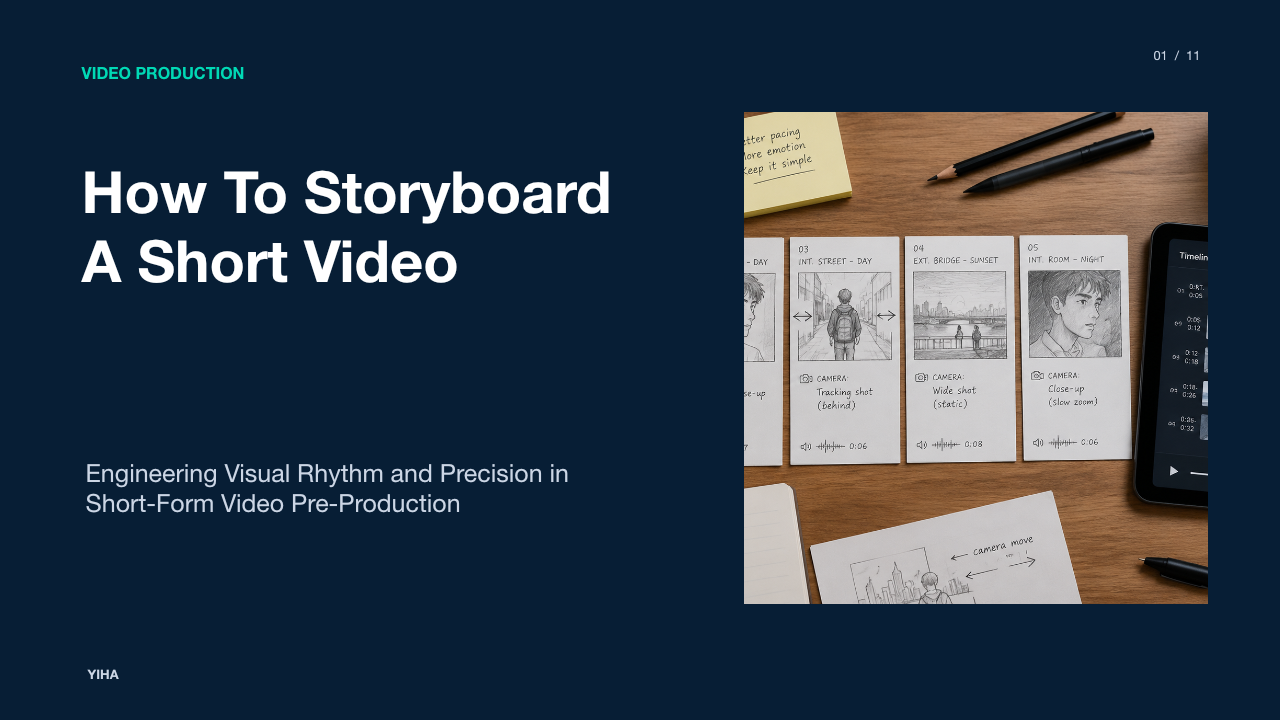
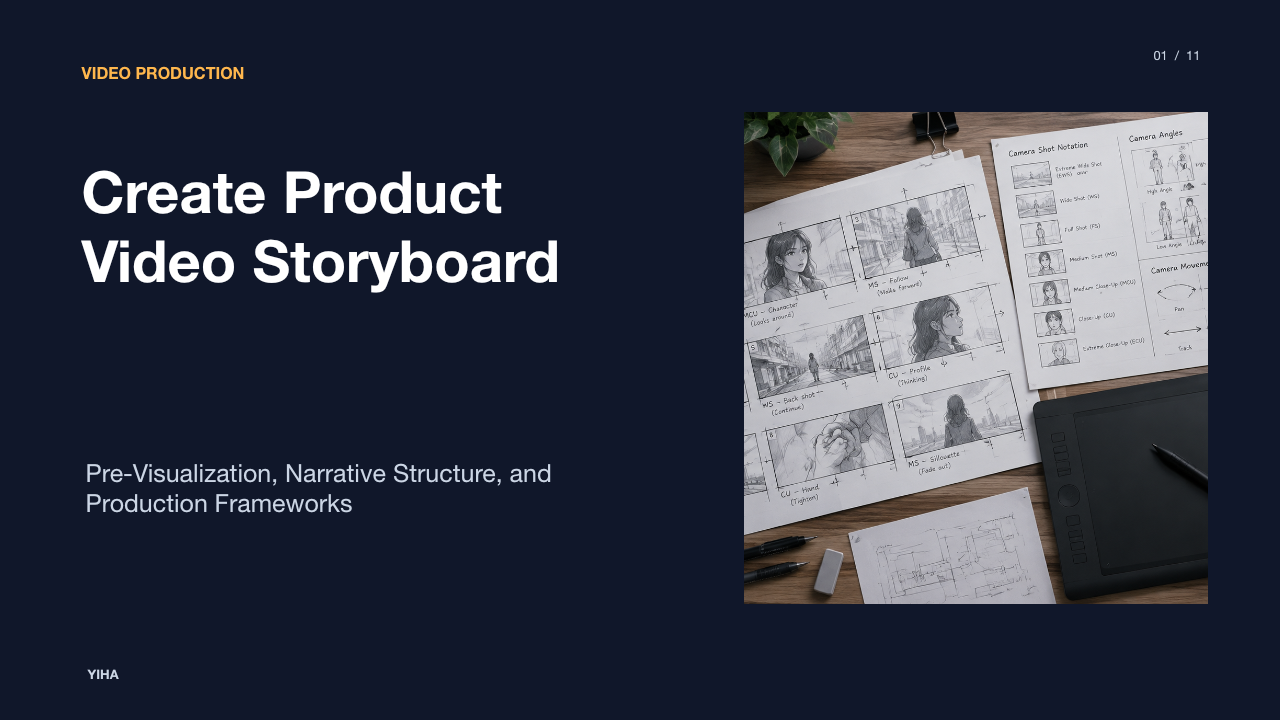
Every functional storyboard panel combines visual illustration with structured technical metadata. The foundation of each panel is a framing box drawn to match the target delivery format. As outlined by Tone Production, establishing panels in the correct aspect ratio, such as 16:9 for landscape delivery, 9:16 for vertical mobile video, or 1:1 for square content, forces creators to evaluate framing constraints immediately.
Each panel contains specific core components:
- Panel and shot identifier: A numbered reference that connects the visual panel to the production schedule.
- Frame sketch: A clear drawing illustrating character placement, subject scale, depth, and horizon orientation.
- Shot classification: A brief label indicating framing distance, such as wide shot or close-up.
- Action notes: Concise descriptions of actor movement, prop interaction, and physical beats occurring during the shot.
- Audio notes: Spoken lines of dialogue, narrator voiceover, or key sound effects tied to the visual.
- Shot duration: An estimated running time in seconds to verify pacing.
According to The L.A. Film School, storyboard artwork does not need to resemble finished illustrations. Simple thumbnail sketches, rough outlines, and stick figures remain fully effective as long as they clearly communicate shot composition, character positions, and narrative intent.
Camera Framing and Shot Classification
Camera framing defines the visual scale of the subject within the screen and establishes the audience's psychological distance from the action. Standard shot classifications allow directors and cinematographers to communicate coverage needs quickly without ambiguity. As documented by The L.A. Film School, deliberate transitions between wide shots and close-ups determine how viewers experience dramatic tension, emotional intimacy, and narrative revelations.
A standard storyboard sequence employs recognized framing conventions:
- Extreme Wide Shot and Wide Shot: Establish overall geography, character environment, and spatial context.
- Medium Shot: Frames subjects from the waist up, balancing conversational physical movement with background context.
- Close-Up and Extreme Close-Up: Isolates facial nuances, emotional shifts, or vital narrative objects.
- Over-the-Shoulder: Places the camera behind one subject looking toward another, maintaining physical geography and eye lines during dialogue.
As highlighted by Veo 3 AI, selecting specific focal distances serves distinct narrative goals. A wide shot introduces setting and spatial relationships, while a tight close-up isolates facial expressions and intensifies viewer focus during critical moments.
Visualizing Camera Movement and Subject Action
Because storyboard panels are static illustrations representing dynamic moving images, production teams rely on graphic arrow conventions to clarify motion. Without consistent visual notation, static sketches cannot distinguish whether a subject is moving within a fixed frame or whether the camera is tracking alongside them. As noted by asmr.education, visual specificity eliminates confusion during pre-production meetings, clarifying whether the camera remains stationary, tracks beside an actor, or pulls back from an elevated perspective.
Common graphic shorthand conventions include:
- Internal directional arrows: Solid arrows drawn inside the frame indicate the physical walking path, gesture, or direction of characters and moving objects.
- External perimeter arrows: Arrows drawn along the outer edge of the panel indicate camera motion, such as horizontal pans, vertical tilts, lateral tracking moves, or crane elevations.
- Inward or outward framing brackets: Crop boxes drawn within a panel with arrows pointing toward the center indicate a camera push-in or zoom, while outward arrows indicate a pull-back.
According to The L.A. Film School, camera movements like pans, tilts, and zooms play an essential role in how tension builds and how information is revealed across sequential scenes.
Audio Synchronization and Shot Timing
A visual sequence without audio cues presents an incomplete production plan. Sound design, dialogue, voiceover, and temporal pacing dictate whether an edit functions effectively. Pairing visual panels with audio notes ensures that on-screen actions correspond realistically to the script. As detailed by Tone Production, annotating voiceover lines, dialogue snippets, and estimated shot durations in seconds under each panel allows teams to verify total runtime before production begins.
Furthermore, Veo 3 AI explains that including exact dialogue snippets and voiceover copy helps creators confirm whether on-screen action matches spoken words. For instance, if a narrator requires six seconds to deliver an informative line, allocating only two seconds of visual action creates an operational pacing conflict that must be resolved prior to filming.
Timing discipline also protects post-production workflows. By establishing shot durations and audio cues early, editors receive footage that reflects realistic temporal beats rather than improvised timing choices.
Converting Written Scripts into Shot Lists
While a storyboard provides the visual plan of what scenes look like, a shot list serves as the operational checklist for executing those setups on set. The transition begins with a comprehensive script breakdown, where the production team identifies distinct visual beats. As explained by Studiovity, filmmakers employ standard coverage strategies such as wide, medium, and tight framing for each beat to guarantee that editors have sufficient coverage to control pacing.
Filming in chronological script order frequently wastes hours resetting lighting rigs and repositioning heavy camera support. A structured shot list reorganizes storyboard panels by practical criteria, grouping setups by location, direction, and lens package. Capturing all shots facing in one direction before turning the camera around significantly accelerates production speed. As emphasized by The L.A. Film School, breaking down scripts into essential scenes and actions guarantees that key narrative moments are prioritized and visually documented before physical filming begins.
Choosing the Right Storyboard Format and Fidelity
The level of artistic rendering required in a storyboard depends on the project format, turnaround time, and target audience. As outlined by Kasra Design, internal shoot planning boards can remain loose sketches with directional arrows, whereas client-facing boards, especially in commercial animation, require detailed drawings, accurate proportions, and color palettes so stakeholders can visualize and approve the final product.
Production teams generally utilize several distinct fidelity formats:
- Thumbnail sketches: Rapid, minimal pencil sketches without written notation, used during early brainstorming to evaluate visual flow.
- Production boards: Functional line drawings with shot labels, blocking arrows, and audio notes, used on set by directors and cinematographers.
- Presentation boards: Polished, color-rendered panels designed for agency pitches and external stakeholder approvals.
- Animatics: Storyboard frames edited sequentially into a timed video track with scratch audio to test pacing and editing cuts.
As noted by Tone Production, stick figures and basic geometric shapes are fully acceptable for live-action production boards as long as the technical intent and framing remain clear to every crew member.
Digital Workflows and Rapid Iteration Tools
Modern video production increasingly integrates digital software suites and automated pipelines to accelerate visual planning. Traditional paper boards, while fast for spontaneous sketching, can slow down distribution across remote production teams. Digital platforms streamline sequence revisions and frame management on shared canvases. As described by Figma Weave, node-based pipelines allow creators to connect written script notes directly to image generation nodes, applying character reference nodes to preserve visual consistency across consecutive scenes.
In academic research, dynamic virtual environments offer further planning capabilities. Research by Rao et al. on arXiv presents Virtual Dynamic Storyboard systems that simulate camera movements and character blocking inside 3D simulation engines. By evaluating candidate setups against cinematic rules and shot ranking criteria, these engine-based tools allow production teams to test complex spatial camera paths before physical equipment arrives on set.
Digital workflows allow creative teams to test alternate compositions and lighting setups on the canvas, reducing trial-and-error adjustments during production.
Team Alignment, Revisions, and On-Set Application
Once pre-production nears completion, the finalized storyboard acts as an active reference document for crew coordination and client sign-off. As emphasized by Kasra Design, reviewing twenty sequential panels reveals narrative flaws, unexplained jumps, or disjointed transitions that can be redrawn easily on paper but would require substantial rebuilding if discovered during post-production.
On set, the director and cinematographer utilize storyboard panels to verify lens choices, actor placement, and coverage continuity before concluding a setup. According to asmr.education, storyboards also provide producers with an exact count of necessary setups. This count directly informs daily call sheets and shooting schedules, preventing schedule overruns while maintaining consistent visual quality across all filmed scenes.
Research sources
- Storyboarding 101 | The L.A. Film School · www.lafilm.edu
- [2301.12688] Dynamic Storyboard Generation in an Engine-based Virtual Environment for Video Production · arxiv.org
- What is a Storyboard? Purpose & Process in Pre-Production · asmr.education · asmr.education
- How To Storyboard A Promo Video: A Step-by-Step Production Guide · toneproduction.net
- How to Storyboard a Video The Complete Guide · www.veo3ai.io
- Streamline Video Production: Master Storyboard & Shot List - Studiovity · blog.studiovity.com
- Video Production Storyboard: The Complete Guide - Kasra Design · www.kasradesign.com
- AI Storyboard Generator for Video Production | Figma Weave · www.figma.com