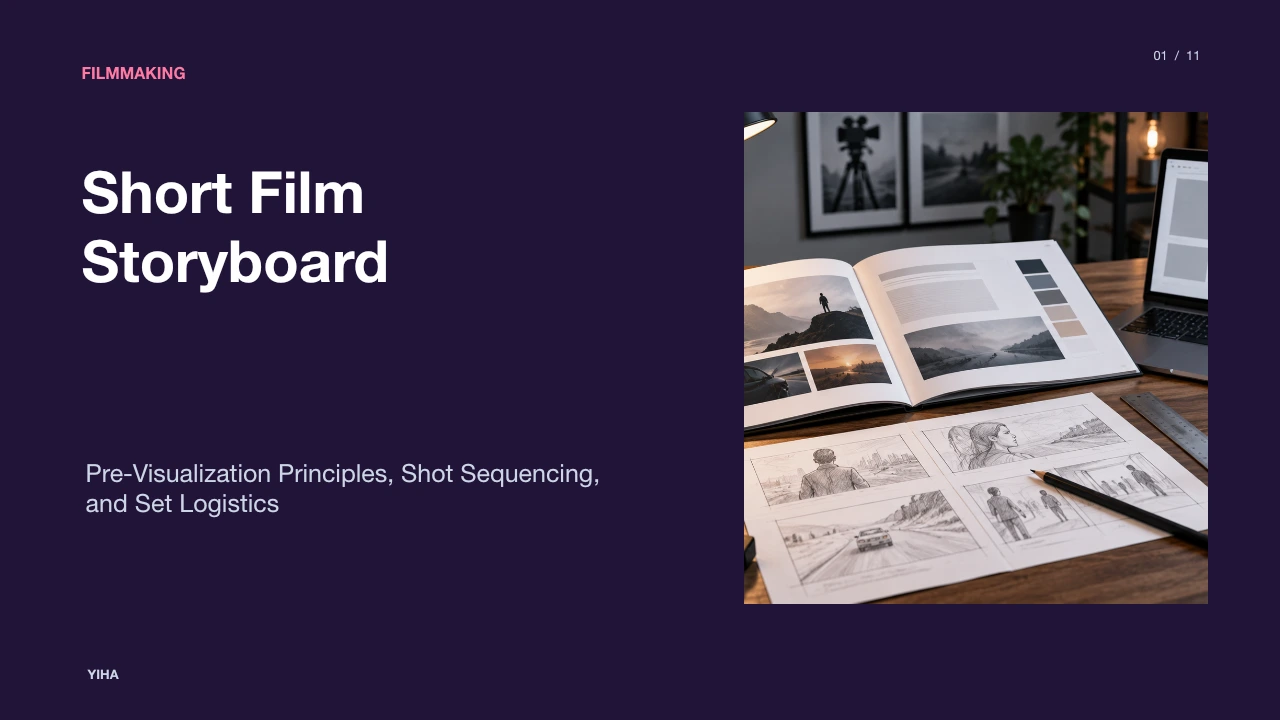
Short Film Storyboard
A comprehensive guide to short film storyboards: master visual pacing, panel anatomy, camera movement notation, continuity rules, and converting boards into efficient shoot days.
Free download · 4.9 MB11 editable slides · PowerPoint format
Download the editable PPTX
PPTX · 4.9 MB · 11 editable slides · Free to edit and reuse with attribution to Yiha.ai
View every slide
Use ← →, Home/End, or swipe on mobile
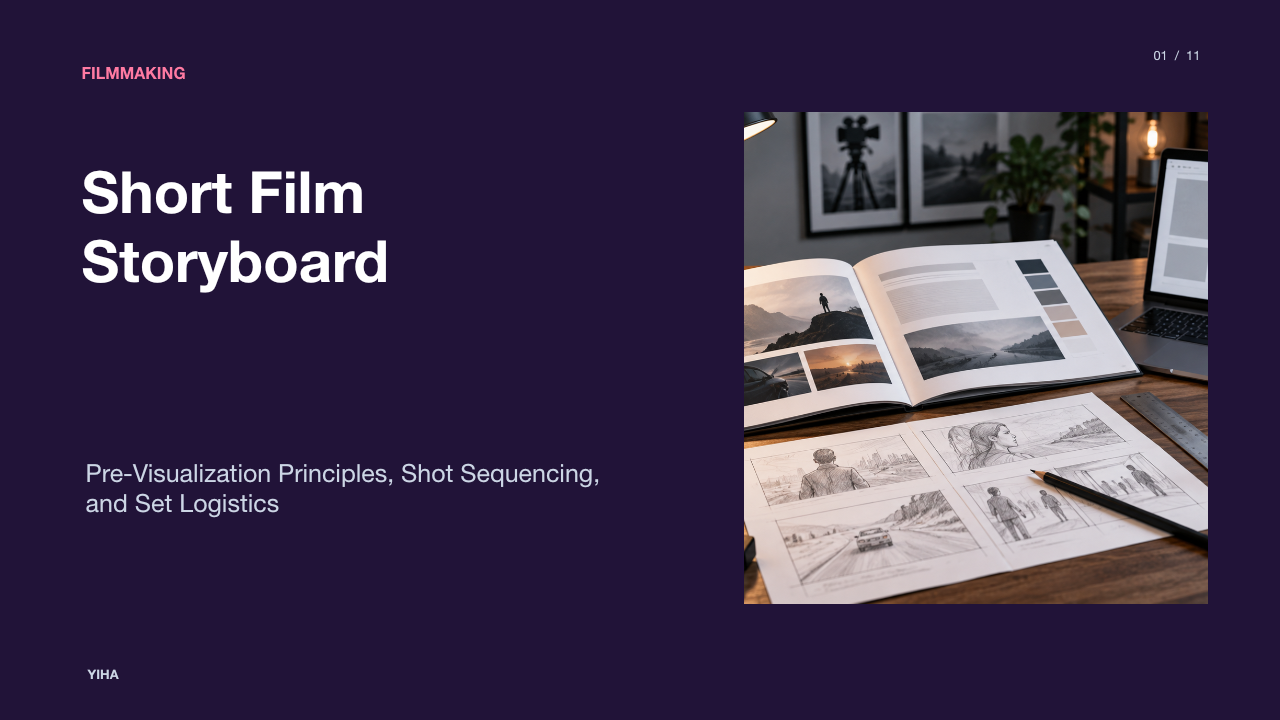
Short films demand intense discipline because every second of screen time must justify its place in the cut. Unlike feature productions that can afford days of exploratory shooting, independent shorts operate under strict constraints of daylight, crew availability, and equipment rentals. The storyboard functions as the architectural blueprint for this compressed narrative format. By translating abstract script passages into concrete, sequential visual frames, directors and cinematographers test storytelling ideas, verify coverage, and prevent costly misunderstandings on set.
The Visual Blueprint: Storyboards in Short Film Pre-Production
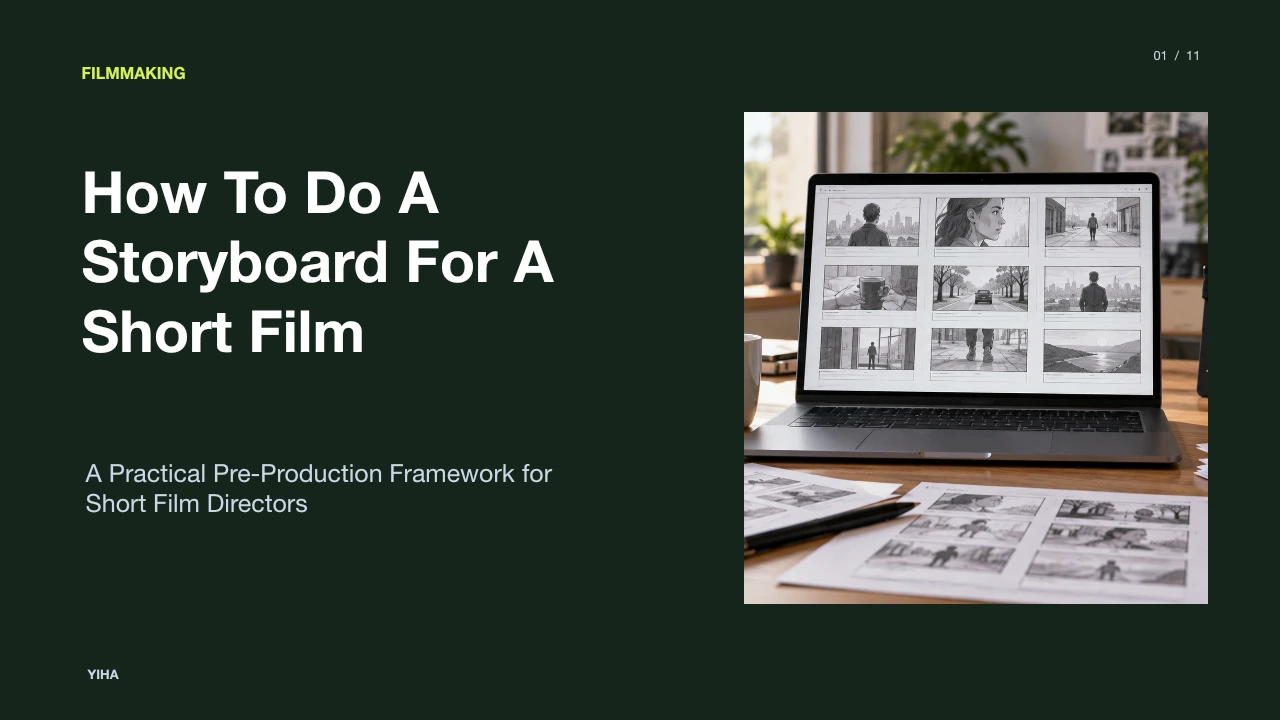
In short film development, pre-production planning dictates whether a crew finishes the day or runs out of light. As detailed by StudioBinder's guide on how to storyboard a short film, a storyboard acts as a structural blueprint that visualizes how each scene will be assembled before cameras roll. It transforms subjective written descriptions into shared visual realities for directors, cinematographers, production designers, and editors alike.
Short films often feature minimal dialogue and rely heavily on visual economy. Historic examples such as Alfred Hitchcock's meticulous pre-planning for Psycho or the wordless opening sequence of Pixar's Up show how sequenced visual panels clarify emotional arcs and narrative compression. As noted in StudioBinder's overview of storyboards, a storyboard can range from rough thumbnail sketches to elaborate illustrations, yet its core purpose remains functional: sketching out how a scene unfolds frame by frame. Beyond crew alignment, early boards also provide tangible evidence of artistic vision when presenting projects to prospective financiers and cast members.
However, storyboards carry practical limitations. They reflect idealized conditions and cannot anticipate unexpected weather shifts, sudden actor blocking adjustments, or physical set constraints. Teams must treat boards as reliable guides rather than unbending dogma.
Clarifying the Pipeline: Storyboards, Shot Lists, and Lookbooks
Pre-production documents frequently get blurred together, creating confusion across departments. A successful production workflow relies on three distinct tools: lookbooks, storyboards, and shot lists. Each serves a unique creative or logistical objective across the production timeline.
As explained in Flipbooks AI's breakdown of film lookbooks, a lookbook is a sensory portfolio, typically 8 to 20 pages, that communicates overall tone, color palettes, costume textures, and world-building. Lookbooks sell emotional mood to producers and investors before production starts. By contrast, a storyboard arranges sequential frames to plan coverage, visual rhythm, and composition for specific narrative scenes.
Once the creative sequence is established, directors compile the shot list. In StudioBinder's comparison of shot lists and storyboards, the shot list is described as an index detailing technical execution, including focal lengths, camera support, camera movement, and gear requirements. Tools such as CinemaDrop's planning guide emphasize that while a shot list specifies technical intent, only the storyboard reveals whether spatial flow and character continuity work across cuts. In practice, the lookbook establishes atmosphere, the storyboard designs the edit, and the shot list runs the set floor.
Panel Anatomy: Framing Ratios, Shot Scales, and Metadata
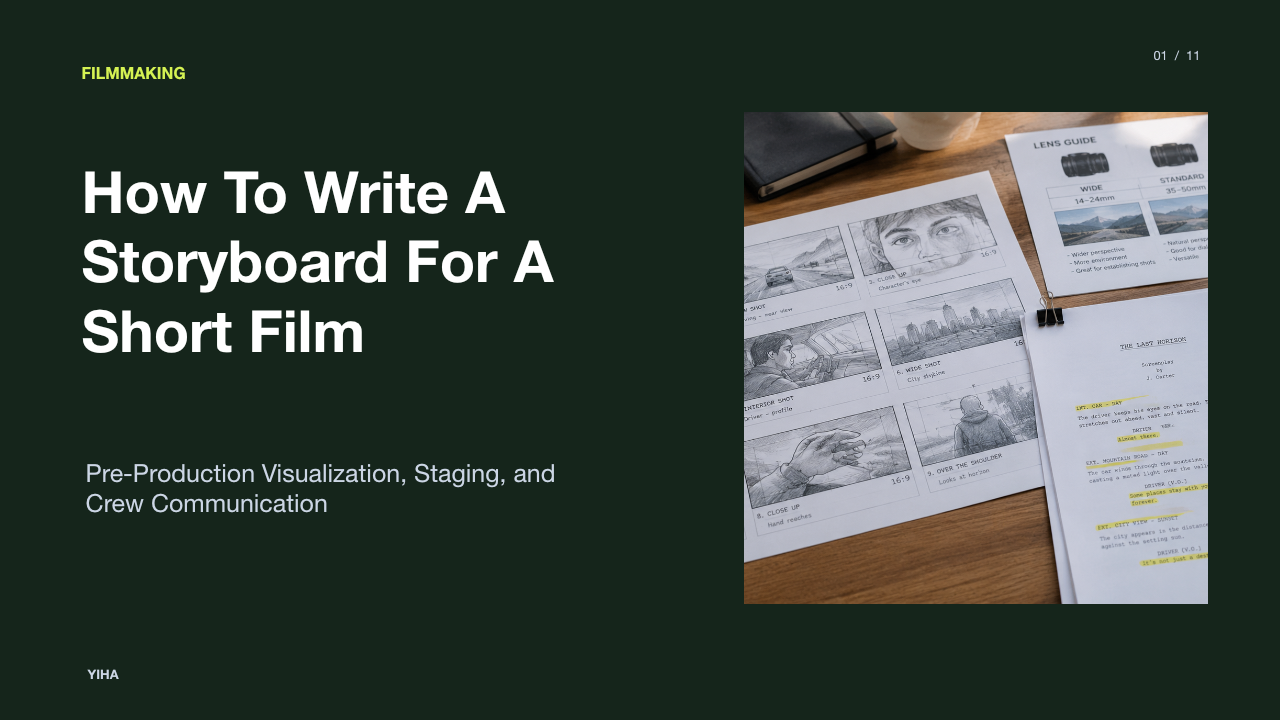
An effective storyboard panel is not simply a sketch; it is a repository of technical instructions. Panels must communicate frame boundaries, shot scale, and camera data in a consistent visual format.
According to Production Deck's storyboard guide, panels must always be drawn in the intended delivery aspect ratio. A production targeting widescreen presentation should board in 2.39:1, while broadcast and standard digital releases require 16:9 boxes. When a project requires vertical deliverables alongside landscape cuts, the primary 16:9 panel should include marked vertical crop safe zones to help the cinematographer compose safe framing directly in camera.
Standard panel shorthand establishes camera proximity: Wide Shot (WS) establishes spatial context, Medium Shot (MS) captures character interaction and gesture, and Close-Up (CU) directs focus to emotional nuance or vital narrative objects. As discussed in Filmmaker Genius's storyboard guide, clear panel labeling eliminates miscommunication. Each panel requires mandatory metadata:
- Scene and shot numbers linking directly to the breakdown schedule.
- Lens focal length suggestions (such as wide 24mm or portrait 85mm).
- Estimated on-screen duration in seconds.
- Accompanying dialogue snippets or primary action notes.
Illustrative Example: Consider a dramatic confrontation in a short thriller. Panel 14A is boarded in 16:9 as a Wide Shot (WS) on a 28mm lens with an estimated duration of 4 seconds, establishing two characters at a table. Panel 14B shifts to an Extreme Close-Up (ECU) on an 85mm macro lens for 2 seconds, isolating a trembling hand reaching for an envelope. The metadata ensures the crew prepares appropriate lenses before setting up the frame.
Camera Movement Syntax: Directional Arrows and Multi-Panel Moves
A static frame cannot naturally display motion, yet cinema is defined by movement. Storyboards resolve this dilemma by using standardized directional arrow conventions and nested frame borders.
As outlined by Filmmaker Genius's camera movement guide, arrows act as verbs within a panel. Standard convention dictates that arrows placed inside the frame represent subject movement, such as a character walking across a room. Arrows placed outside the frame or drawn with distinct line weights denote physical camera movements, including tracking dollies, pans, tilts, and pedestal moves.
When illustrating zooms or pushes, artists frequently draw a smaller inner box within the initial frame, using inward-pointing arrows to show where the framing tightens. For complex or extended maneuvers, StudioBinder's storyboard rules recommend breaking the movement across multiple panels. Attempting to cram an elaborate continuous sequence into one drawing produces visual clutter. Creating start, midpoint, and terminal panels preserves clarity for the camera operator and grip crew.
Continuity Rules: Screen Direction, Eyelines, and the 180 Line
Editing continuity is built during pre-production. When storyboard panels fail to observe fundamental spatial rules, the resulting footage can disorient viewers in the editing suite.
As documented in StudioBinder's analysis of continuity editing, visual storytelling relies on spatial consistency to maintain the illusion of continuous time and space. The 180-degree rule establishes an imaginary axis of action between interacting characters. As emphasized in StudioBinder's storyboard rules, placing panels on opposite sides of this line flips screen direction, making characters appear to turn away from one another rather than converse face to face.
Equally important is the eyeline match. As detailed in StudioBinder's eyeline match guide, if Character A looks screen-right in Panel 1, Character B must look screen-left in Panel 2 to establish mutual gaze. Storyboarding these angles side by side reveals awkward screen direction breaks before a single frame is filmed. While directors occasionally violate these rules for dramatic disorientation, accidental continuity breaks simply create visual confusion.
Pragmatic Pre-Visualization: Boarding Without Drawing Skills
A common misconception is that effective storyboards require polished illustration talent. In reality, boards communicate framing, camera angle, and staging rather than fine art.
As emphasized in PremiumBeat's review of storyboarding apps, a lack of drawing skills should never prevent filmmakers from incorporating storyboards into their workflow. Rudimentary stick figures, geometric shapes, and clear arrows communicate camera coverage just as effectively as elaborate sketches. Furthermore, mobile and web applications provide pre-rendered assets, multi-layer depth separation, and augmented reality camera positioning tools that simplify framing.
Filmmakers can also utilize location scouting stills to create functional photo boards. During location surveys, directors stage stand-in collaborators and capture reference photographs on mobile phones, matching real architectural sightlines. As highlighted in StudioBinder's online storyboard software, digital platforms enable filmmakers to import screenplay action blocks directly into sequential frames and attach location photographs or scanned doodles. Whether through rough sketches, floor plan diagrams, or scouting photos, practical visual planning is accessible to every director.
Translating Storyboards into Setups and Production Schedules
One of the most dangerous rookie mistakes in film production is shooting in script order. A storyboard illustrates the chronological story, but production schedules must be grouped by lighting setups and physical camera positions.
As described in Production Deck's production workflow, every storyboard frame must receive a unique number that matches the shot list. The first assistant director and cinematographer then reorganize these numbered shots into clustered lighting setups. If Scene 1 and Scene 5 both require a wide camera position facing the south wall of an interior room, those setups are shot consecutively, avoiding repetitive lighting turnarounds.
This breakdown approach mirrors commercial and feature scheduling. In StudioBinder's breakdown of complex fight sequences, every shot requires prep allocations for camera rigging, hair, makeup, and stunt rehearsal. By quantifying storyboard frames into distinct camera setups, the production team generates realistic daily call sheets that prevent expensive schedule overruns.
Common Storyboard Mistakes: Pitfalls of Timing and Space
Even experienced teams fall into pre-production traps that undermine storyboard utility. Recognizing these errors early protects both schedule and budget.
According to Production Deck's storyboard analysis, a primary pitfall is omitting shot durations. Drawing thirty dynamic frames without recording seconds per shot can easily turn a planned 30-second sequence into an unmanageable 50-second assembly. Another critical mistake is ignoring physical location architecture. Drawing wide tracking shots that assume a thirty-foot clearance will fail immediately inside an eleven-foot apartment location visited on the day of production.
Over-polishing artwork also drains precious resources. Spending days rendering intricate pencil shading consumes hours better spent refining the shot list or conducting technical rehearsals. Finally, as noted in StudioBinder's short film guide, unnumbered frames sever the vital connection between storyboards, camera logs, and editing media. Storyboards must remain lean, numbered, and spatially realistic.
Building the Animatic: Testing Editorial Flow Before the Shoot
The final step of pre-visualization bridges static drawings and dynamic cinema through the animatic. An animatic is a sequence of storyboard frames edited together along a timeline with temporary sound, dialogue, and music.
As explained in StudioBinder's guide to animatics, assembling storyboard drawings into an animatic allows filmmakers to test scene rhythm and cut points before production. Cutting still frames against scratch voice tracks reveals whether planned pauses feel natural, whether conversational rhythms drag, and whether critical reaction shots are missing. As emphasized in CinemaDrop's workflow analysis, viewing frames in sequence helps validate coverage options visually rather than theoretically.
By testing editorial transitions in an animatic, directors identify pacing defects while alterations cost nothing more than erasing a frame. Once on set, this visual testing translates directly into decisive directing, confident coverage, and a smooth post-production edit.
Research sources
- How to Storyboard a Short Film — Examples and Templates · www.studiobinder.com
- What is a Storyboard? | Free Storyboard Creator · www.studiobinder.com
- Film Lookbook Examples for Pitching a Short Film · blog.flipbooksai.com
- Shot List vs Storyboard — And Why You Need Both · www.studiobinder.com
- Storyboard Vs Shot List Guide for Faster Film Planning | CinemaDrop · www.cinemadrop.com
- The Mood Board: Set the Tone for Your Next Short Film · www.premiumbeat.com
- Storyboard Template: How to Board a Film or Commercial · production-deck.com
- Storyboard Arrows & Symbols: Showing Camera Movement · filmmakergenius.com
- Storyboard Rules — The Do’s and Don’ts of Storyboarding · www.studiobinder.com
- What is Continuity Editing in Film? Definition and Editing Techniques · www.studiobinder.com
- What is an Eyeline Match? Definition & Examples · www.studiobinder.com
- Top 5 Storyboarding Apps for You to Explore in 2020 · www.premiumbeat.com
- Create Free Storyboard Online for Video and Film Projects · www.studiobinder.com
- Breaking Down and Schedule The Epic Black Panther Fight Scene · www.studiobinder.com
- What is an Animatic — How To Bring Your Storyboard to Life · www.studiobinder.com