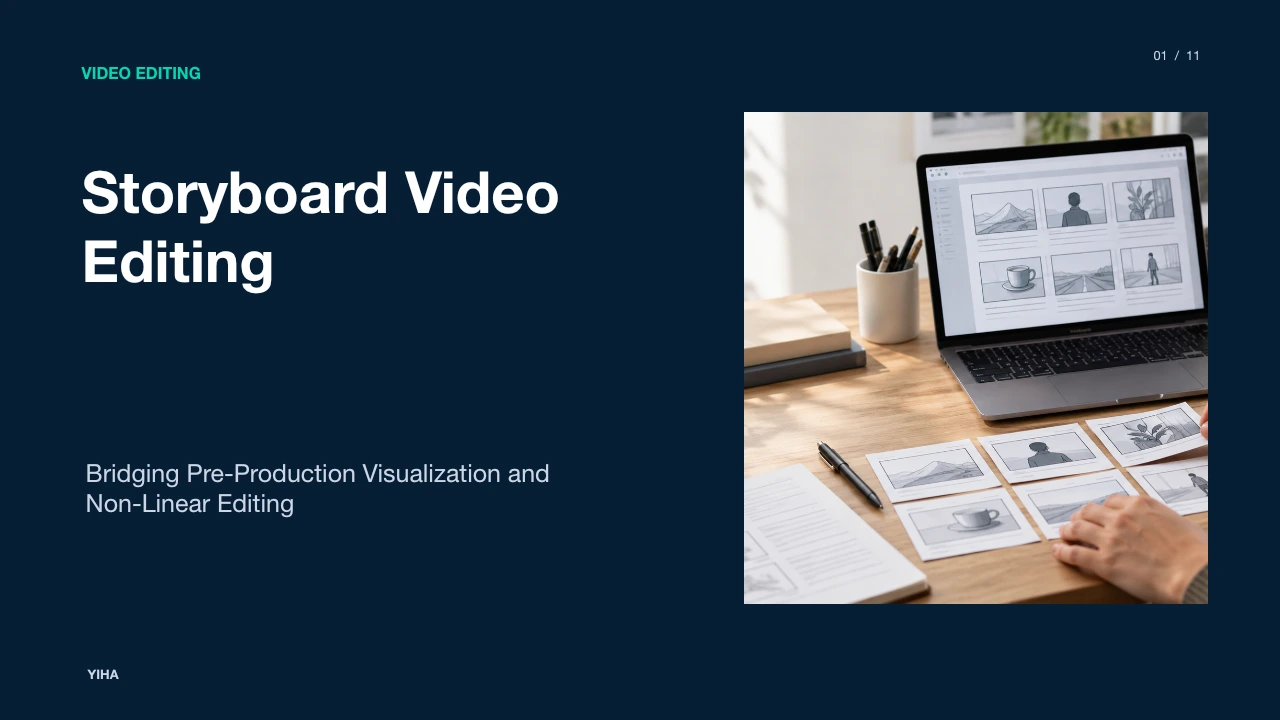
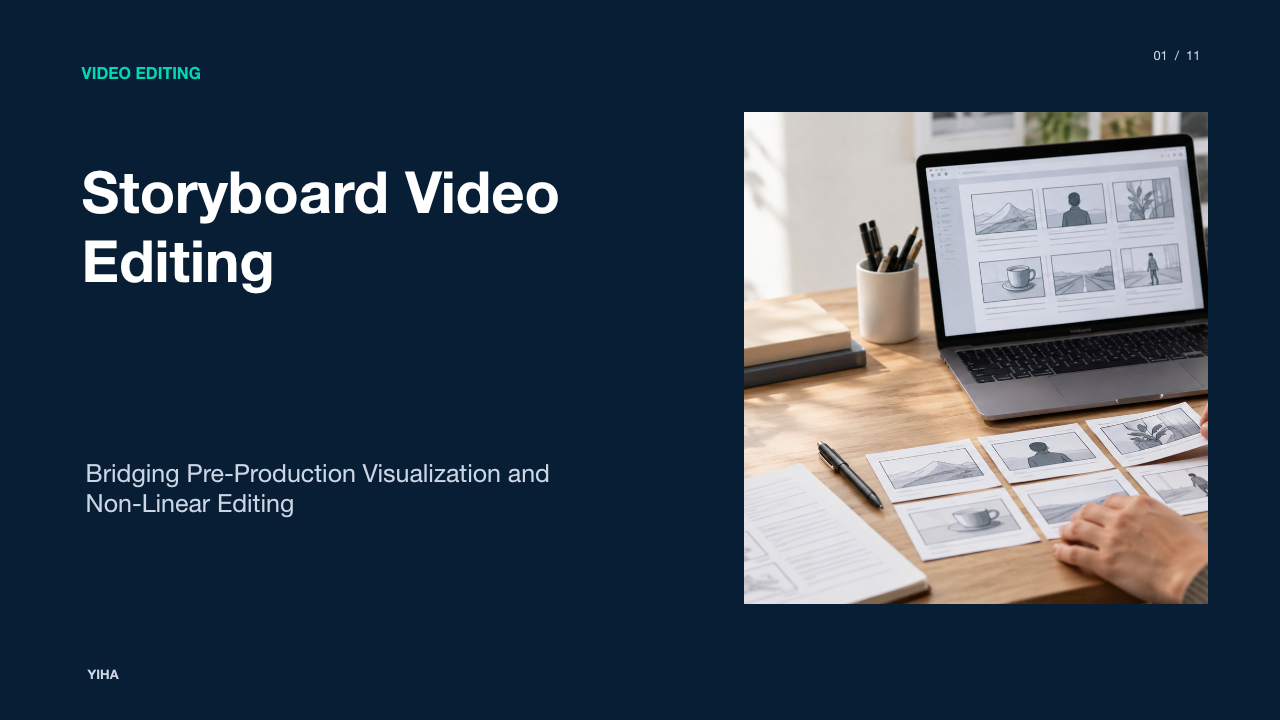
Storyboard Video Editing
A technical guide to storyboard video editing, examining how visual boards guide timeline rough cuts, animatics, continuity checks, and editorial handoffs.
Free download · 4.9 MB11 editable slides · PowerPoint format
Download the editable PPTX
PPTX · 4.9 MB · 11 editable slides · Free to edit and reuse with attribution to Yiha.ai
View every slide
Use ← →, Home/End, or swipe on mobile
Video editing begins well before media files land on an editorial timeline. In structured film, commercial, and video pipelines, storyboards serve as the initial architectural schema for the cutting room. Translating written narrative beats into sequential visual panels allows editors, directors, and production crews to evaluate dramatic pacing, composition, camera movement, and continuity before running cameras or populating complex multi-track timelines. This guide details how storyboard video editing operates across contemporary post-production environments, covering panel anatomy, digital bin organization, animatic construction, spatial continuity, and timeline conform workflows.
The Bridge Between Pre-Production and the Cutting Room
In video production, the storyboard operates as an architectural blueprint that unites pre-production planning with editorial execution. As noted by Boords, video storyboards differ from print layouts because they require conscious evaluation of motion, duration, and transitional relationships between scenes. Rather than relying on textual scripts that leave shot duration and scene transitions open to interpretation, editors utilize visual boards to grasp the director's intended pacing and spatial staging.
Without an established visual map, cutting room operations frequently inherit structural defects from production. When scenes are recorded without planned editorial coverage, editors must guess how disparate clips fit together. A storyboard establishes clear shot intentions, identifying camera angles, dialogue placement, and planned cut points prior to filming. This structured schema ensures that when camera footage arrives in the editorial suite, the post-production team can immediately construct an initial rough cut that respects the established creative direction while minimizing timeline restructuring.
Anatomy of Storyboard Panels for Video Editors
For an editor, a storyboard panel is a technical specification sheet rather than merely an illustration. As outlined in the guide on Wondershare Filmora, a functional storyboard arranges drawings chronologically alongside critical metadata such as dialogue, camera movements, and scene details. Rather than striving for exhibition-level artistic rendering, panels must convey essential compositional parameters.
Every functional panel incorporates specific data points. The visual box establishes aspect ratio and shot scale, moving from wide establishing shots to extreme close-ups, as analyzed in the cinematography guide by StoryboardArt. The panel also includes directional vectors indicating camera movements, such as pans, tilts, dollies, or rack focus transitions. Beneath the frame, editors reference explicit action descriptions, dialogue lines, planned sound design effects, and approximate duration metrics. These annotations tell the editor whether a cut should land on an action, lead into dialogue, or allow visual movement to resolve before transitioning to the subsequent frame.
Storyboard and Freeform Bin Workflows in Editing Software
Modern non-linear editing systems incorporate dedicated storyboard interfaces and freeform bin arrangements to replicate physical board layouts inside the digital workspace. As highlighted in Revid.ai's Storyboard Guide, visual planning bridges the gap between written ideas and final cuts, whether artists start on paper or use digital interfaces. In software such as Adobe Premiere Pro, Apple Final Cut Pro, and Blackmagic DaVinci Resolve, editors can arrange clips as graphical thumbnails rather than tabular text lists.
In an NLE freeform or storyboard bin, editors arrange clip posters visually along an open canvas, clustering primary shots, cutaways, and reaction angles. Once thumbnails are placed in narrative order, the editor can generate a sequence directly from the bin layout. This method preserves narrative intention by letting the editor audit visual progression across scenes before confronting the mechanical complexities of multi-track timeline trimming.
Transforming Static Frames into Timed Editorial Animatics
An animatic represents the operational bridge between a static storyboard and live-action editing. According to Dreamina, an animatic strings storyboard drawings together with set durations and scratch audio tracks, enabling creators to evaluate pacing, rhythm, and comic or emotional timing prior to full animation or principal filming. Further insights from DrawStory emphasize that animatics allow directors and editors to test timing without incurring expensive production or visual effects costs.
Building an animatic involves importing exported panel drawings into a video timeline, setting individual frame durations, and syncing them against scratch voiceover tracks, temp scores, and ambient sound effects. Editors can apply digital moves such as scale keyframes to simulate camera zooms or push-ins, and directional repositions to simulate pans. Reviewing panels in motion exposes rhythmic dead weight, identifying shots that linger past their narrative utility or reveals that lack sufficient breathing room.
Preserving Spatial Continuity and the 180-Degree Rule
Maintaining viewer immersion requires strict visual continuity across editorial cuts. As explored by ASMR Education's Guide on Motion Continuity, editors preserve seamless spatial orientation by matching motion velocity, direction, and body position at cut points, relying heavily on the 180-degree rule and eyeline matching. When an imaginary axis of action is established between subjects, placing the camera on one side ensures that character screen directions and gaze angles remain logically consistent across successive shots.
Storyboards provide the cutting room with an upfront spatial audit. When an editor cuts between complementary singles in a dialogue sequence, storyboard panels ensure that Character A consistently looks frame-right while Character B looks frame-left. If a storyboard violates the 180-degree line without an intervening neutral camera angle, the editorial team catches the disorientation in pre-production. This prevents situations where footage arrives on the timeline with mismatched screen directions that force awkward editorial rescues like horizontal image flipping.
Storyboard Assembly Compared to Timeline-First Editing
Editorial workflows broadly divide into storyboard-guided assembly and exploratory timeline-first editing. An analysis of the CapCut Storyboard vs Timeline Editing Workflow illustrates that storyboard modes present clips as sequential blocks that keep narrative order clean and accessible, whereas traditional timeline modes offer granular multi-track environments suited for intricate audio sweetening, composite layering, and frame-accurate trimming.
Storyboard assembly excels in narrative clarity, rapid sequence testing, and preventing structural missteps in scripted productions. It reduces early friction by decoupling scene progression from micro-level trimming tasks. In contrast, timeline-first editing allows editors to scrub through raw footage organically, uncovering spontaneous actor inflections, subtle b-roll textures, or unscripted moments that never appeared on paper. Many professional workflows adopt a hybrid model: editors utilize storyboard bins or animatic tracks to assemble the core spine, then transition entirely to multi-track timeline scrubbing for fine-tuning.
Client Sign-Off and Multi-Team Alignment Across Post-Production
Video post-production involves complex handoffs across directors, assistant editors, sound designers, visual effects compositors, colorists, and executive clients. As noted by Creately, a storyboard acts as a visual roadmap that keeps cross-functional teams aligned on tone, pacing, and shot intent while enabling early revision loops before high production costs accumulate. Commercial workflows documented by ShortGenius also confirm that presenting a visual sequence provides stakeholders with an unambiguous preview of the final piece.
In high-stakes commercial and visual effects environments, client sign-off on a storyboard or animatic establishes a binding creative framework. Visual effects supervisors can analyze individual panels to calculate plate requirements, tracking markers, and background plate durations. Because each panel identifies action, dialogue, and approximate timing, executive stakeholders can request structural revisions before footage is shot or complex CGI renders are initiated. Securing client alignment at the storyboard stage protects post-production teams from costly late-stage timeline overhauls.
Common Pitfalls and Deviations During the Post-Production Phase
While storyboards provide invaluable guidance, rigid adherence to a board can introduce serious post-production liabilities. As emphasized in the video production analysis by Veo3 AI, a storyboard serves as an experimental sandbox and strategic plan, but production realities often require practical adjustments. Similarly, template frameworks from Nereo stress that panels must explicitly communicate essential visual information without expecting editors to infer unrecorded coverage.
Common post-production failures emerge when directors capture only the exact frames depicted in the storyboard, neglecting transitional coverage or safety heads and tails on clips. When the editor sits down to cut the scene, the lack of pre-roll or cutaway options makes smooth pacing difficult to achieve. Conversely, an editor who treats a storyboard as an inflexible decree may overlook superior improvisational takes captured on set. A storyboard should inform narrative architecture, but the editor must always cut for actual on-screen performance and temporal flow.
Executing a Structured Storyboard-to-Timeline Pipeline
To translate storyboard assets into a finalized edit, post-production teams benefit from following a structured editorial pipeline. As detailed in the asset planning framework by NemoVideo, classifying footage availability directly against storyboard shots allows editors to track which planned visual assets exist, which require replacement, and where coverage gaps persist.
- Phase 1: Script and Panel Breakdown. Import digital storyboard panels and arrange them sequentially inside an NLE bin or freeform board. Map panel numbers to scene and take metadata in the production logs.
- Phase 2: Animatic Assembly and Timing. Drop panels onto Video Track 1. Lay down scratch voiceovers, guide music, and preliminary sound design tracks. Adjust each panel's hold duration to establish rhythm and validate total running time.
- Phase 3: Footage Ingestion and Asset Tracking. Organize ingested production media into bins matching storyboard scenes. Tag clips as available, missing, or alternate takes, flagging any scene where filmed coverage departs from the planned visual schema.
- Phase 4: Sequence Conform and Replacement. Lay filmed takes onto Video Track 2 directly above corresponding storyboard stills on Track 1. Verify that action framing, camera movements, and subject trajectories match the approved pre-visualization.
- Phase 5: Fine Trimming and Multi-Track Polish. Disable or remove the Track 1 animatic reference. Shift into frame-accurate timeline editing to refine cut points, execute audio J-cuts and L-cuts, apply color correction, and complete final mix delivery.
By executing this structured pipeline, editorial teams bridge the gap between creative concept and technical assembly, delivering cohesive, visually rigorous video projects on time and within budget.
Research sources
- How to Storyboard a Video (Step-by-Step Guide) | Boords · boords.com
- How to Storyboard a Video The Right Way · www.revid.ai
- How to Storyboard a Video A Practical Guide · shortgenius.com
- Step-by-Step Guide to Storyboard [2026] · filmora.wondershare.com
- Cinematography for Storyboard Artists: Film Language Guide · storyboardart.org
- How to Turn a Storyboard into an AI Video for Client Pitches | Blog · www.sketchtovideoai.com
- How to Storyboard a Video The Complete Guide · www.veo3ai.io
- What Are Animatics? Meaning, Examples & How to Make Them · dreamina.capcut.com
- Animatics Explained: What They Are & How to Create Them With AI · www.drawstory.ai
- Top 10 Best Animatics Software | Ranked for 2026 · worldmetrics.org
- How Editors Maintain Motion Continuity Across Shots · asmr.education · asmr.education
- Video Ad Storyboard Template: Free Frameworks for Every Ad Format · www.nereo.io
- CapCut Storyboard vs Timeline Editing: What to Know · filmora.wondershare.com
- Video Post-Production Workflow Guide | Frame.io · workflow.frame.io
- How to Make a Storyboard for Video: Steps, Templates, and Tools | Creately · creately.com
- Short-Form Video Storyboard Template · www.nemovideo.com