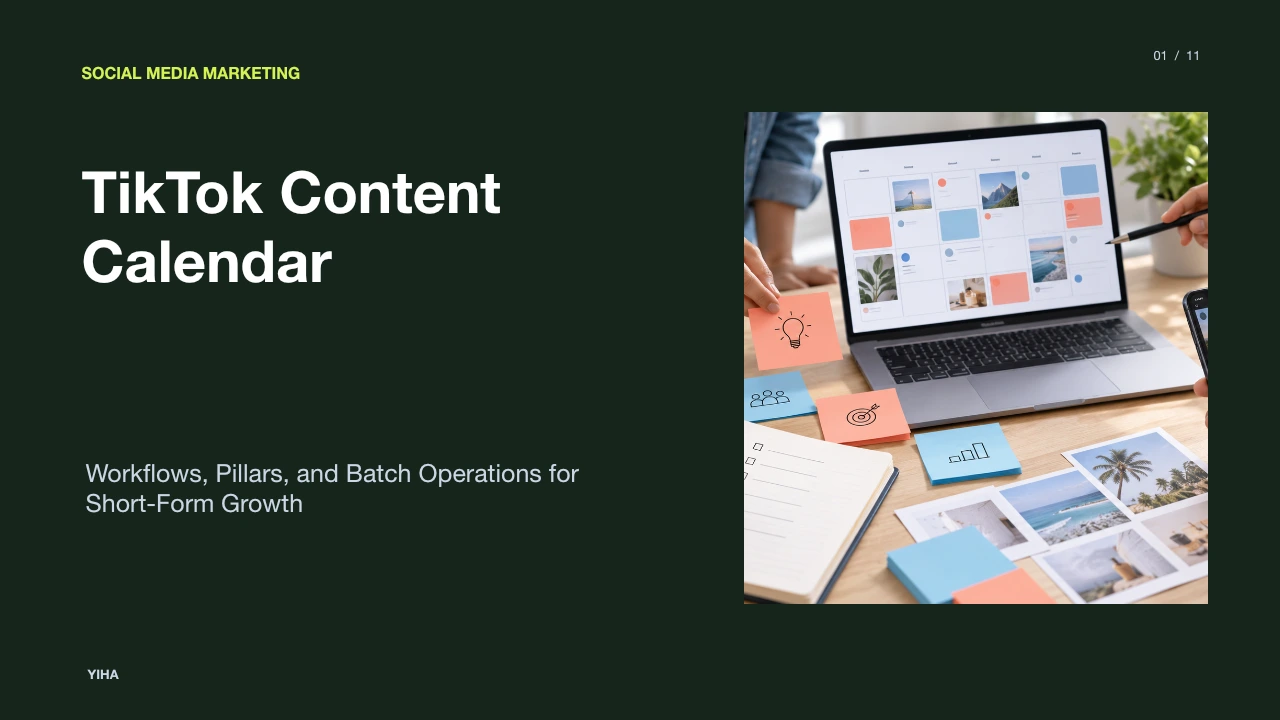
TikTok Content Calendar
A comprehensive operational guide to designing, scheduling, and scaling a TikTok content calendar using batch filming, clear pillars, and performance analytics.
Free download · 4.9 MB11 editable slides · PowerPoint format
Download the editable PPTX
PPTX · 4.9 MB · 11 editable slides · Free to edit and reuse with attribution to Yiha.ai
View every slide
Use ← →, Home/End, or swipe on mobile
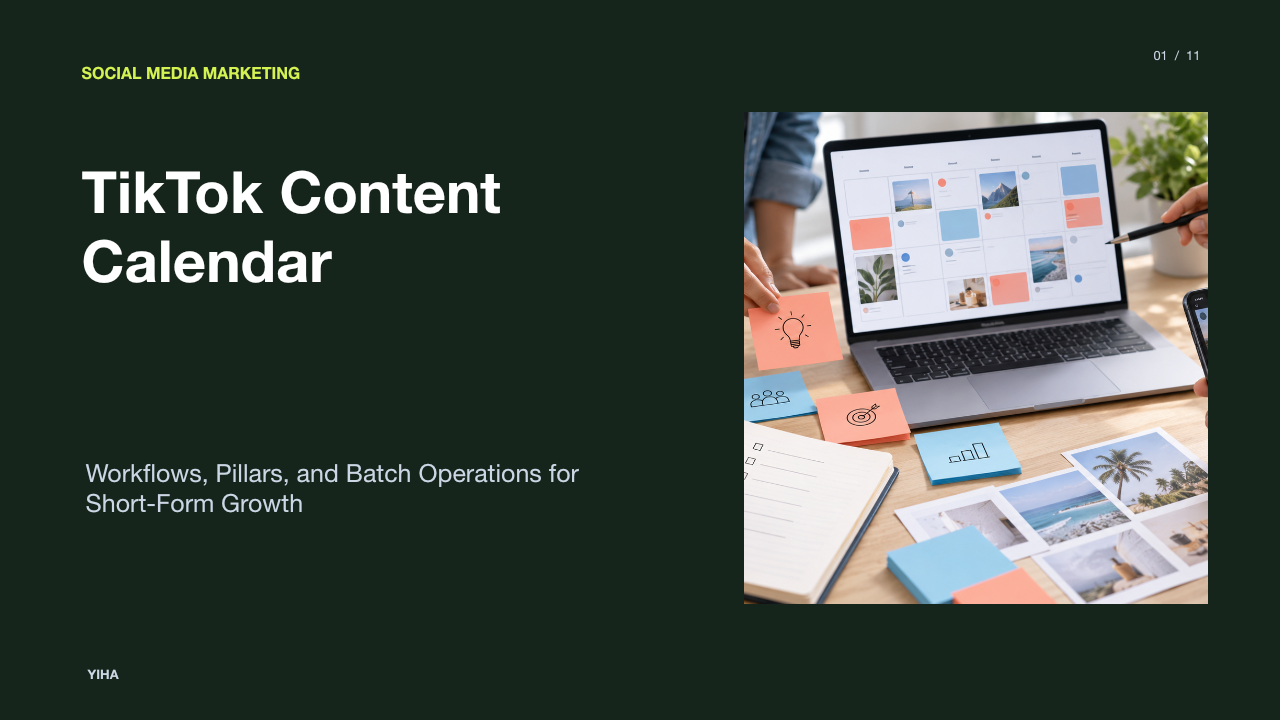
A structured editorial calendar is essential for managing short-form video production. Because short-form video distribution depends heavily on algorithmic discovery rather than pre-existing follower distribution, spontaneous publishing often leads to inconsistent viewer retention, creator burnout, and fragmented thematic messaging. A purpose-built TikTok content calendar establishes predictable production schedules, aligns content with audience intent, and creates repeatable feedback loops based on empirical performance data.
Why Short-Form Platforms Require Dedicated Scheduling
Traditional social media editorial calendars often fail when applied to short-form video. Conventional multi-channel planners typically organize distribution around static asset formats, scheduled link distribution, and desktop-centric publishing windows. In contrast, short-form video environments rely primarily on algorithmically driven feeds such as the For You page, where viewer watch time and immediate engagement determine distribution reach.
According to Metricool's TikTok Content Strategy Guide 2026, the volume of competition has intensified, with video uploads increasing substantially and video content generating significantly higher views and interactions than static media. Because short-form video consumption occurs rapidly, accounts must execute structured topical testing to understand audience response patterns. Planning tools designed for traditional networks treat scheduling as basic queue management, whereas short-form planning requires tracking dynamic variables such as visual framing, opening hooks, and trending cultural topics. Operating without a focused planning structure leads teams to publish sporadically, which obscures audience testing data and slows iteration cycles across production sprints.
Establishing Core Content Pillars for Predictable Theming
A dependable TikTok strategy requires selecting three to five defined content pillars. A content pillar is a foundational subject category that directly addresses a specific audience interest or operational goal. As explained in the Market4Me Guide to Building a Content Strategy for TikTok, concentrating on a structured set of core pillars trains algorithmic profiling through semantic signals such as video transcripts, on-screen text, and captions, rather than scattering algorithmic signals across unrelated topics.
For an illustrative example of an enterprise software company, three pillars might include educational software tutorials, industry commentary explaining market shifts, and behind-the-scenes engineering workflows. Grouping concepts into defined categories eliminates daily brainstorming friction because team members know which theme is slated for production each day. Furthermore, content pillars preserve account relevance. If a channel hops between unrelated comedic sketches, technical documentation, and lifestyle vlogs, audience expectations fracture and the platform cannot determine which audience cohort should receive the video in algorithmic distribution.
Essential Data Fields for Every Calendar Entry
Basic scheduling spreadsheets tracking only dates and post copy are insufficient for short-form video production. High-performing production teams track multi-variable parameters for every planned asset. As outlined in ShortsNinja's TikTok Content Calendar Guide, an operational planning record must document opening hook variations, format structures, and subsequent analytical data.
Every calendar entry should systematically capture the following fields:
- Concept and Working Title: A clear summary of the core thesis.
- Assigned Content Pillar: The designated thematic category.
- Opening Hook Formulation: The verbal statement and visual action taking place during the initial three seconds of the video.
- Production Format: The visual presentation style, such as talking-head video, green screen overlay, narrated tutorial, or multi-panel carousel.
- Audio Directive: Specification of whether the asset utilizes original recorded voiceover, commercial audio, or a specific audio sound cue.
- Target Search Queries: Keyword terms integrated into on-screen text and captions for indexing.
- Call to Action (CTA): The intended conversion or response prompt for the viewer.
- Post-Publishing Metrics: Initial 24-hour views, full-length completion percentages, and total user saves.
Documenting these fields shifts editorial planning from passive concept storage to an actionable testing matrix.
Determining Realistic Posting Cadence and Output Volume
Determining an account's publishing frequency requires balancing audience reach gains against production resources. While aggressive guidance occasionally recommends uploading up to four times per day, high-volume strategies often result in creative exhaustion and quality degradation for lean teams.
Research highlighted in Buffer's 2026 TikTok Posting Frequency Study reveals that increasing output from one video per week to a cadence of two to five posts per week delivers the most meaningful lift in average views per video. Because short-form platforms evaluate individual assets primarily on their own engagement metrics, uploading low-retention filler to satisfy an arbitrary volume target dilutes overall performance. A sustainable recommendation for small marketing units is three to five polished posts weekly, prioritizing viewer retention over raw upload volume.
Batching Production to Eliminate Daily Scrambling
Daily, piecemeal content creation forces creators into disruptive context switching. Setting up recording gear, adjusting lighting, filming a single video, and immediately editing drains creative energy and produces irregular posting schedules. Establishing a multi-stage production pipeline consolidates operations into specialized time blocks.
As described in Buffer's Guide to Content Batching, batching enables teams to execute ideas weeks ahead by segregating production stages across the work week. A standard five-stage batching system proceeds through sequential steps:
- Research and Scripting: Developing multiple hook scripts and outline beats in a standardized grid.
- Asset Staging: Preparing wardrobe variations, presentation backdrops, software screen captures, and physical products.
- Consolidated Filming: Recording all planned video segments during a single dedicated production block.
- Post-Production Editing: Assembling video cuts, generating captions, adding dynamic zoom cuts, and balancing audio.
- Packaging and Scheduling: Writing searchable descriptions, choosing cover frames, and staging assets in scheduling queues.
By separating script generation from technical filming and editing, production teams maintain consistent output without daily operational chaos.
Designing Intentional Buffers for Spontaneous Trends
A rigid editorial calendar risks rendering an account unresponsive to rapid cultural developments. On short-form platforms, audio memes, industry discussions, and viral formats emerge and decline within seventy-two hours. Locking down publishing schedules weeks in advance leaves no room to leverage immediate cultural moments.
To balance structural reliability with organic agility, marketing teams can apply the planning framework described in FYPNow's Content Planning Guide: allocate the majority of regular calendar slots to scheduled, pillar-based assets while preserving dedicated capacity buffers for spontaneous, reactive concepts. When an industry news event or platform trend occurs, the team can rapidly produce a responsive video and deploy it immediately, shifting scheduled evergreen videos downstream without breaking publication consistency.
Selecting Calendar Tooling from Spreadsheets to Platforms
Selecting appropriate planning software depends on production scale, contributor headcount, and administrative approval complexity. No single application fits every workflow, making it necessary to align software capabilities with operational realities.
- Standard Spreadsheet Grids (e.g., Google Sheets): Best suited for individual creators or lightweight operations. They offer flexible customization at zero software cost, though they lack embedded media playback and multi-stage workflow automation.
- Relational Database Systems (e.g., Airtable): Best suited for mid-sized creative groups that require linked records connecting production scripts, talent rosters, and distribution schedules across multiple views, as detailed by XDA's Content Calendar Workflow Analysis.
- Dedicated Social Management Platforms: Solutions like Sprout Social's Publishing Platform deliver integrated direct scheduling, cross-channel approval workflows, and centralized brand monitoring. These platforms minimize manual posting steps, making them well suited for enterprise teams with strict compliance needs.
Using Performance Audits to Refine Future Calendar Cycles
A content calendar should function as an evolving strategic database rather than a static publication archive. Teams that close the analytical feedback loop audit performance at the end of every weekly or bi-weekly cycle, using historical data to refine upcoming production sprints.
As emphasized in PrintKK's Content Calendar Strategy, raw view counts are often vanity metrics. Strategic analysis prioritizes completion rate, average watch time, and total save rates. High completion rates signal strong resonance to the recommendation algorithm. By identifying which opening hook styles, topics, and formats secure above-average saves and full-video views, creators can clone high-performing structures into subsequent sprints while retiring formats that show steep retention drop-offs.
Managing Workflow Friction, Sound Rights, and Bottlenecks
Even meticulously organized calendars can derail if production workflows fail to anticipate regulatory, licensing, and human factors. Addressing these operational friction points during planning prevents schedule bottlenecks.
Commercial music compliance represents a primary operational risk. Verified business accounts on TikTok cannot use copyrighted mainstream audio without commercial licenses. Under the rules outlined in TikTok's Commercial Music Library Documentation, business profiles must restrict audio selections to the Commercial Music Library (CML) to avoid copyright flags, muted clips, or account restrictions. Teams must account for this constraint during scripting rather than modifying assets after filming.
Corporate compliance lags present another common bottleneck. When multi-layered legal or marketing approvals take days to clear a script, fast-moving trend opportunities vanish. Establishing pre-approved creative guardrails and clear compliance boundaries allows production teams to deploy reactive content safely. Finally, scheduling must respect team capacity buffers. Consistently loading calendars with unsustainable production quotas drives creator burnout, degrading presentation energy and content quality.
Research sources
- Create A Social Media Content Calendar (7 Simple Steps) · buffer.com
- Social Media Calendar Guide & Template | Sprout Social · sproutsocial.com
- TikTok Content Strategy Guide 2026 · metricool.com
- How to Build a Content Strategy for TikTok (2026 Guide) · market4me.ai
- Robert Goldenowl | TikTok Content Calendar · robertgoldenowl.com
- TikTok Content Planning: Build a Calendar That Works | FYPNow · fypnow.com
- A TikTok Content Calendar Template That Works · shortsninja.com
- How to use Airtable for content calendar - The Tech Edvocate · www.thetechedvocate.org
- TikTok content calendar for 2026: create & plan + template · planable.io
- How Often Should You Post on TikTok in 2026? Data From 11 Million+ Posts · buffer.com
- How Often to Post on TikTok: The Right Frequency by Account Size (2026) · flowshorts.app
- TikTok Posting Frequency: 3x/Day Wins (+29% Views) [2026] · futuretweets.com
- A Guide to Content Batching for Social Media · buffer.com
- How To Batch Create TikTok Videos (2026 Guide) · www.revid.ai
- TikTok Creator Efficiency Tips: Batch Content & Scale Fast · sozee.ai
- TikTok Content Calendar: Complete Planning Strategy & Templates · akselera.tech
- Best Social Media Management Tools for Businesses in 2026 | Sprout Social · sproutsocial.com
- I rebuilt my entire content calendar in Airtable's free plan — and it's better than most paid PM tools · www.xda-developers.com
- How to Build a TikTok Content Calendar (with Free Templates) · www.printkk.com
- How to Build a TikTok Content Calendar (with Free Templates) · www.linkedin.com
- TikTok Content Calendar (2026): Weekly Plan + Batching for Creators & Brands | ShareB.io · shareb.io
- Social Media Governance | Sprout Social · sproutsocial.com
- Turning up the volume on the TikTok Commercial Music Library with the Artist Impact Program - Newsroom | TikTok · newsroom.tiktok.com