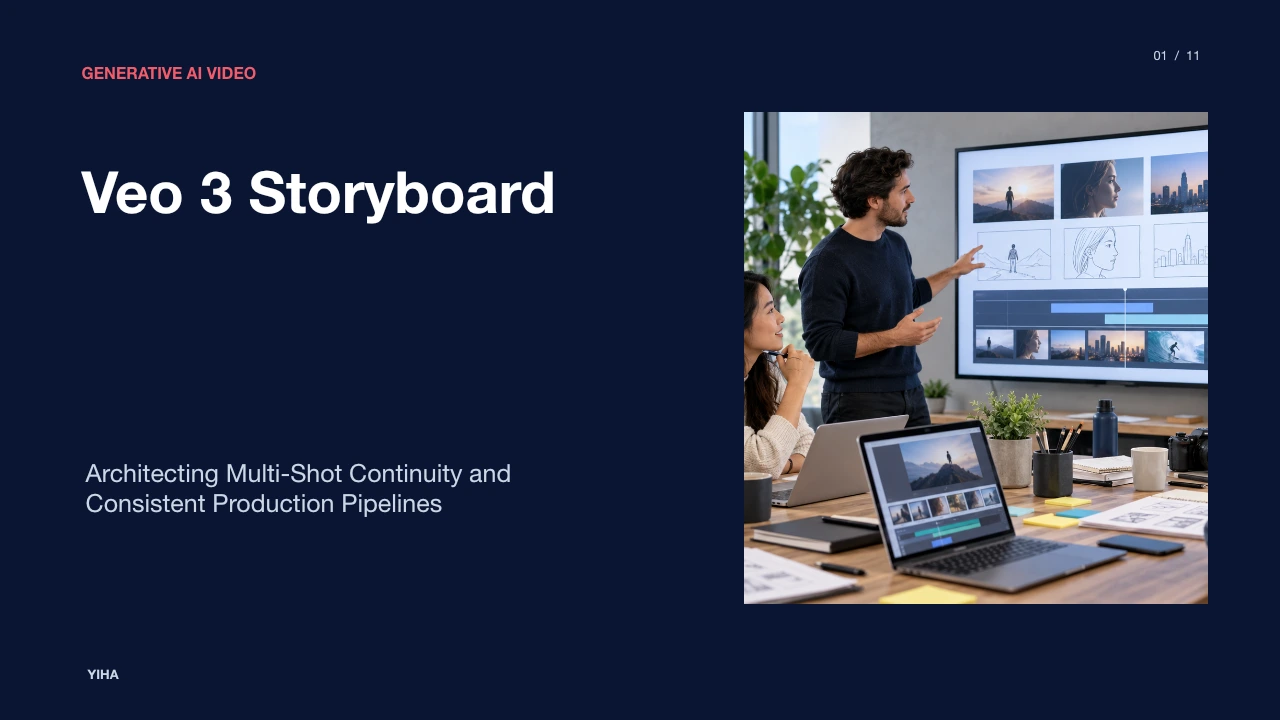
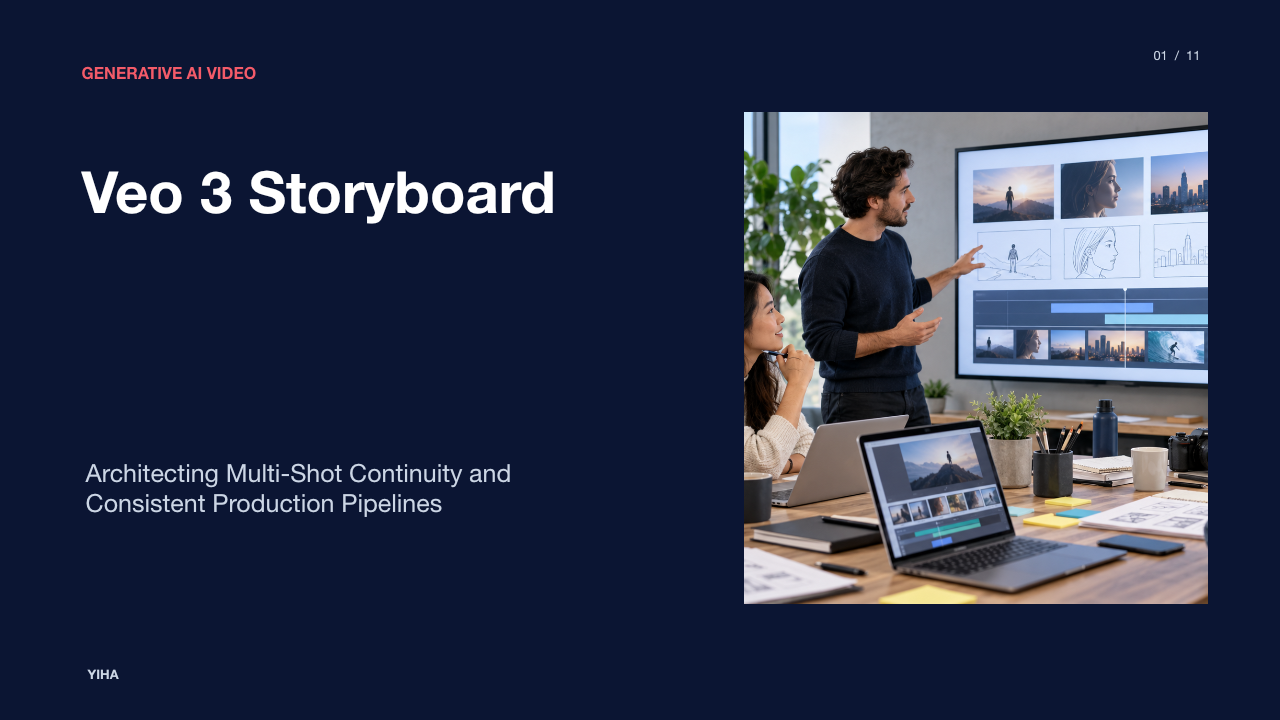
Veo 3 Storyboard
A technical guide to Veo 3 storyboard production: transforming isolated generative prompts into coherent, multi-shot video sequences with persistent lighting, character anchors, and disciplined micro-scripts.
Free download · 4.9 MB11 editable slides · PowerPoint format
Download the editable PPTX
PPTX · 4.9 MB · 11 editable slides · Free to edit and reuse with attribution to Yiha.ai
View every slide
Use ← →, Home/End, or swipe on mobile
Generative artificial intelligence models have transformed clip generation from an experimental novelty into an active creative capability. However, creating sustained visual narratives requires shifting away from isolated text-to-video queries. An unassisted prompt rarely maintains coherent character identity, uniform art direction, or stable scene geography across cuts. The transition to multi-shot storyboards establishes an engineering protocol where video generation operates as an organized pre-production pipeline rather than a randomized generation exercise.
The Evolution from Single-Clip Generation to Multi-Shot Storyboards
In baseline text-to-video systems, standalone generation windows typically encompass only 5 to 15 seconds of narrative runtime. When creators attempt to assemble extended sequences by typing disparate descriptions, subject geometry and color palettes inevitably drift between takes. According to the Veo 3 Longform Storyboard Workflow 2026: Multi-Shot Prompts That Hold Continuity, narrative continuity requires treating generation as a controlled production system rather than chasing one-off showcase generations.
Teams attempting to stitch independent clips together encounter immediate editing challenges. The Veo 3.1 Storyboard & Multi-Shot Narrative Guide: From Shot List to Coherent AI Long Video notes that when productions require three or more shots with shared characters or scenes, unstructured prompt stitching breaks down. Creators must instead establish an organized storyboard structure. By formulating a concise job statement that defines audience, action, and outcome, production teams establish a verifiable baseline before generating frames.
Core System Architecture: Storyboards as Consistency Engines
Modern generation stacks approach storyboards as consistency engines rather than simple clip queues. In technical implementations outlined in the Veo 3.1 Storyboard & Multi-Shot Narrative Guide: From Shot List to Coherent AI Long Video, storyboard controls enforce model-level constraints across takes. Rather than generating unrelated latents, structured storyboard features apply global lighting anchors and persistent wardrobe constraints, supporting narrative sequences of up to roughly two minutes of combined output.
Operational guidelines from the Position Yourself in Veo 3 with Instant Storyboard Guide | KeyGroup recommend executing studio tasks on 64-bit systems with at least 16 GB of RAM, local solid-state drives, and dedicated GPU acceleration. This hardware profile stabilizes timeline scrubbing, rendering, and caching during multi-take reviews. By standardizing framing types such as wide, mid, and close coverage within an active workspace, the storyboard system keeps foreground elements stable across scenes.
Establishing the Continuity Bible and Global Anchors
Inter-frame visual drift occurs when generative models invent unprompted background elements, lighting changes, or facial features. To prevent this decay, teams compile an explicit continuity bible prior to generation. The Veo 3 Longform Storyboard Workflow 2026: Multi-Shot Prompts That Hold Continuity explains that a continuity bible acts as a fixed checkpoint, tracking character identities, wardrobe items, environmental geometry, and camera directions across all subsequent prompts.
Complementing narrative bibles, practical setups in the Veo 3.1 Storyboard & Multi-Shot Narrative Guide: From Shot List to Coherent AI Long Video incorporate first-frame storyboard stills and unified style reference images. Supplying between one and three mood board images locks overall color grading and surface texture. Furthermore, repeated consistency tags injected into every shot prompt ensure that character wardrobe and lighting temperature remain unchanged across setups.
The Four-Layer Micro-Script Prompt Specification
Prompt phrasing in storyboard environments must avoid internal monologues or non-visual concepts. The How to Storyboard a Video The Complete Guide emphasizes that a storyboard functions as a practical blueprint where visual descriptions, camera movement notes, and audio cues directly translate abstract ideas into clear production plans.
This prompt structure is formalized in the Veo 3.1 Storyboard & Multi-Shot Narrative Guide: From Shot List to Coherent AI Long Video. Each prompt combines a Shot ID, compositional framing scale, a bridge intent linking the current shot to previous movement, a four-layer body detailing on-screen action, and a persistent consistency constraint. Detailing specific camera movement, audio cues, and actor blocking transforms an abstract script line into an actionable pre-production blueprint while keeping the scene geometry stable.
Reference Conditioning with Stills, Keyframes, and JSON Schemas
While text prompts direct narrative intention, image conditioning supplies spatial ground truth. As demonstrated in the Veo 3 Storyboard-to-Video: 3 Prompt Tricks & Real Demos | VO3 AI Blog, creators can condition generation pipelines on animatic sketches, picture book pages, and flat-lay product photos. Using high-contrast reference images without handwritten text allows the model to preserve physical layouts and color schemes accurately.
On programmatic tiers, shot lists can be ingested using structured JSON storyboard schemas to process multiple camera setups systematically. According to the Veo 3.1 Storyboard & Multi-Shot Narrative Guide: From Shot List to Coherent AI Long Video, first-frame image-to-video conditioning locks initial frame staging. By linking text descriptions to uniform aspect ratios and reference stills, production pipelines avoid unintended distortion and aspect mismatches.
Shot Progression, Spatial Alignment, and Transition Logic
Narrative continuity requires intentional camera blocking and spatial discipline. Practical guidelines from the Position Yourself in Veo 3 with Instant Storyboard Guide | KeyGroup recommend locking the camera height to eye level with a 35mm-equivalent field of view. Positioning primary figures along the central grid prevents perspective warping during pans and dolly movements.
Physical transitions also require deliberate bridge gestures. Directing physical movement prior to a cut, such as leaning toward the lens, turning to face a new point of interest, or gesturing toward an interactive prop, provides natural edit points. As noted in the Veo 3 Longform Storyboard Workflow 2026: Multi-Shot Prompts That Hold Continuity, reviewing multi-shot projects after every two or three rendered clips ensures that motion vectors align properly before committing GPU cycles to remaining scenes.
Comparing Integrated Storyboards and Sequential Chaining
Filmmakers face two primary production architectures: integrated multi-scene storyboard containers and sequential frame chaining. Comparative analysis from Sora 2 storyboard is gone: Veo or Kling | Versely explains that unified storyboard containers held cross-scene lighting memory and identity tokens across an ordered list of scenes. However, integrated containers carried a significant risk: if a late-stage scene failed, earlier frames often required re-rendering.
In contrast, modular chaining workflows provide targeted error isolation. In Veo 3.1 workflows documented by Veo 3.1 Storyboard & Multi-Shot Narrative Guide: From Shot List to Coherent AI Long Video, teams use first-and-last-frame chaining alongside per-shot text prompts. If a single take exhibits visual artifacts, creators re-render only the isolated shot, preserving the rest of the timeline and saving compute budgets.
Technical Bottlenecks and Failure Modes in Extended Sequences
Despite architectural improvements, generative video pipelines face distinct technical failure modes. Sequence analysis in Sora 2 storyboard is gone: Veo or Kling | Versely observed that identity drift became noticeable around 90 seconds of cumulative generation, with full-body reference sets collapsing facial flexibility when more than three full-body stills were supplied.
Furthermore, the Veo 3.1 Storyboard & Multi-Shot Narrative Guide: From Shot List to Coherent AI Long Video notes that attempting ten or more shots in a single pass can cause consistency breakdown and extended rendering delays. To prevent drift, practitioners recommend splitting complex stories into sequences of three to eight shots. The Veo 3 Longform Storyboard Workflow 2026: Multi-Shot Prompts That Hold Continuity recommends using five-point evaluation scorecards to grade prompt fidelity, subject clarity, and editability, immediately terminating generations that exhibit warped brand assets or broken motion physics.
The Five-Stage Production Pipeline: From Brief to Master Export
Executing professional generative video requires an end-to-end standard operating procedure. Practical workflow overviews in AI Video Production: Complete Workflow Guide 2026 | TECHSY outline a five-stage structure: defining constraints in a creative brief, generating scripts and storyboards, producing generative footage, performing editorial assembly, and completing master export.
A concrete delivery protocol is detailed in the Veo 3.1 Storyboard & Multi-Shot Narrative Guide: From Shot List to Coherent AI Long Video:
- Script and shot list preparation with standardized prompt templates.
- Generation of low-resolution preview drafts to evaluate continuity without wasting render credits.
- Isolated single-shot patching to fix specific identity or motion inconsistencies.
- Composite editing in timeline tools to balance pacing, audio dialogue, and environmental sound.
- Master export in high-resolution 4K or platform-specific formats with final brand graphics.
By following this structured framework, production teams transform generative video models into reliable, professional storytelling engines.
Research sources
- Position Yourself in Veo 3 with Instant Storyboard Guide | KeyGroup · key-g.com
- Veo 3 Longform Storyboard Workflow 2026: Multi-Shot Prompts That Hold Continuity · www.veo3ai.io
- Veo 3.1 Storyboard & Multi-Shot Narrative Guide: From Shot List to Coherent AI Long Video · veo4.hk
- How to Storyboard a Video The Complete Guide · www.veo3ai.io
- Veo 3 Storyboard-to-Video: 3 Prompt Tricks & Real Demos | VO3 AI Blog · www.vo3ai.com
- Sora 2 storyboard is gone: Veo or Kling | Versely · www.versely.studio
- AI Video Production: Complete Workflow Guide 2026 | TECHSY · techsy.io