Word To Presentation AI
A technical guide to converting Word documents into structured presentation decks using generative AI, outline mapping, and enterprise design systems.
Free download · 4.9 MB11 editable slides · PowerPoint format
Download the editable PPTX
PPTX · 4.9 MB · 11 editable slides · Free to edit and reuse with attribution to Yiha.ai
View every slide
Use ← →, Home/End, or swipe on mobile
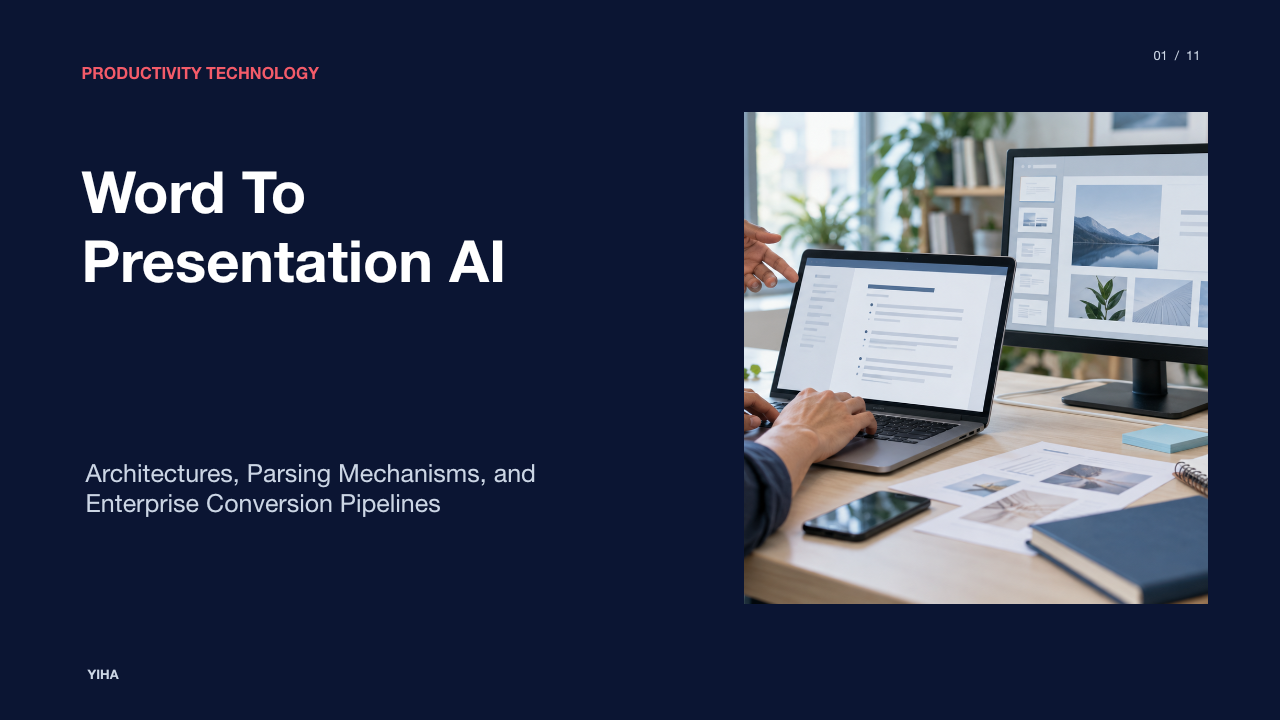
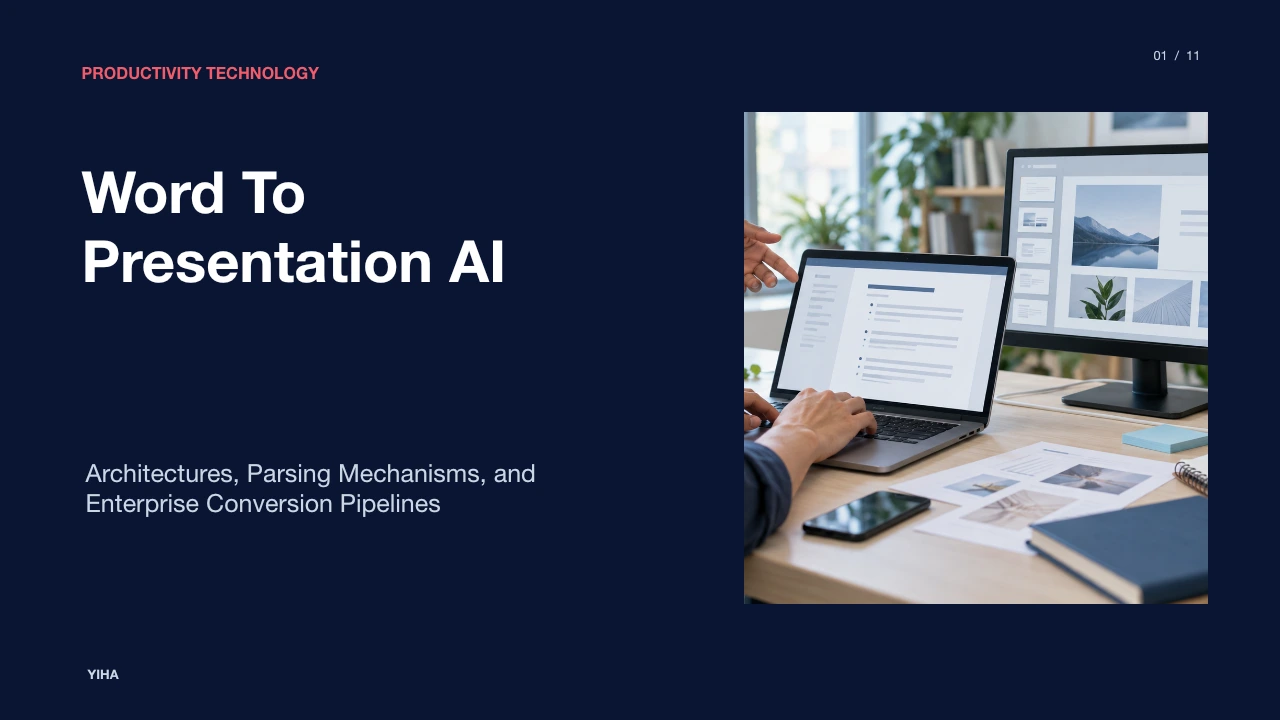
Converting detailed prose into a concise presentation is a routine challenge across modern organizations. Professionals frequently draft proposals, business reviews, and technical reports in word processors before needing to present those same ideas in executive briefings or conference rooms. Historically, this required hours of manual copy-and-paste labor, restructuring paragraphs into bite-sized bullets, and resetting visual layouts. The emergence of specialized document-to-presentation artificial intelligence platforms has shifted this dynamic. By interpreting document hierarchies, summarizing dense narrative passages, and mapping content into structured layout systems, modern tools can generate editable presentation drafts directly from text documents.
The Evolution of Document to Presentation Workflows
For years, transferring content between word processors and presentation software relied on rigid, mechanical tools. In traditional office suites, users could utilize basic outline imports, but these utilities could only place raw heading text into default placeholders without analyzing semantic relationships or reorganizing narrative flow. As detailed by Convert Word to PowerPoint with AI (Free), Microsoft's legacy feature in Word for the web, known as Export to PowerPoint presentation, demonstrated these limitations by supporting only web-based, English-language text while excluding richer embedded media. Microsoft has since deprecated this web export feature, moving away from simple rule-based transformations toward generative processing pipelines [1].
Modern conversion engines do not treat a document merely as an inventory of unformatted text strings. As noted by Word to PowerPoint AI: Convert a Word Doc into Slides (2026), platforms like Gamma read uploaded DOCX files and reconstruct them into editable decks, providing a fresh presentation layout rather than replicating desktop publishing artifacts [2]. Dedicated tools interpret the entire document context, grouping connected concepts together and breaking long blocks of text across multiple sequential slides to avoid overcrowding [1]. Instead of relying on manual text manipulation, teams now utilize generative conversion pipelines that produce editable, multi-slide formats that open across PowerPoint, Google Slides, and Keynote [1].
Document Parsing and Heading Hierarchy Mapping
Underlying any effective document-to-slide engine is a structural parser. In standard DOCX files, text elements are tagged with OpenXML style markers such as Heading 1, Heading 2, and Normal paragraph styles. When an automated engine ingests a document, it leverages these explicit styles to detect section boundaries and outline depths. According to Word to PowerPoint with AI: 5 Ways to Turn a Doc into Slides (2026), native mechanisms like PowerPoint's Slides from Outline illustrate this direct relationship: each Heading 1 style generates a new slide title, while Heading 2 elements populate the bullets on that slide, ignoring untagged body text entirely [3].
If a document lacks explicit heading styles, basic importers misinterpret standard body paragraphs, frequently creating a separate slide for every single paragraph [3]. Generative AI tools handle this parsing ambiguity more effectively by analyzing typographical weights, paragraph breaks, and numbered lists to infer semantic hierarchy when styles are absent. As explained by Word to PPT | Convert Word Documents to PowerPoint with AI, maintaining the author's argument requires mapping high-level headings into slide titles, secondary subtitles into topic dividers, and nested sub-points into ordered lists, providing an organized structure for the slide deck [4].
Natural Language Condensation and Slide Chunking
Written documents and slide decks serve completely different communication purposes. Documents provide complete sentences, deep contextual narrative, and comprehensive explanations meant for individual reading. In contrast, slide decks demand scannable talking points, strong headlines, and succinct bullet structures designed for group viewing. As highlighted by Convert Word to PPT | Free AI Word to PowerPoint, simply pasting raw document text straight onto a slide produces walls of text that audiences struggle to digest [5]. Dedicated presentation AI analyzes narrative sections to extract key takeaways and rewrite them as concise slide copy [5].
According to the Microsoft PowerPoint Blog, Copilot in PowerPoint can take dense source text and generate organized drafts with structured summaries and suggested speaker notes [6]. Generative condensation operates by identifying core arguments, eliminating redundant transition phrases, and synthesizing key findings into parallel bullet structures. Furthermore, when a single thematic section contains multiple distinct points, the engine splits the content across consecutive slides, ensuring that visual cognitive load remains balanced while preserving the core message of the original text.
Converting Structured Data, Tables, and Sequences
Beyond narrative prose, business and technical documents rely heavily on data tables, procedural sequences, and numeric metrics. Direct copy-pasting of these components often breaks cell alignments and distorts complex data relationships. As documented by the Microsoft PowerPoint Blog, simple data tables transfer reliably from Word into native presentation formats, whereas complex multi-nested tables often require post-conversion manual adjustment [6]. Generative AI assistants can also interpret sequential lists and convert linear milestones into visual timelines using SmartArt or infographics [6].
Web-based tools similarly aim to preserve structural components during conversion. Analysis from Word to PPT | Convert Word Documents to PowerPoint with AI notes that while tables and ordered steps carry over, embedded elements and dense data grids may require targeted formatting checks to match presentation aspect ratios [4]. When raw numbers appear in document tables, intelligent converters recognize column headers and row associations, translating the tabular data into native PowerPoint table objects rather than static image screenshots, allowing presenters to edit cell contents directly.
Architectural Models: Native Copilots vs External Generators
Organizations evaluating automated presentation tools generally choose between two primary architectural models: native workspace assistants and standalone web converters. Native solutions, such as Microsoft 365 Copilot operating within PowerPoint, run directly inside the enterprise application suite. As shown on Free Microsoft 365 Online | Word, Excel, PowerPoint, cloud-connected office environments link personal storage and desktop authoring apps directly to intelligent assistance, allowing users to reference cloud-stored documents within their standard software environment [7].
In contrast, external web platforms such as SlidesAI, Gamma, or Presentations.AI operate through browser-based upload pipelines. According to Word to PPT | Convert Word Documents to PowerPoint with AI, browser-based engines allow users to upload DOCX files directly without local desktop software installations, automatically generating downloadable PPTX files that can be opened across diverse presentation tools [4]. While external platforms frequently offer specialized design rendering engines and creative slide templates, native assistants provide tighter integration with corporate document repositories and enterprise security perimeters.
Enterprise Template Conformance and Layout Systems
Presenting in professional or corporate settings requires strict adherence to brand guidelines, standardized color palettes, typography, and slide master layouts. A common limitation of basic conversion utilities is their tendency to drop unstyled text boxes onto plain white backgrounds. As examined in Word to PowerPoint with AI: 5 Ways to Turn a Doc into Slides (2026), advanced conversion tools address this challenge by allowing users to import corporate brand templates or slide masters, ensuring that generated content populates designated layout placeholders rather than arbitrary coordinates [3].
The Microsoft PowerPoint Blog emphasizes that formatting elements like font sizes, colors, and line spacing must adjust dynamically to match visual presentation standards [6]. By mapping extracted text into predefined master placeholders, automated pipelines maintain brand consistency across slides, ensuring proper heading hierarchy, contrast ratios, and margin alignments without requiring manual design adjustments.
Fidelity Checks, Hallucination, and Information Loss
While generative models accelerate presentation authoring, they introduce technical risks that require careful verification. Large language models can occasionally omit critical nuances, misinterpret complex numerical ratios, or hallucinate claims not present in the original source text. Guidance from the Microsoft PowerPoint Blog explicitly reminds users that AI tools produce structured first drafts rather than final deliverables, making human review essential before sharing slides with stakeholders [6].
Presenters must perform rigorous fidelity checks comparing the original document against the generated slides. Verification should focus on specific metrics, milestone dates, and key operational statements. When a tool attempts to condense dense narrative passages, it may oversimplify technical caveats or alter conditional phrasing. Maintaining human oversight ensures that slide messaging accurately reflects the depth, intent, and evidentiary boundaries established in the underlying document.
Data Privacy, Ephemeral Processing, and File Security
Processing corporate strategy documents, financial summaries, or confidential roadmaps through third-party AI systems raises clear data privacy considerations. Organizations must evaluate how conversion services manage data retention, transit encryption, and model training permissions. As highlighted by Convert Word to PPT | Free AI Word to PowerPoint, enterprise-grade services implement strict operational controls, including SOC 2 compliance, end-to-end data encryption during transit, and immediate file deletion following conversion processing [5].
Similarly, Word to PPT | Convert Word Documents to PowerPoint with AI outlines privacy protocols where uploads are transmitted over encrypted SSL/TLS connections, processed within isolated execution environments, and automatically deleted from servers within a defined retention window of one hour [4]. Enterprise administrators should establish clear usage policies, ensuring that sensitive internal documents are only processed through platforms that provide verifiable tenant-boundary isolation and contractually prohibit using uploaded files for public model training.
Standardized Workflow for High-Fidelity Conversions
Achieving consistent results with document-to-presentation AI requires a structured, multi-step operating procedure. Rather than uploading raw, unformatted notes directly into an engine, authors should follow a deliberate workflow spanning document preparation, intent prompting, iterative refinement, and final validation.
- Pre-Format Document Hierarchy: Before conversion, format the Word file using explicit Heading 1 and Heading 2 styles, as recommended by Word to PowerPoint AI: Convert a Word Doc into Slides (2026) [2]. Placing brief executive summaries at the top of each section provides the parser with clear topic boundaries and thematic anchors [6].
- Specify Audience and Constraints: When submitting the document to a generative assistant, specify presentation goals directly. As demonstrated on the Microsoft PowerPoint Blog, prompting the model with explicit target slide counts, target audience expectations, and desired delivery tone prevents unnecessary or unfocused slide expansion [6].
- Iterative Slide Refinement: Review generated drafts slide by slide. Request targeted revisions for slides requiring deeper technical data, or convert dense bulleted lists into visual milestone diagrams and SmartArt flows [6].
- Speaker Notes and Executive Review: Generate speaker notes containing supporting arguments and transition phrasing to assist live delivery [6]. Conduct a thorough fidelity check against original metrics to guarantee complete alignment before final presentation [6].
Research sources
- Convert Word to PowerPoint with AI (Free) · www.havi.ai
- Word to PowerPoint AI: Convert a Word Doc into Slides (2026) · cognitivefuture.ai
- Convert Word to PPT | Free AI Word to PowerPoint · www.presentations.ai
- Free Microsoft 365 Online | Word, Excel, PowerPoint · www.microsoft.com
- Word to PowerPoint with AI: 5 Ways to Turn a Doc into Slides (2026) · noxi.ai
- Word to PPT | Convert Word Documents to PowerPoint with AI · www.slidesai.io
- How to convert Word documents into PowerPoint with AI | Microsoft PowerPoint Blog · powerpoint.cloud.microsoft
- 21 Free Capacity Planning Templates (Word, Excel, and Powerpoint) · projectmanagers.net