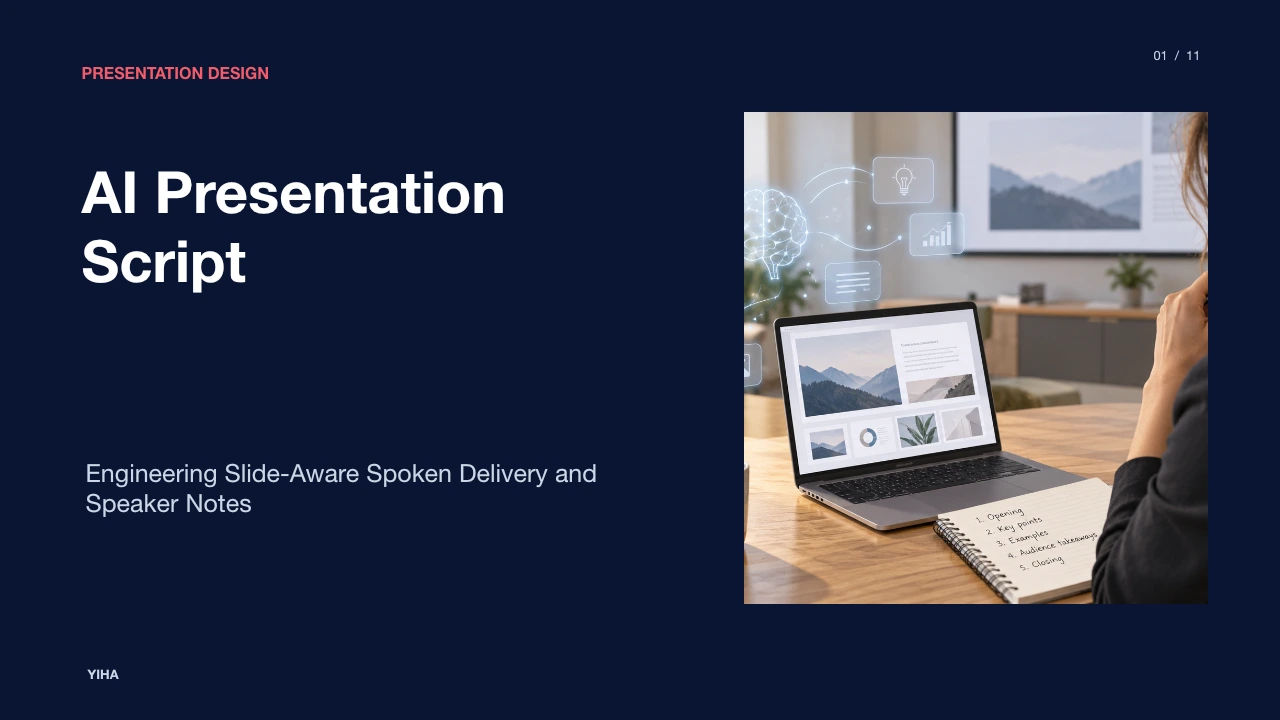
AI Presentation Script
A technical examination of generating presentation scripts with AI, detailing speech-to-visual divergence, pacing models, prompt structures, and verification protocols.
Free download · 4.9 MB11 editable slides · PowerPoint format
Download the editable PPTX
PPTX · 4.9 MB · 11 editable slides · Free to edit and reuse with attribution to Yiha.ai
View every slide
Use ← →, Home/End, or swipe on mobile
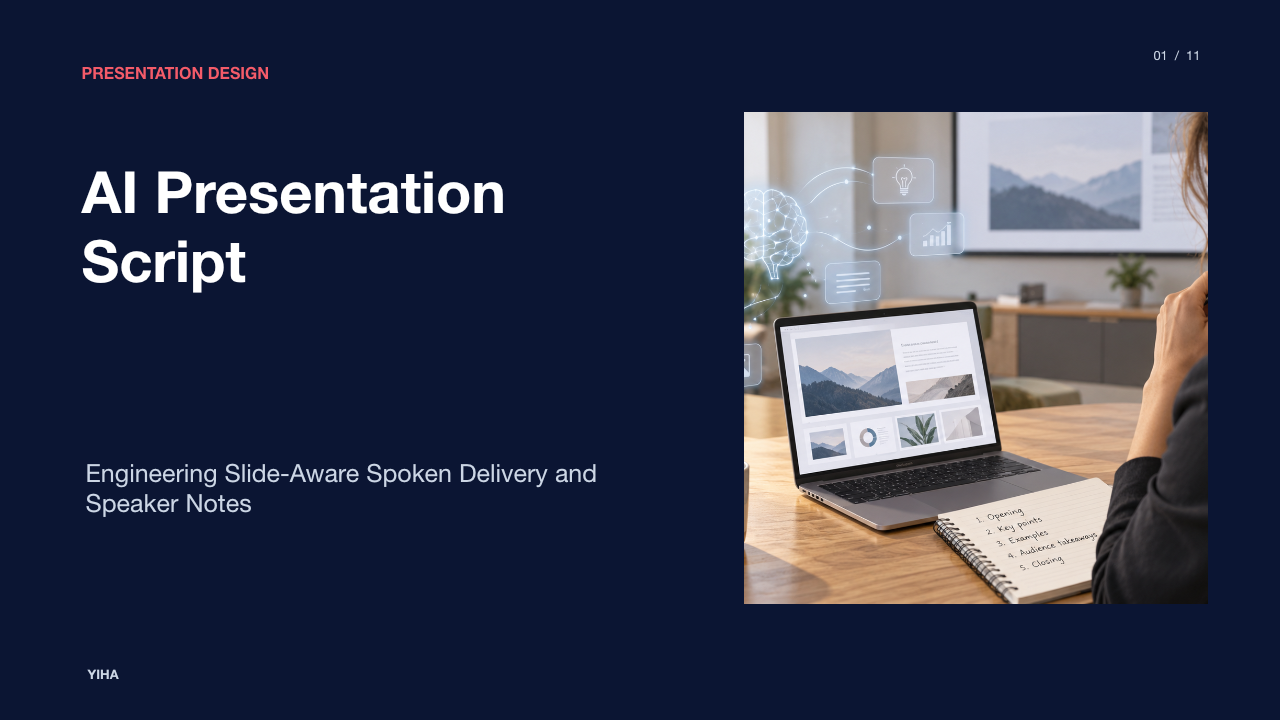
A visual slide deck represents only half of an effective briefing. The remaining half consists of the oral narrative delivered over it. While modern generative tools can produce slide decks rapidly, turning static bullet points and charts into a clear spoken presentation requires deliberate coordination between visual elements and oral phrasing. Relying on an artificial intelligence model to simply read aloud what appears on a slide creates redundant presentations that tire audiences. Effective presentation scripts use artificial intelligence as an analytical drafting partner to separate the visual headline from the spoken explanation, establish consistent pacing, and maintain structural continuity across complex topics.
The Divergence of Spoken and Visual Modalities
Oral communication and visual presentation serve distinct cognitive functions. A slide functions as an anchoring display that provides high-level structure, numerical figures, and visual diagrams. In contrast, the spoken track delivers nuance, context, and causal links. When automated writing tools generate spoken scripts by merely transcribing on-screen text, they create what documentation describes as a redundancy trap. As outlined by Leadde Blog, extreme audio-visual duplication causes audience retention to decline sharply because listeners process conflicting inputs across the same verbal channels.
To prevent this breakdown, the script must deliberately complement rather than duplicate slide elements. Analysis published by Cognitive Future points out that a slide provides the headline, while the speaking script must carry the underlying meaning, practical example, or background explanation. When a slide displays a single metric such as a percentage increase, an ineffective script merely repeats that number aloud. An effective script instead explains which specific operational drivers created that increase and what tactical action follows. Generative tools must therefore be instructed to treat slide copy as reference data rather than as a teleprompter transcript.
Speaker Notes Compared to Verbatim Narration
Selecting the correct script architecture depends directly on delivery format and environment. Presentation workflows generally split into two distinct formats: concise speaker notes and verbatim narration scripts. Speaker notes consist of structured talking points, transition cues, and highlighted metrics designed for a live presenter. As analyzed in Cognitive Future, brief speaker notes allow a confident presenter to glance at key prompts while delivering conversational remarks naturally, preventing the stiff delivery caused by reading full paragraphs.
Verbatim scripts are essential when precision is paramount. Synthetic voiceover pipelines, digital avatar generation, and strict compliance environments require word-for-word prose because automated speech synthesis reads text exactly as written. Production guidance from RauGen notes that full scripts are also valuable as comprehensive rehearsal documents for keynotes or sales pitches. Presenters can practice against a complete text to pinpoint clunky phrasing, and then condense that text into high-level speaker notes before stepping onto the stage.
Multimodal Document Parsing for Slide Understanding
Generating an accurate script from an existing slide deck requires an AI system to understand visual hierarchy, layout geometry, and embedded data callouts. Basic text models often fail because they ingest presentations as unformatted strings of extracted text, losing the relationship between headers, callout boxes, and chart axes. Contemporary slide-aware tools address this limitation by parsing presentation files through multimodal models that inspect both layout structures and visual components.
Platforms such as ChatSlide process presentation formats directly to evaluate slide hierarchies, bullet indentations, charts, and diagrams. By recognizing that an isolated figure inside a colored callout represents a core finding rather than a secondary note, the system can generate commentary that actively directs viewer focus. Slide-level parsing tools also enable authors to regenerate narration for individual slides without altering surrounding sections, keeping the overall narrative intact during incremental updates, as emphasized by SlidesAI.
Pacing Models and Spoken Word Budgeting
Time management is a primary operational constraint in executive briefings and recorded media. Generative models commonly produce written prose that appears brief on the page but runs excessively long when spoken aloud. Written language packs complex subordinate clauses into compact spaces, whereas spoken delivery demands breath pauses, emphasis pauses, and clear verbal markers.
Pacing models solve this friction by establishing a mathematical budget for spoken words based on slide dwell time. According to rehearsal guidance from ScriptGenerator.org, conversational presentation delivery generally falls within an expected range of 130 to 160 spoken words per minute. If a presenter has a recommendation of two minutes allocated to explain an operational case study, the generated draft must not exceed roughly 260 to 320 words. Constraining AI outputs to explicit word budgets per slide ensures that speakers do not rush critical conclusions or run out of time before reaching their final recommendation, a principle reinforced in timing workflows discussed by Leadde Blog.
Prompt Architecture for Spoken Rhetoric and Tone
Language models default to formal, essay-like prose unless explicitly instructed otherwise. Writing for the ear requires a dedicated prompt architecture that defines the intended tone, target audience, technical vocabulary, and delivery cadence. Generic prompts such as "write speaker notes for this deck" yield detached commentary packed with passive verbs and unnatural transitions.
Effective prompts specify concrete stylistic constraints. Technical documentation from RauGen shows that selecting a conversational tone involves concrete choices: using contractions, addressing listeners directly with second-person pronouns, and alternating short declarative sentences with longer flowing thoughts to create rhythm. Conversely, an authoritative corporate tone removes hedging phrases such as "we believe" or "perhaps" in favor of direct declarative statements. Outlining the audience profile, target time limit, and emotional baseline in the initial brief enables the model to select vocabulary suited to listener expectations, as shown in prompt engineering examples from Leadde Blog.
Verbal Bridges and Structural Transitions
Presentations frequently feel disjointed when each slide is treated as an isolated container of facts. In live delivery, an abrupt shift from one slide to the next without transitional context forces the audience to rebuild comprehension. A primary benefit of automated script generation is creating seamless verbal bridges between consecutive slides.
Tools designed for presentation development construct these verbal handoffs by analyzing the concluding message of the current slide alongside the core premise of the subsequent slide. As explained in workflow documentation from ScriptGenerator.org, structured script prompts generate explicit verbal transitions that link past findings directly to upcoming solutions. Editorial guidance from Cognitive Future reinforces that drafting transitions into speaker notes ensures that the presenter states why the current topic matters before advancing the visual display, maintaining continuity throughout the briefing.
Fact Verification and Hallucination Mitigation
Generative artificial intelligence tools frequently hallucinate citations, misinterpret chart axes, and invent plausible-sounding details when summarizing source decks. In an oral briefing, stating an erroneous figure destroys presenter credibility immediately. Because language models predict probable words rather than verifying empirical truth, verification must remain an explicit human responsibility.
To safeguard factual integrity, presenters must treat generated scripts as initial working drafts. Editorial guidelines published by Cognitive Future stress that every metric, product name, and competitive comparison in a draft script must be cross-checked against authoritative source records prior to delivery. Specialized tools such as ScriptAssist emphasize that slide bullets supply the foundational facts, while the AI assistant merely reformulates those established data points into natural spoken prose. Presenters should deliberately audit the output to confirm that the model did not invert trend lines or omit required disclaimers.
Comparing Native Suite Integration and Standalone Generators
Organizations evaluating AI presentation script tools face architectural trade-offs between embedded office copilots, standalone web applications, and multimodal video generation suites. Each architecture serves different production goals and workflow requirements.
Embedded assistants such as Microsoft Copilot inside PowerPoint provide convenience for enterprise teams subject to strict data governance, generating basic notes directly within presentation files without third-party file uploads. However, as noted in comparative analysis by Leadde Blog, standalone specialized platforms often provide superior slide-level customization, strict time-calibrated word budgets, and specialized speaking tone presets. Furthermore, end-to-end platforms like ChatSlide combine per-slide script drafting with native text-to-speech rendering and video avatar generation, converting presentation decks directly into multimedia assets within a single environment.
Human-in-the-Loop Rehearsal and Spoken Tuning
No artificial intelligence script is ready for live delivery immediately upon generation. The final phase of script development requires human rehearsal out loud to identify unnatural syntax, breath traps, and awkward phonetic clusters. Silent reading fails to reveal words that look acceptable on paper but cause stumbling during speech.
Practitioners should follow a systematic read-aloud protocol. Guidance from Cognitive Future recommends reading every draft sentence out loud and immediately pruning or rephrasing any construction that causes hesitation. Once the wording flows comfortably, delivery metadata such as emphasis markers, deliberate pauses, and visual transition cues should be inserted directly into the speaker-notes pane. Rehearsal guidance from ScriptGenerator.org highlights that running through the script aloud also allows presenters to calibrate word count against their natural tempo, ensuring that the briefing concludes smoothly within allotted schedule limits.
Research sources
- AI Script Generator — Create Presentation & Video Scripts Instantly | ChatSlide · www.chatslide.ai
- AI Presentation Script Generator: Write Speaker Notes (2026) · cognitivefuture.ai
- How to Generate a Script from PowerPoint Slides with AI in 2026 - Leadde Blog · leadde.ai
- AI Script Generator - Video, Podcast & Presentation | RauGen · raugen.com
- How to Create Presentation Script Using AI? - SlidesAI · www.slidesai.io
- AI Presentation Script Generator - Free Speaker Notes · scriptgenerator.org
- How to Write a PowerPoint Script with AI | ScriptAssist · scriptassist.slidesource.com