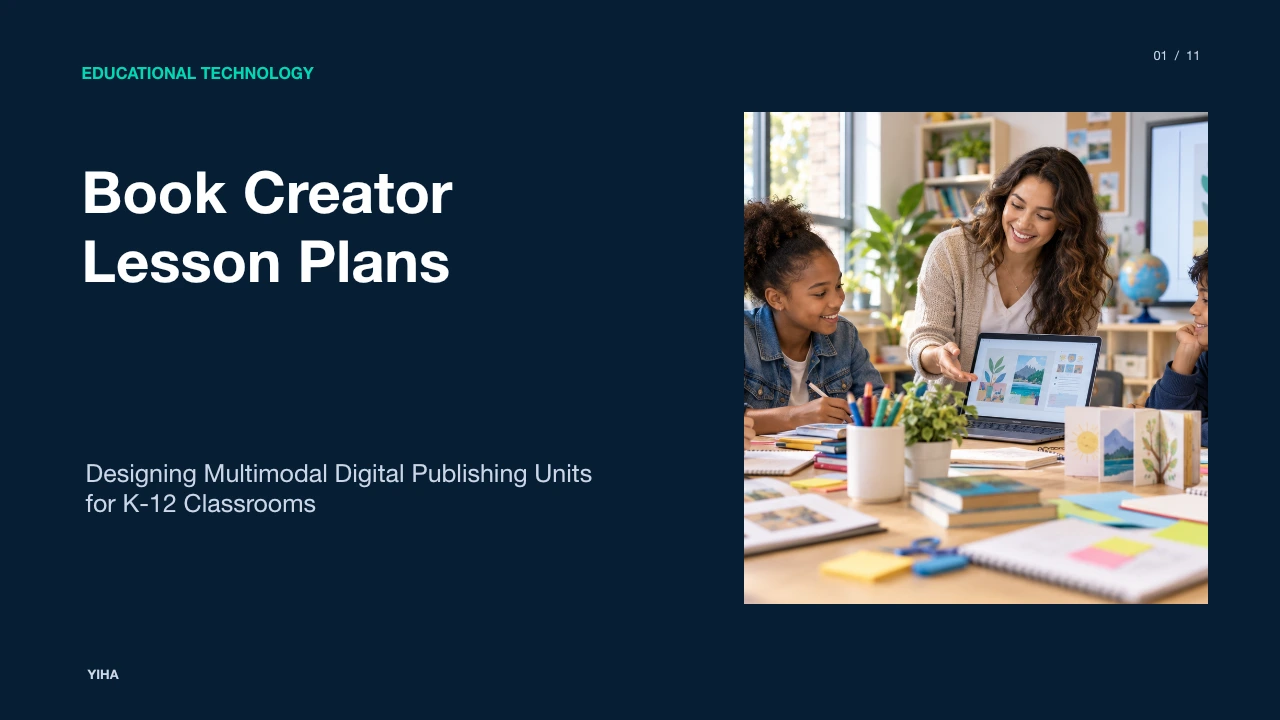
Book Creator Lesson Plans
A comprehensive pedagogical guide to structuring Book Creator lesson plans, integrating Universal Design for Learning frameworks, cross-curricular projects, and student data privacy safeguards.
Free download · 4.9 MB11 editable slides · PowerPoint format
Download the editable PPTX
PPTX · 4.9 MB · 11 editable slides · Free to edit and reuse with attribution to Yiha.ai
View every slide
Use ← →, Home/End, or swipe on mobile
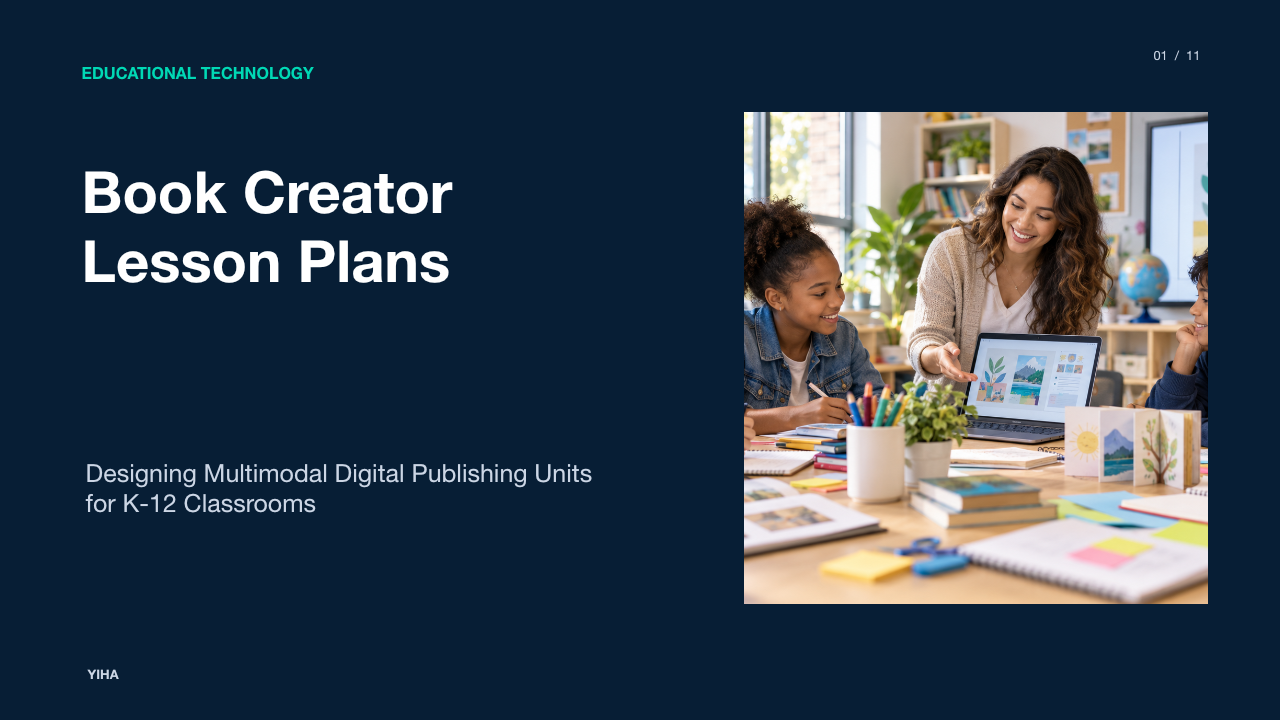
Digital authoring platforms give primary and secondary classrooms a structured way to transition from passive media consumption to active knowledge creation. When structuring lesson plans around digital book publishing, educators move past static worksheets by guiding learners to author multimedia artifacts that combine text, recorded audio, original drawing, and embedded video. This guide details how to construct rigorous, cross-curricular digital book authoring units that prioritize instructional alignment, universal accessibility, and student data privacy.
Pedagogical Foundations of Multimodal Book Authoring
Grounding digital authoring in established learning theory ensures that software adoption serves instructional objectives rather than technological novelty. In typical classrooms, digital tools often function merely as direct substitutes for paper, such as typing a report into a word processor or completing a digital worksheet. As analyzed in Beyond Substitution: Elevating Learning with Book Creator, applying Dr. Ruben Puentedura's SAMR model demonstrates how digital book authoring moves learning past substitution into modification and redefinition. At the modification level, students complete collaborative multimedia investigations, while redefinition enables learners to publish interactive materials for genuine audiences beyond school walls.
This progression aligns with Seymour Papert's constructionist theory, which emphasizes that deep conceptual learning occurs when learners construct external, shareable artifacts. According to Student expression and learning evidence for K-12 classrooms | Book Creator, using a digital canvas as a living record of thinking helps students demonstrate higher-order reasoning across subjects. Instead of recalling facts on isolated multiple-choice tests, students synthesize concepts by coordinating linguistic, visual, and auditory explanations within a coherent book structure.
Accessibility and Universal Design in Digital Publishing
Designing effective digital book authoring units requires embedding Universal Design for Learning (UDL) principles from the initial planning stage. Rather than retrofitting accommodations after designing a task, teachers provide multiple means of representation, engagement, and expression. As detailed in the official Accessibility - Book Creator app documentation, the platform achieved a UDL Product certification baseline in September 2025 by supporting diverse learner modalities.
Key accessibility affordances include built-in speech-to-text dictation supporting over 120 languages, enabling emerging writers and multilingual learners to compose detailed text independently. Furthermore, automated and customizable image alternative text ensures screen-reader compatibility for visually impaired students. In Plan, Design, Deploy: Make Curriculum Easy with Book Creator, instructional designers highlight that teachers should structure layouts using high-contrast color palettes and embed native audio explanations alongside text instructions. This deliberate scaffolding ensures that students with varying executive functioning needs and sensory profiles can engage with instructional materials without unnecessary barriers.
Core Instructional Frameworks for eBook Lesson Design
Successful digital authoring units follow structured instructional stages rather than open-ended software exploration. Without structured phases, students often spend instructional time adjusting fonts or decorative backgrounds rather than developing ideas. Effective lesson design progresses across distinct phases:
- Concept Exploration and Pre-Planning: Teachers establish clear learning objectives and define success criteria. As highlighted in Reflection in Lesson Plans: 7 Practical Steps, articulating focused, measurable learning intentions prevents projects from drifting into superficial activities.
- Non-Digital Storyboarding: Students map narrative arcs, informational chapters, or laboratory components on physical paper planners before touching digital devices. Planning text, illustrations, and audio requirements offline preserves cognitive capacity for compositional reasoning.
- Content Generation and Drafting: Learners draft core narrative and informational text, using speech-to-text tools where appropriate.
- Multimodal Asset Integration: Students capture original photographs, sketch diagrams, or record narration to clarify meaning.
- Structured Peer Review: Learners assess peer drafts against explicit rubrics, providing targeted feedback on conceptual accuracy and design.
- Iterative Revision and Publication: Authors revise their books based on feedback before archiving or publishing the volume to a shared library.
Cross-Curricular Projects Across Grade Levels and Subjects
Multimodal publishing adapts across academic disciplines and developmental bands. As documented in 50 ways to use Book Creator in your classroom, educators apply book authoring to portfolios, laboratory reports, and historical anthologies. These units unify domain content with formal communication standards.
- Illustrative Example (Elementary Mathematics): A third-grade cohort creates an illustrated fraction guide. Each student authors a four-page section explaining unit fractions using everyday objects, embedding audio recordings that explain how equal parts form a whole.
- Illustrative Example (Middle School Science): In an earth science unit, students compile interactive field journals documenting local weather phenomena. They embed video recordings of barometric experiments alongside data tables, drawing diagrams with the digital pen tool to illustrate air mass movements.
- Illustrative Example (High School Social Studies): Secondary history classes construct primary source inquiry monographs. Similar to interdisciplinary units curated in Teacher Practice Network Cross Disciplinary Lessons Collection Resources | OER Commons, students analyze conflicting historical accounts, pairing archival images with analytical commentary and recorded debates.
Collaborative Authoring and Peer Feedback Mechanisms
Collaborative book construction teaches students teamwork, digital etiquette, and editorial coordination. In shared cloud environments, multiple authors can contribute to a single volume or compile individual entries into a classroom anthology. As explored in 25 Collaborative Learning Tools Worth a Try, collaborative authoring software enables students to share subject matter expertise, practice creative writing, and review peer contributions in real time.
Successful collaboration depends on deliberate classroom management. In Addressing AASL C.III Sharing & Collaboration in the Classroom, instructional guidance highlights the necessity of teaching ethical online behavior, attribution, and digital citizenship before launching shared projects. Teachers establish norms where students operate in assigned roles, such as primary researcher, copyeditor, and media specialist. Peer critique protocols, such as structured two-stars-and-a-wish guidelines, keep student feedback focused on subject mastery and accessibility rather than cosmetic formatting.
Documented Outcomes on Student Agency and Communication
When students publish for peers, families, or broader educational communities, their engagement with the writing process changes significantly. As noted in Edtech that is changing education for the better, shifting classroom technology from media consumption to authentic creation produces noticeable improvements in student engagement and expressive communication.
Educational coaches observe that students who struggle with traditional text-only essays often demonstrate comprehensive conceptual mastery when allowed to combine spoken explanations with visual models. Furthermore, having an authentic audience beyond the teacher increases student persistence during the drafting and editing phases. When children recognize that peers or community members will read their finished books in a shared digital library, they spend more time refining phrasing, checking historical accuracy, and ensuring audio clarity.
Evaluating Authoring Platforms Against Standard Formats
Districts evaluating multimodal publishing platforms must weigh specialized tools against general productivity applications such as slide decks and word processors. While general presentation software is widespread, specialized digital book creators offer purpose-built reading experiences and standard formatting.
As detailed on the Pricing - Book Creator app page, dedicated book platforms support standard EPUB file exports, paginated flipbook ergonomics, and integrated multi-track audio recording. Standard presentation software formats treat slides as discrete projection canvases, whereas EPUB-aligned book makers maintain document structures that screen readers and assistive technologies can parse sequentially. Furthermore, as described in AppSmashing with Book Creator: Best EdTech Combos for Creative Classrooms and District Tech Stacks, platforms that integrate directly with existing tools such as Canva, Google for Education, and Kami allow students to embed interactive quizzes, diagrams, and annotated texts directly within a unified reader interface.
Practical Classroom Limitations and Data Privacy Factors
Despite their educational benefits, digital authoring projects involve real operational constraints that require careful management. First, open-ended multimedia tools can induce cognitive overload. When faced with hundreds of fonts, decorative stickers, and color options, students may direct attention toward visual decoration rather than core disciplinary content. Teachers mitigate this by providing bounded templates and enforcing non-digital planning.
Hardware limitations and connectivity issues also pose logistical hurdles. Unequal device access requires resilient unit designs that accommodate offline drafting or small-group rotations. Most critically, educators must manage student data privacy when publishing work online. As outlined in 9 Secure EdTech Tools for K-12 (2026 FERPA & COPPA Guide), K-12 data privacy requires vetting vendor data handling practices and executing formal Data Privacy Agreements rather than relying on unverified marketing assertions.
Under federal statutes, schools must ensure compliance with the Family Educational Rights and Privacy Act (FERPA) and the Children's Online Privacy Protection Act (COPPA). As analyzed in Student Data Privacy: FERPA and COPPA Interaction, school districts act on behalf of parents under COPPA when approving digital services for educational use, requiring binding contractual terms limiting vendor data collection solely to school purposes. Teachers must never publish personally identifiable student information, such as full legal names, facial photographs, or geolocations, to publicly viewable book libraries without verified parental authorization.
School-Wide Curriculum Integration and Teacher Training
Sustaining multimodal publishing across a grade band or school district requires institutional infrastructure rather than isolated teacher enthusiasm. In Resources - Book Creator app, professional development frameworks suggest establishing structured teacher onboarding, utilizing certified author training sequences, and sharing district-wide curriculum templates.
Instructional coaches recommend initiating adoption through grade-level Professional Learning Communities. Teachers co-design single-unit pilot projects, align assessment rubrics with state writing standards, and integrate digital libraries directly within their district learning management system. Concluding the school year with a student publishing showcase or digital community library celebrates student voice while establishing an archival record of academic growth across grade levels.
Research sources
- Beyond Substitution: Elevating Learning with Book Creator - Teacher Tech with Alice Keeler · alicekeeler.com
- AI Lesson Plan Creator Free: The Complete 2026 Guide for Educators | Guidde · www.guidde.com
- Student expression and learning evidence for K-12 classrooms | Book Creator · www.kamiapp.com
- Accessibility - Book Creator app · bookcreator.com
- Plan, Design, Deploy: Make Curriculum Easy with Book Creator - Book Creator app · bookcreator.com
- Reflection in Lesson Plans: 7 Practical Steps - Teacher Strategies · www.teacherstrategies.org
- Free AI lesson plan generator to create impressive lesson plans in minute · www.visme.co
- Ultimate Homeschool Lesson Plans for Multiple Ages - HomeschoolingExperts · www.homeschoolingexperts.org
- Teacher Practice Network Cross Disciplinary Lessons Collection Resources | OER Commons · oercommons.org
- 50 ways to use Book Creator in your classroom - Book Creator app · bookcreator.com
- 25 Collaborative Learning Tools Worth a Try · www.ispringsolutions.com
- Collaboration and Sharing: Boosting Educational Outcomes · learningmole.com
- Addressing AASL C.III Sharing & Collaboration in the Classroom - · elementarylibrarian.com
- Edtech that is changing education for the better - Book Creator app · bookcreator.com
- AppSmashing with Book Creator: Best EdTech Combos for Creative Classrooms and District Tech Stacks - Book Creator app · bookcreator.com
- Pricing - Book Creator app · bookcreator.com
- 9 Secure EdTech Tools for K-12 (2026 FERPA & COPPA Guide) | TeachTools Blog · teachtools.co
- Student Data Privacy: FERPA and COPPA Interaction - BatesonLaw · batesonlaw.com
- Resources - Book Creator app · bookcreator.com