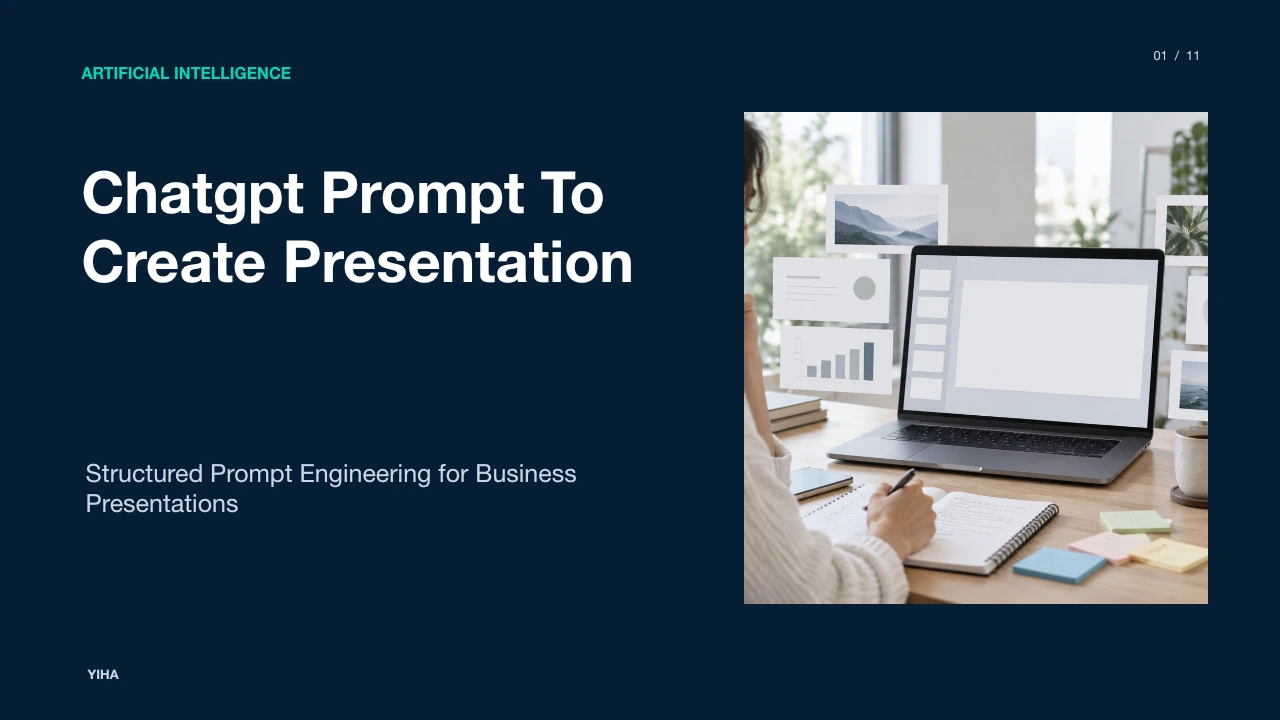
Chatgpt Prompt To Create Presentation
A technical guide to designing ChatGPT prompts for slide presentations, covering information architecture, structured JSON schemas, grounded references, and enterprise governance.
Free download · 4.9 MB11 editable slides · PowerPoint format
Download the editable PPTX
PPTX · 4.9 MB · 11 editable slides · Free to edit and reuse with attribution to Yiha.ai
View every slide
Use ← →, Home/End, or swipe on mobile
Creating professional presentations with large language models requires moving beyond basic conversational prompts. A generic request like asking an assistant to draft a ten slide deck about a product launch often generates vague bullet points, repetitive phrasing, and unsupported claims. In business and technical contexts, presentations must communicate complex concepts with precision, logical progression, and visual restraint. To build reliable slide decks, teams must treat prompt creation as a structured engineering discipline. This guide outlines how to structure prompts, constrain model outputs, ground claims in source documents, and compile results into clean presentation decks.
The Evolution from Generic Chat to Slide Structuring
Early experiments with generative artificial intelligence treated slide generation as an open ended text generation task. A user asked for a slide deck, and the model returned narrative paragraphs formatted under arbitrary headers. In operational environments, this zero-shot approach breaks down quickly. Single-turn prompts force the model to handle narrative pacing, factual verification, slide layout, and formatting simultaneously. This cognitive overload frequently causes hallucinated figures, unbalanced pacing, or cluttered text that requires extensive manual editing.
To overcome these issues, teams adopt systematic prompt engineering architectures. As outlined in the Prompt engineering | OpenAI API documentation, structuring developer and user messages with clear delimiters such as Markdown headers and XML tags helps models recognize logical boundaries. Instead of relying on a single prompt, effective workflows separate content synthesis from layout planning. Workflow documentation from Create or revise a slide deck | ChatGPT use cases demonstrates that having the model produce an intermediate slide plan before generating final slide copy prevents visual clutter and unverified claims, turning unstructured source material into modular slide specifications.
Core Information Architecture of Presentation Prompts
High-performing presentation prompts rely on an explicit information architecture. Rather than providing loose text, you need to define four core slots: role, task, format, and constraints. As detailed in Prompt engineering techniques - Microsoft Foundry | Microsoft Learn, placing explicit task instructions at the start of a prompt establishes clear behavior before the model reads supporting reference context.
A complete prompt structure includes:
- Role Definition: Sets the operational perspective, such as an executive communications specialist or technical lead.
- Task Definition: Declares the concrete outcome, such as drafting a concise business review.
- Audience and Scope Constraints: Defines audience technical depth, meeting duration, and excluded topics.
- Output Structure: Mandates specific fields for slide titles, takeaway banners, and three supporting points.
As explained in the Prompt engineering | OpenAI API guide, separating background data from procedural instructions ensures the model does not mistake contextual reference details for behavioral commands.
Enforcing Data Grounding and Guardrails Against Hallucination
Slide decks used in corporate decision-making must reflect verified numbers, audited financial records, and accurate project updates. Generative models will invent details to fill narrative gaps unless strict guardrails are applied. In System message design for Azure OpenAI - Microsoft Foundry | Microsoft Learn, system prompts establish boundaries by instructing models to rely solely on provided source files and explicitly cite their sources.
Practical grounding techniques require prompts to state that any missing detail must be labeled as unverified rather than invented. Workflow examples from Create or revise a slide deck | ChatGPT use cases show that attaching source memos, spreadsheets, or key performance indicator sheets allows the assistant to maintain fidelity to approved records while flagging unverified assumptions for human review. Setting strict ground rules ensures that every metric on a generated slide traces directly back to an audited primary source.
Multi-Stage Prompt Chaining for Slide Narrative Development
Complex presentations cannot be drafted in one pass. Trying to generate titles, narrative flow, bullet text, and speaker scripts in one prompt frequently leads to disorganized slides. A disciplined approach uses prompt chaining, breaking the overall task into distinct sequential steps.
As explained in Prompt engineering with Semantic Kernel | Microsoft Learn, chaining inputs and outputs across stages allows users to balance specificity and control. In academic research on prompt design from [2302.11382] A Prompt Pattern Catalog to Enhance Prompt Engineering with ChatGPT, decomposing complex tasks into discrete patterns ensures predictable outputs. A standard multi-stage workflow follows three core phases:
- Stage 1: Core Argument Extraction: Distill source documents into a primary premise and supporting findings.
- Stage 2: Structural Narrative Sequencing: Organize the extracted points into a logical arc, such as Situation-Complication-Question-Answer or the Minto Pyramid Principle.
- Stage 3: Slide Blueprint Drafting: Turn the verified outline into individual slide drafts with clear constraints on bullet counts and line length.
This separation guarantees that structural flaws are caught before time is spent refining slide text.
Designing Strict Output Schemas with Structured JSON
When connecting ChatGPT to slide templates, freeform Markdown creates parsing failures. Slight variations in bullet styling or line breaks break downstream automation. To ensure consistency, prompts should use schema-constrained generation.
OpenAI provides direct schema enforcement through its platform, as described in Structured model outputs | OpenAI API. Using Structured Outputs with a JSON schema ensures that the model adheres strictly to predefined keys, data types, and required fields. For a slide deck, the schema can require an array of slide objects containing strings for title, headline_takeaway, bullet_points, and speaker_notes. Constraining the output prevents unexpected formatting errors and guarantees predictable payload structures for automated rendering tools.
Automating Slide Compilers and Downstream Renderers
Once a language model produces structured JSON or standardized Markdown, downstream tools can convert the text into visual presentation files. Instead of manually copying text into presentation software, technical teams use programmatic pipelines.
Reference patterns from [2302.11382] A Prompt Pattern Catalog to Enhance Prompt Engineering with ChatGPT show how template-based prompt patterns can standardize text transformations. Additionally, guided workflows in Pitch Deck Generator for Investor Presentations | God of Prompt illustrate how structured prompts generate layout descriptions and visual cues alongside text, giving human designers clear guidance on diagrams and charts. These visual notes describe ideal illustrations, allowing designers or automated presentation renderers to construct matching graphical layouts without guesswork.
Comparing Manual Drafting, Native Chat, and Specialized Copilots
Organizations evaluate three main methods for building slide decks: manual authoring, native conversational chat interfaces, and embedded productivity copilots. Each approach presents different tradeoffs in speed, control, and governance.
- Manual Authoring: Provides complete visual and narrative control but consumes significant staff time.
- Native Conversational Chat: Delivers rapid ideation and flexible outline drafting as shown in ChatGPT Prompt for a Content Calendar | Something Big, where structured prompts turn raw notes into organized outputs. However, transferring text into slide files still requires manual formatting.
- Integrated Slide Tools: Workflows shown in Create or revise a slide deck | ChatGPT use cases demonstrate that desktop app integrations can read local files or cloud folders to generate editable presentation files directly, balancing workflow speed with template compliance.
Organizations must weigh whether their priority is custom graphic design or rapid internal document synthesis.
Managing Visual Deficits, Overfitting, and Token Economics
Large language models operate over token sequences and do not possess inherent visual or spatial perception. They cannot verify whether a text string overlaps a chart or if a layout looks unbalanced on a widescreen canvas. Prompts that ask a model to create visual designs often fail because the model lacks spatial awareness.
To manage this limitation, prompts must impose strict character counts and line limits. Workflow frameworks in Pitch Deck Generator for Investor Presentations | God of Prompt guide models to deliver concise bullet lists paired with written visual notes describing recommended diagrams rather than attempting raw visual layout generation. Furthermore, documentation in Create or revise a slide deck | ChatGPT use cases highlights the necessity of reviewing rendered slides for visual overlap and layout issues. Keeping prompt instructions lean also improves response consistency and lowers token consumption, ensuring that models deliver succinct slide copy.
Standardizing Prompt Governance and Enterprise Slide Workflows
Scaling artificial intelligence across an enterprise requires strict prompt governance. Allowing individual employees to create one-off prompts risks inconsistent branding, unchecked factual errors, and leaked sensitive data. Organizations need centralized, version-controlled prompt libraries.
As highlighted in ChatGPT Prompt Structure Explained (Role, Task, Format, Constraints) | Prompt Architects, establishing standard prompt templates with clear invariant constraints prevents rule conflicts and ensures reliable performance. Teams should maintain validated prompt templates for standard deliverables like quarterly business reviews, product roadmaps, and project updates. As demonstrated in Create or revise a slide deck | ChatGPT use cases, human-in-the-loop review remains an essential final checkpoint to confirm data accuracy and visual clarity before any slide deck reaches senior leaders.
Research sources
- Prompt engineering | OpenAI API · developers.openai.com
- Create or revise a slide deck | ChatGPT use cases · learn.chatgpt.com
- [2302.11382] A Prompt Pattern Catalog to Enhance Prompt Engineering with ChatGPT · arxiv.org
- Prompt engineering techniques - Microsoft Foundry | Microsoft Learn · learn.microsoft.com
- System message design for Azure OpenAI - Microsoft Foundry | Microsoft Learn · learn.microsoft.com
- Prompt engineering with Semantic Kernel | Microsoft Learn · learn.microsoft.com
- Structured model outputs | OpenAI API · developers.openai.com
- Pitch Deck Generator for Investor Presentations | God of Prompt · godofprompt.ai
- ChatGPT Prompt for a Content Calendar | Something Big · somethingbig.ai
- ChatGPT Prompt Structure Explained (Role, Task, Format, Constraints) | Prompt Architects · prompt-architects.com