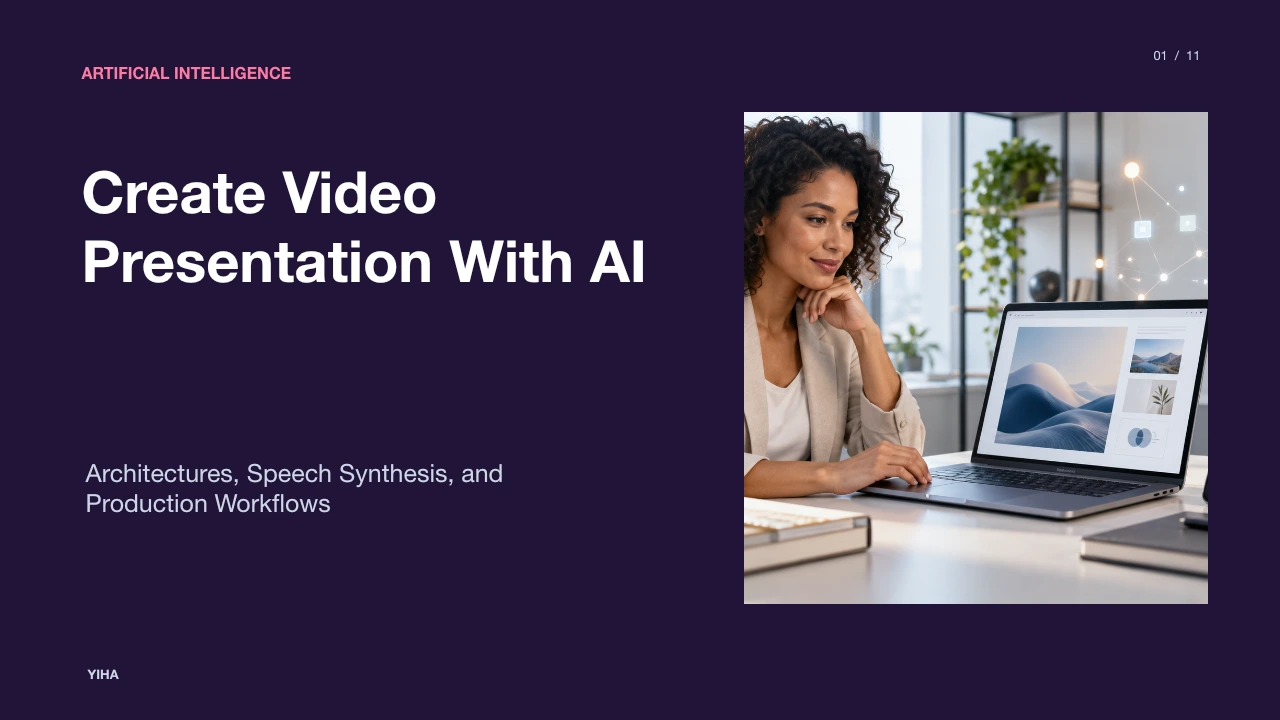
Create Video Presentation With AI
A technical breakdown of how artificial intelligence transforms static slide decks into narrated asynchronous video presentations using automated scriptwriting, speech synthesis, and synthetic avatars.
Free download · 4.9 MB11 editable slides · PowerPoint format
Download the editable PPTX
PPTX · 4.9 MB · 11 editable slides · Free to edit and reuse with attribution to Yiha.ai
View every slide
Use ← →, Home/End, or swipe on mobile
Traditional presentation design relies on static slides delivered synchronously in conference rooms or over video calls. When presenters share these decks after meetings, standalone slides lose vocal inflection, cadence, and critical context. Asynchronous video presentations resolve this limitation by pairing structured visuals with spoken narration and guided visual pacing. Recent advances in multimodal generative models, text analysis, and audio-driven animation allow organizations to create video presentations directly from outlines, documents, and slide decks without requiring dedicated camera crews or recording studios.
The Evolution of Presentations into Asynchronous Video
Slide decks were originally created as visual anchors for live, spoken presentations. When decks are distributed as standalone documents, readers must infer emphasis and transitions without guidance. Standard video recording addresses that communication gap by capturing voice and body language, but traditional video production introduces severe friction. Presenters must configure physical cameras, manage studio lighting, minimize background noise, and record multiple takes whenever a verbal slip occurs.
As organizations transition toward distributed teams, asynchronous communication has become an essential medium. Instead of coordinating synchronized schedules across multiple time zones, teams rely on on-demand walkthroughs. Platforms analyzed by Mootion AI Video Presentation Generator emphasize that combining narration, transitions, and slide structure yields media that audiences can consume at their own pace. Furthermore, Synthesia AI Presentation Maker highlights that having an on-screen presenter or clear vocal delivery sustains viewer focus significantly longer than unguided slide decks.
Modular Architecture of AI Video Presentation Systems
Creating a complete video presentation with artificial intelligence requires several discrete software modules rather than a single monolithic model. The pipeline begins with document ingestion and content extraction, feeds into natural language planning modules, generates acoustic and visual assets, and finishes in a video compositing timeline.
+-------------------------------------------------------+
| 1. Ingestion: Documents, Prompts, or Slide Decks      |
+-------------------------------------------------------+
                           |
                           v
+-------------------------------------------------------+
| 2. Script & Layout: Semantic Parsing and Structuring   |
+-------------------------------------------------------+
                           |
             +-------------+-------------+
             |                           |
             v                           v
+-------------------------+ +---------------------------+
| 3. Acoustic Pipeline:   | | 4. Visual Pipeline:       |
| Text-to-Speech & Voice  | | Avatars, Layouts, Assets  |
+-------------------------+ +---------------------------+
             |                           |
             +-------------+-------------+
                           |
                           v
+-------------------------------------------------------+
| 5. Temporal Compositor: Subtitles, Pacing & Export    |
+-------------------------------------------------------+
According to workflow capabilities documented by ChatSlide AI Script Generator, structured script generators read input decks, maintain slide context, and feed the generated text straight into acoustic rendering engines and digital avatars. In parallel, production planning tools like StudioBinder Storyboard Creator demonstrate how narrative flow must be arranged into distinct panels with assigned aspect ratios and action blocks. The final video compositing engine stitches audio waveforms, visual card overlays, avatar cutouts, and canvas transitions into a synchronized video container.
Converting Source Text into Structured Slides and Scripts
Natural language processing models parse unstructured documents into structured presentation scenes. This process entails two distinct transformations: visual summarization and spoken script drafting. Visual summarization extracts core metrics, brief headlines, and supporting bullet points so slides remain clean. Spoken script drafting converts technical details into conversational sentences designed to be heard rather than read.
As detailed by VEED AI Presentation Maker, the transformation engine analyzes text prompts to establish visual balance, selecting appropriate layouts and styling elements that match the topic. Meanwhile, ChatSlide AI Script Generator uses slide-aware extraction to interpret headings, bullet points, and data tables, producing commentary that specifically points to on-screen evidence instead of generating generic prose. Illustrative Example: An engine receiving an engineering changelog extracts three bullet points for slide display while generating ninety spoken words that explain the system upgrade, avoiding visual clutter on screen.
Neural Speech Synthesis and Voice Prosody Modeling
Synthetic narration requires advanced neural acoustic models to sound believable. Standard text-to-speech engines often sound flat and mechanical because they lack prosody, which is the rhythm, stress, and intonation of spoken language. Modern neural synthesis models solve this by predicting acoustic features directly from phoneme sequences and punctuation markers.
State-of-the-art platforms documented by Synthesia Text to Video Platform combine neural vocoders with multi-speaker acoustic models, delivering natural narration across more than 140 languages. Additionally, tools detailed in ChatSlide AI Script Generator provide explicit timing cues, pause indicators, and tone presets such as formal, conversational, and persuasive. These controls allow the acoustic pipeline to adjust pacing and pitch variation to fit the instructional context.
Talking-Head Generation and Audio-Visual Lip Synchronization
Visual presenter delivery in AI presentations is driven by neural talking-head synthesis. Rather than filming human presenters on a physical green screen, systems generate synthetic digital humans or animate photographic reference images. Audio-driven facial animation models take synthesized audio phonemes as input and deform facial geometry or neural radiance fields in real time.
As shown in systems documented by Synthesia Text to Video Platform, neural avatars perform spoken scripts with coordinated head movements and facial expressions, bridging the divide between passive slides and live video. Meanwhile, production workflows discussed by StudioBinder Storyboard Creator emphasize that positioning a presenter within a visual frame requires deliberate composition. Synthetic avatars must be placed carefully so they do not block technical diagrams, metrics, or slide headlines.
Temporal Alignment, Cursor Grounding, and Motion Graphics
In video presentations, audio narration must match visual motion precisely. If a voiceover mentions an upward trend while the corresponding visual chart has not appeared, audience comprehension drops. Temporal alignment engines map spoken phonemes to timestamped markers along the video timeline.
The technical foundation for synchronized presentation overlays is governed by international markup standards such as the W3C Timed Text Markup Language 2 Specification. The TTML2 standard establishes precise models for active time intervals, inline word timing, visual styling, and highlight animations. Modern presentation platforms implement these timed parameters to animate subtitles, trigger highlight cards, and synchronize graphic callouts as the synthetic voice pronounces key terminology.
Time: 0.0s             2.0s                   4.5s                   6.0s
Audio: ["Today we review"] ["our revenue gains"]  ["in the third quarter"] [End]
Slide: [Title Appears   ] [Chart Line Draws   ]  [Highlight Q3 Pillar   ] [Hold]
Text:  [Caption: Start  ] [Caption: Active    ]  [Caption: Active       ] [Clear]
Furthermore, systems documented by ChatSlide AI Script Generator align spoken script segments with on-screen visual elements, ensuring that verbal explanations coincide with highlighted data points.
Comparing Traditional Video Workflows with AI Generation
Choosing between manual video recording and automated AI generation involves clear trade-offs across speed, production cost, flexibility, and nuance.
| Workflow Dimension | Conventional Video Recording | AI-Generated Video Presentation |
|---|---|---|
| Production Setup | Physical studio, lighting, camera, microphone | Browser interface, cloud rendering engine |
| Production Velocity | Days to weeks per video asset | Minutes to hours from script input |
| Content Maintenance | Requires complete reshooting for minor updates | Script line edited and re-rendered instantly |
| Multilingual Reach | Re-recording with native actors or dubbing | Direct multi-language neural synthesis |
| Human Nuance | Spontaneous emotion, natural physical gestures | Synthetic avatar gestures, predictable delivery |
Production teams noted in Synthesia Text to Video Platform point out that conventional video creation takes substantial time across filming and editing. Automated text-to-video workflows streamline updates because revising a bullet point or metric simply requires updating the script and re-rendering. However, as noted in accessibility guidance from the W3C Web Accessibility Initiative Guidelines, automated video production must deliberately preserve clear vocal pacing, accessible color contrast, and adequate time for viewers to read visual graphics.
Hallucinations, Uncanny Valley, and Governance Risks
While AI video generation provides major productivity benefits, it also introduces operational risks that organizations must actively manage. The first risk is factual hallucination. Large language models tasked with summarizing lengthy whitepapers or raw data may misstate numbers, invent facts, or miss critical qualifiers.
A second challenge is the uncanny valley effect. When synthetic avatars exhibit subtle timing mismatches between lip shapes and speech audio, viewers may find the presentation distracting. Furthermore, enterprise governance must address data privacy and consent. As specified in legal terms highlighted by Synthesia AI Presentation Maker and Synthesia Text to Video Platform, platforms require organizations to confirm that they possess appropriate intellectual property and consent rights for all uploaded source materials, voices, and avatars before generation.
Implementing an Enterprise AI Presentation Pipeline
Deploying AI presentation systems across enterprise departments requires clear governance rules, brand guardrails, and human review gates. Organizations should not allow fully autonomous publishing of AI video presentations without verified editorial control.
+-------------------------------------------------------+
| Stage 1: Document Parsing & AI Script Drafting        |
+-------------------------------------------------------+
                           |
                           v
+-------------------------------------------------------+
| Gate A (Human): Factual Verification & Brand Check    |
+-------------------------------------------------------+
                           |
                           v
+-------------------------------------------------------+
| Stage 2: Audio Synthesis & Avatar Video Generation    |
+-------------------------------------------------------+
                           |
                           v
+-------------------------------------------------------+
| Gate B (Human): Lip Sync, Audio Timing & Captions     |
+-------------------------------------------------------+
                           |
                           v
+-------------------------------------------------------+
| Stage 3: Multi-Channel Publishing & Funnel Alignment  |
+-------------------------------------------------------+
As outlined in strategy analyses by Stackmatix Video Marketing Funnel Analysis, video content must be systematically mapped to audience intent, distinguishing between high-volume introductory explainers and technical deep dives. Furthermore, platforms analyzed by VEED Video Presentation Maker illustrate how organizations leverage centralized reusable templates, automated subtitling, and cloud-hosted collaboration links to distribute content efficiently while maintaining consistent corporate identity.
Research sources
- AI Video Presentation Generator | Create Professional Presentations · www.mootion.com
- Free AI Presentation Maker - Create AI Video Presentations · www.synthesia.io
- AI Presentation Maker - Create Video Presentations - VEED · www.veed.io
- AI Script Generator — Create Presentation & Video Scripts Instantly | ChatSlide · www.chatslide.ai
- Create Free Storyboard Online for Video and Film Projects · www.studiobinder.com
- Free Text to Video AI - Create Engaging AI Videos from Text · www.synthesia.io
- Timed Text Markup Language 2 (TTML2) · www.w3.org
- Audio Content and Video Content | Web Accessibility Initiative (WAI) | W3C · www.w3.org
- Video Marketing Funnel: What to Create at Each Stage · www.stackmatix.com
- Video Presentation Maker - Empower. Drive Results - VEED.IO · www.veed.io