Film Review
A comprehensive operational guide to pre-production film reviews, detailing how directors, cinematographers, and assistant directors bridge creative intent with camera setups, storyboards, and call sheets.
Free download · 4.9 MB11 editable slides · PowerPoint format
Download the editable PPTX
PPTX · 4.9 MB · 11 editable slides · Free to edit and reuse with attribution to Yiha.ai
View every slide
Use ← →, Home/End, or swipe on mobile
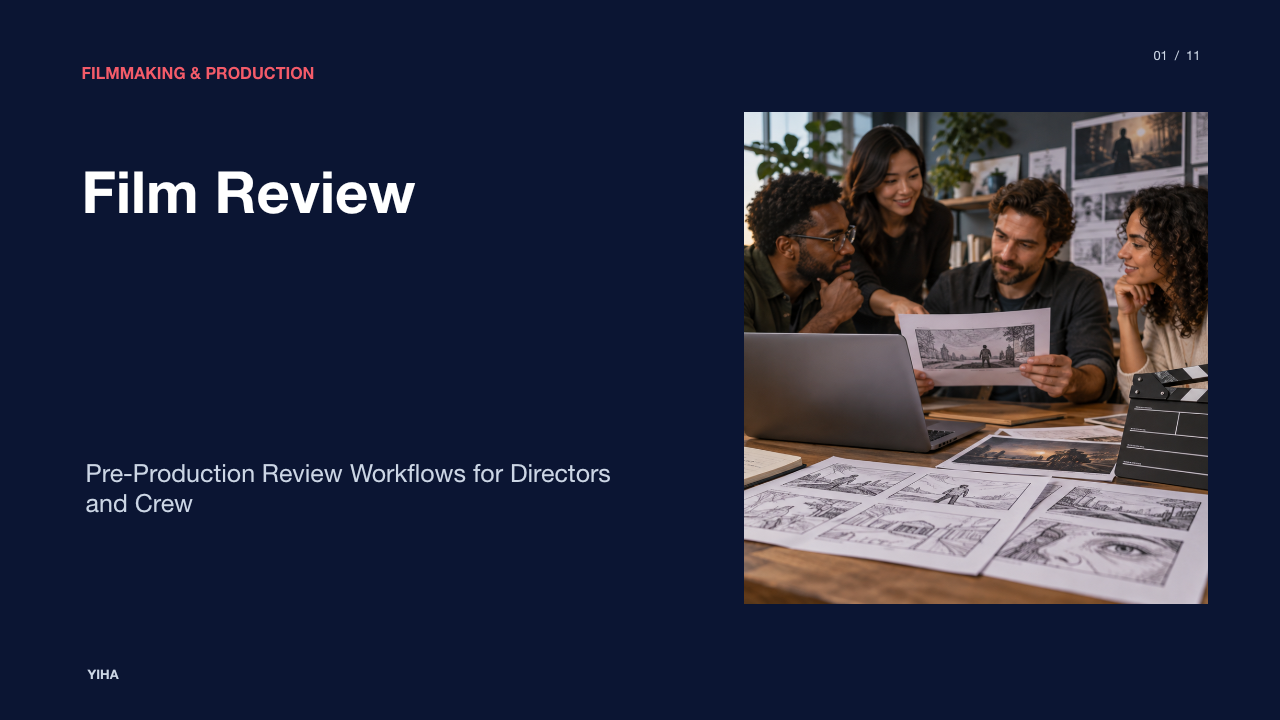
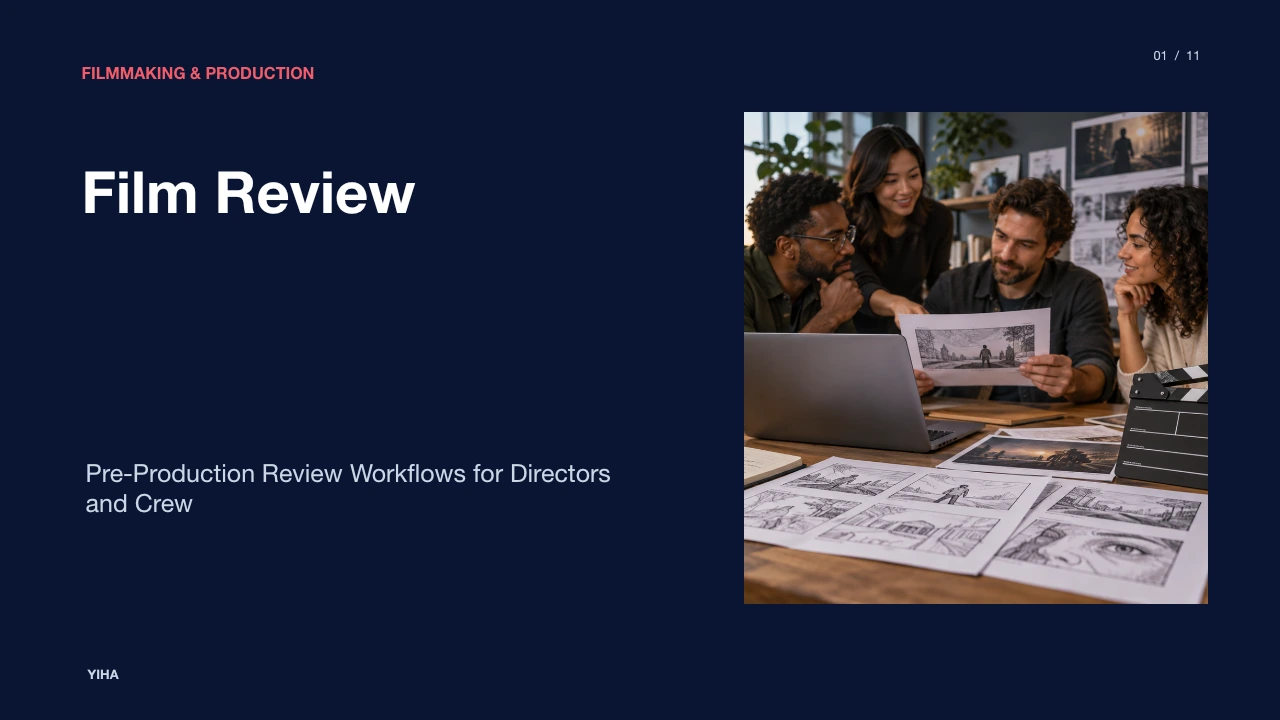
A thorough pre-production film review bridges dramatic screenwriting and on-set technical execution. Before cameras roll, key department heads must dissect the screenplay, reconcile aesthetic concepts, and formalize operational workflows. Without structured reviews, creative visions often collapse into logistical friction, budget overruns, and missed coverage. The following sections outline the standard procedures for reviewing, visualizing, and scheduling film projects systematically.
Evaluating Film Projects Before Production Begins
Evaluating a motion picture project in pre-production requires translating narrative concepts into tangible physical parameters. As outlined in the Shot List Template: Complete Guide for Filming, a shot list represents the logistical backbone of set operations by enumerating every camera setup required for a scene. It details shot sizes, angles, camera movements, and locations to turn creative vision into a scheduled plan.
The first assistant director relies directly on the shot list to break down setups, estimate required time per scene, and structure the shooting schedule. Storyboards depict aesthetic framing, but the shot list specifies the physical mechanics necessary to capture those images. Reviewing these elements early prevents on-set confusion and ensures the production team does not miss critical narrative coverage.
This review phase also accounts for physical limitations. For example, a script calling for five setups in a cramped vehicle requires specialized rigging, such as a process trailer or interior dash mounts. Identifying these requirements beforehand allows heads of departments to negotiate solutions rather than improvising under expensive shooting schedules.
Establishing Visual Tone and Department Aesthetics
Before finalizing camera gear or building sets, directors and department leaders must establish a unified visual language. According to the Film Mood Board Template & Guide, a mood board functions as a visual compass that aligns directors, cinematographers, production designers, and wardrobe teams around color palettes, lighting schemes, and mise-en-scène elements.
Production teams often construct an overarching mood board for broad atmospheric tone, followed by department-specific boards for cinematography, locations, wardrobe, and character styling. Curating reference imagery allows creative leads to test contrast, texture, and color harmony. The guide emphasizes that not every image needs to show literal story action; instead, references can isolate specific lighting ratios, textures, or tonal values.
A common limitation occurs when mood boards become too broad, introducing conflicting references. Curators must actively crop distracting elements out of reference images to maintain aesthetic cohesion across departments.
Extracting Visual Beats and Assets from the Script
Transforming a screenplay into an actionable production plan requires rigorous script breakdown and shot tagging. As explained in the FREE Film Shot List Template and Examples | Free Software, importing a script into digital management software enables automatic scene division and systematic tagging of actions, characters, props, and visual moments.
Through shot tagging, production teams tag specific actions or physical props directly within the script to generate required camera shots automatically. If a script specifies that a protagonist checks a pocket watch containing a hidden inscription, tagging that action flags the need for an insert shot alongside standard dialogue coverage. This process ties narrative beats directly to technical assets, ensuring visual storytelling elements are logged into the camera plan.
However, automated script tagging cannot replace human creative judgment. Over-tagging every background prop clutters the shot list with redundant setups, while under-tagging risks omitting narrative cutaways essential for editorial continuity.
Pre-Visualizing Scene Pacing with 16:9 Storyboards
Visualizing sequence pacing prior to production requires structured framing formats. According to the guide on 16:9 Storyboard Template & Examples for Film and Video, the 16:9 aspect ratio matches standard widescreen camera sensors and modern playback displays, making it an effective planning format for evaluating framing and composition.
Maintaining a standard layout of 3 to 6 panels per page preserves visual clarity without overcrowding the sequence, as noted in the Free 16x9 Storyboard Template PDF for Film and Video [2026]. Sequencing panels chronologically allows the director and cinematographer to evaluate visual pacing, focal points, and shot rhythm before arriving on set.
A recognized limitation of 16:9 storyboarding is aspect ratio mismatch. If a project films in anamorphic 2.39:1 widescreen or vertical 9:16 mobile framing, standard 16:9 panels can create inaccurate spatial relationships unless letterbox or pillarbox guides are applied.
Indicating Camera Movement and On-Screen Action
Storyboards require visual shorthand to convey movement and temporal progression within static frames. As highlighted in FREE Digital Storyboard Templates for Film [2026], directional arrows indicate actor blocking, subject trajectory, and dynamic camera movements like tracking shots, pans, tilts, or zooms.
Adding directional arrows clarifies whether a subject is moving toward the lens or past the frame line. In technical camera planning, such annotations prevent misunderstandings between directors and camera operators. For instance, an arrow arcing across the foreground indicates a continuous camera tracking movement, communicating that a shot requires dolly track rather than a static tripod setup.
The Time Code Film Template - HIFIBE emphasizes that camera movements such as pans, tilts, zooms, and dollies require specific operational parameters, including movement speed, travel distance, and duration, to synchronize visuals and sound accurately.
Specifying Technical Coverage in Film Shot Lists
Once visual sequences are established, technical specifications must be logged in a comprehensive shot list. As detailed in the Shot List Template — Free Download for Film & TV ((2026)), essential shot list parameters include scene number, shot number, shot size (wide, medium, close-up), camera angle, movement type, lens focal length, and specialized equipment.
Documenting focal lengths helps the camera department prepare lens changes ahead of time. Because swapping lenses or repositioning camera support gear constitutes a new setup that consumes valuable production time, grouping shots by lens and physical placement significantly improves set efficiency.
An illustrative example illustrates this setup efficiency: consider a two-character conversation across a dinner table. If the shot list calls for wide master shots, character close-ups, and over-the-shoulder perspectives, an unorganized list might alternate back and forth between characters. An organized list groups all shots facing Character A together, allowing lighting and camera positions to remain fixed before turning the entire setup around toward Character B.
Balancing Visual Storyboards and Logistical Shot Lists
While visual storyboards and technical shot lists are frequently referenced together, they serve distinct operational functions. The Shot List Template: Complete Guide for Filming clarifies that a storyboard functions as an artistic visual outline showing how shots will look, whereas a shot list is a text-based, logistical checklist detailing how each shot is physically captured.
First assistant directors work primarily from the shot list, not the storyboard, to calculate setup times, schedule shooting days, and organize the daily call sheet. Because hand-drawing or digitally rendering full storyboards demands substantial labor, many productions storyboard only intricate sequences, such as action stunts, visual effects plates, or complex camera tracking sequences, while maintaining text shot lists for standard scenes.
Relying exclusively on storyboards creates a practical vulnerability: sketches lack technical parameters regarding lens choices, grip rigging, and estimated setup times, leaving crew members unprepared for equipment logistics.
Coordinating Daily Operations Through the Call Sheet
Logistical planning culminates in the daily call sheet, which guides each shooting day. As outlined in the Online Call Sheet Template for Film, TV, & Video (2026), a standard call sheet consolidates general crew call times, individual talent calls, shooting locations, scene breakdown blocks, weather forecasts, and emergency medical protocols.
Call sheets link directly to script breakdowns and shooting schedules to ensure production continuity. In addition to scheduling, the document provides vital safety infrastructure, including the address and contact details of the nearest emergency hospital, parking instructions, and department-specific walkie-talkie channels. Tailoring distinct notes for camera, electric, and wardrobe departments ensures everyone arrives with appropriate equipment ready for the day's first setup.
A key limitation in call sheet coordination stems from last-minute schedule changes. If call sheets are distributed late or revisions fail to reach all crew members, departments risk preparing the wrong lighting packages or arriving at incorrect locations.
Managing Multi-Department Feedback and Final Exports
Pre-production reviews require clear communication and document version control to maintain alignment. Digital platforms facilitate multi-department collaboration by offering view-only, commenter, and editor permissions, as explained in FREE Digital Storyboard Templates for Film [2026]. Key stakeholders can leave targeted notes in comment threads to resolve discrepancies before production begins.
Once department heads finalize the shot list and storyboard sequence, locking the documents and exporting them to PDF format establishes an unalterable production baseline. Watermarking and locking PDFs prevents accidental changes or conflicting file versions on set. Physical and digital PDF copies can then be distributed to stage managers, camera crews, and assistant directors for reference during shooting.
Without locked documents, on-set confusion easily arises when crew members reference outdated draft versions, demonstrating why clear versioning protocols are vital throughout pre-production.
Research sources
- Shot List Template: Complete Guide for Filming · www.thegreenshot.io
- Shot List Template — Free Download for Film & TV ((2026)) · www.studiobinder.com
- Time Code Film Template - HIFIBE · www.hifibe.net
- Film Mood Board Template & Guide · www.studiobinder.com
- FREE Digital Storyboard Templates for Film [2026] · www.studiobinder.com
- FREE Film Shot List Template and Examples | Free Software · www.studiobinder.com
- 16:9 Storyboard Template & Examples for Film and Video · www.storyboardthat.com
- Free 16x9 Storyboard Template PDF for Film and Video [2026] · www.studiobinder.com
- Online Call Sheet Template for Film, TV, & Video (2026) · www.studiobinder.com