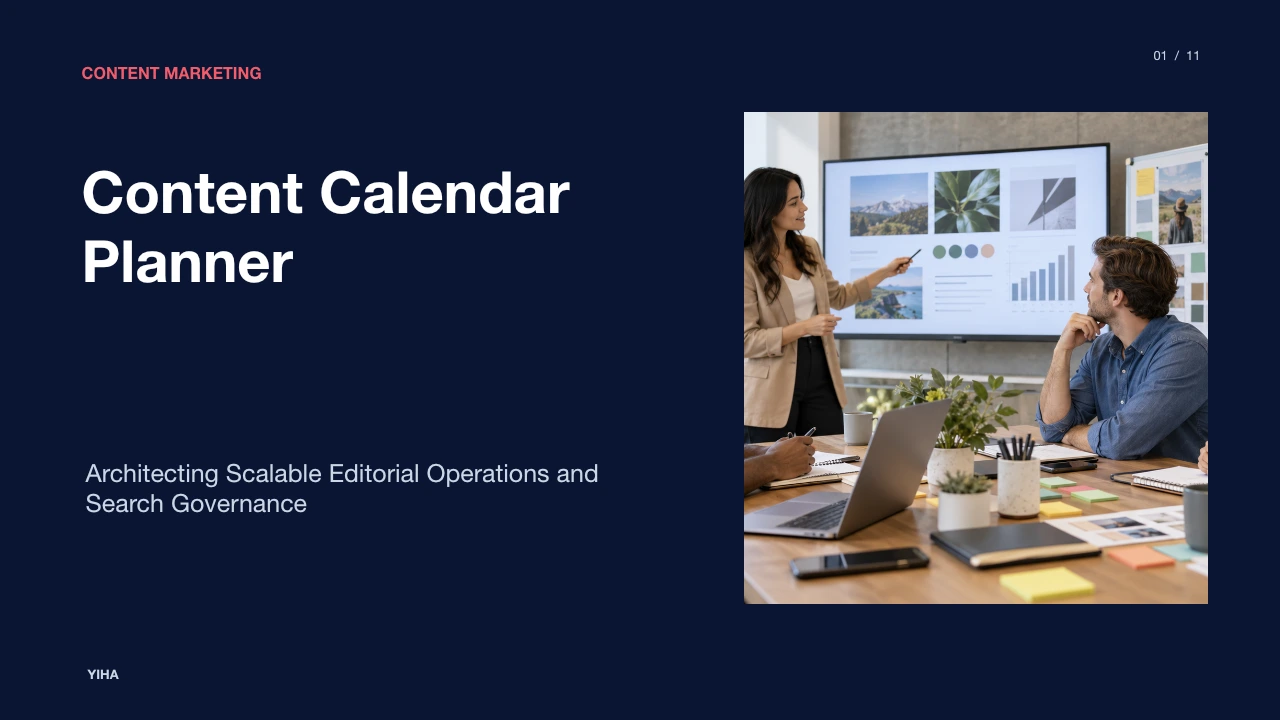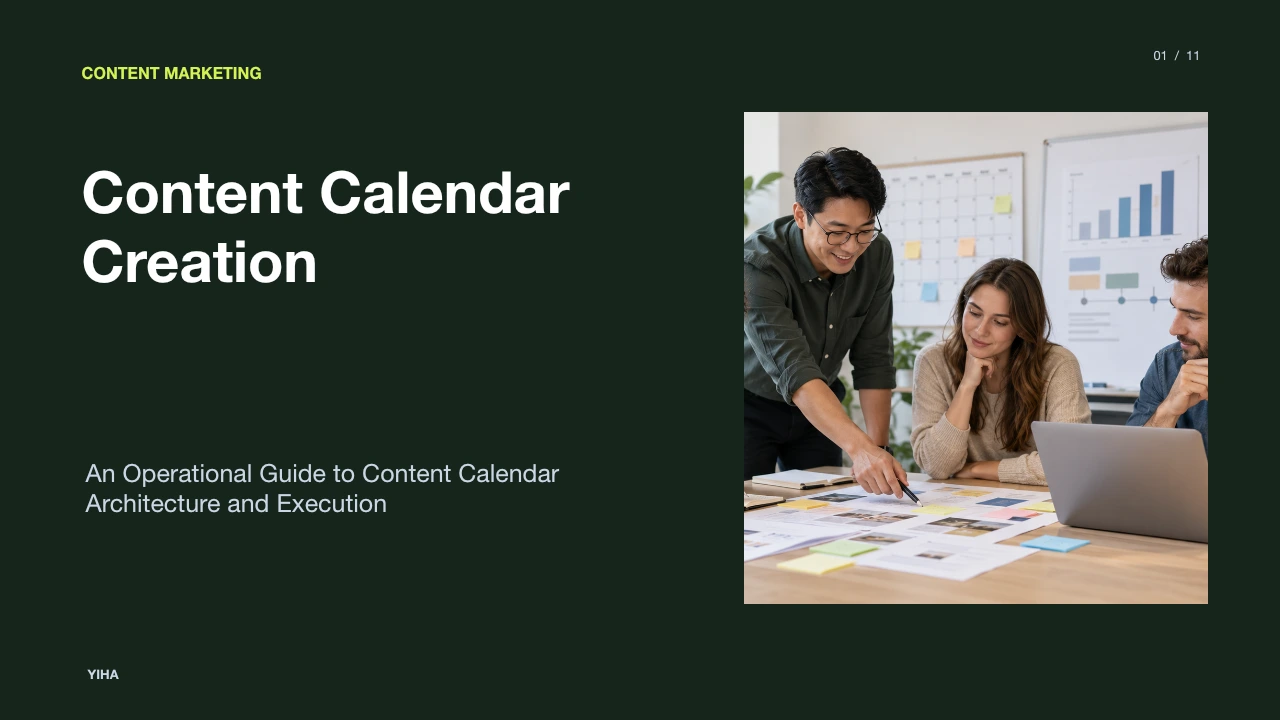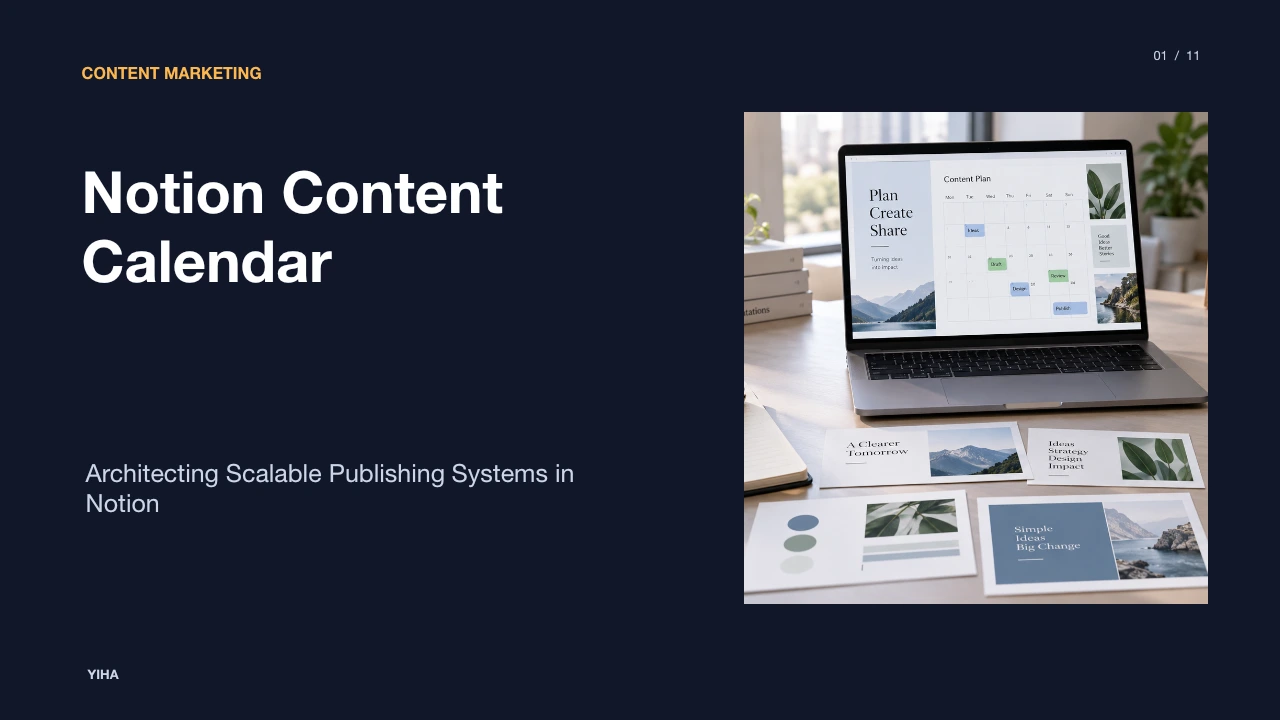
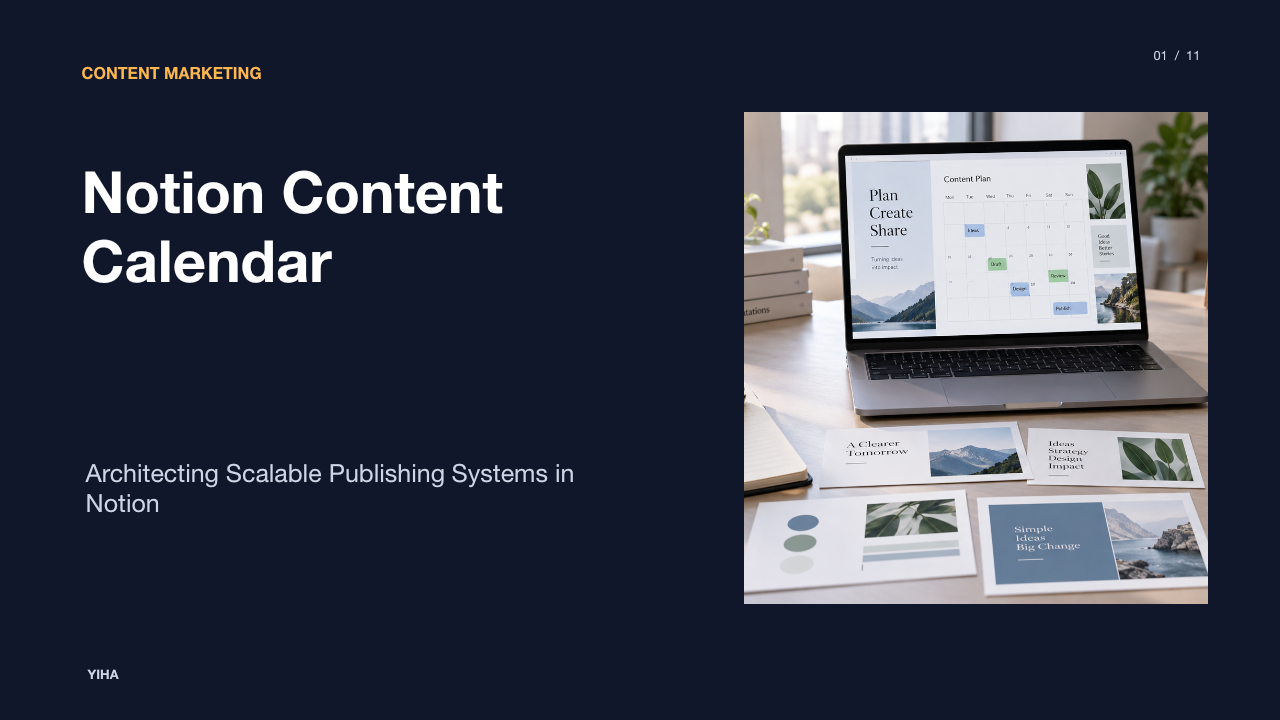
Notion Content Calendar
A structured examination of how Notion databases unify editorial planning, drafting, and distribution workflows across cross-functional marketing teams.
Free download · 4.9 MB11 editable slides · PowerPoint format
Download the editable PPTX
PPTX · 4.9 MB · 11 editable slides · Free to edit and reuse with attribution to Yiha.ai
View every slide
Use ← →, Home/End, or swipe on mobile
Content planning across expanding marketing operations regularly suffers from operational fragmentation. Teams attempt to coordinate publishing pipelines by toggling between isolated planning spreadsheets, standalone drafting documents, chat threads, and task boards. This disconnected setup obscures visibility, creates version errors, and creates friction for creators and editors alike. A database-driven Notion content calendar resolves these issues by unifying production data and content drafting within a single modular environment.
The Failure of Disconnected Editorial Tools
Traditional content planning systems rely heavily on decoupled applications. A marketing team often tracks scheduled dates in a spreadsheet, writes copy in separate word processors, and negotiates approval checkpoints over instant messages or email threads. As analyzed in Content Calendar Strategy: A Playbook for Marketing Teams, splitting planning across three or more disconnected apps introduces significant friction into daily operations. When the planning layer is disconnected from the drafting layer, critical strategic context is lost.
Spreadsheets offer two-dimensional rows and columns, but they cannot house long-form drafting assets, embedded research, or active design feedback without relying on fragile external hyperlinks. When a brief changes in a drafting document, the row in the spreadsheet remains untouched, creating scheduling blind spots. Furthermore, standalone calendar spreadsheets lack automated stage gates. As highlighted by Free Content Calendar Template | Atlassian, a central planning tool must coordinate delivery across channels while maintaining visibility into real progress rather than leaving teams to scramble before deadlines.
The Database Model: Unifying Records and Documents
The fundamental advantage of building a content calendar in Notion lies in its database architecture. In conventional project management tools or spreadsheet software, a row is merely a flat record. In Notion, every database record is also a complete, modular document. This architecture eliminates tool sprawl by allowing the metadata container and the actual content to reside in the exact same location.
According to Content Calendar Template 2026: Strategy and Planning, an editorial calendar functions as an operating system where briefs that live directly inside the calendar move to completion faster than briefs buried in external files. When a writer opens an entry in a Notion content calendar, they do not just see property rows for publish dates and assignees. They open a clean writing canvas containing the strategic brief, competitor research, staged copy, and real-time review commentary. As noted in How to Choose the Best Editorial Calendar | Airtable, an effective calendar must support deep flexibility so that collaborators work inside it daily, collecting stakeholder inputs and managing backlogs in one continuous workspace.
Structuring Core Metadata and Pipeline Properties
An agile editorial system requires a deliberate database schema. Adding too few properties creates information gaps, while adding too many creates administrative burden. As discussed in Content Calendar Template 2026: Strategy and Planning, establishing an explicit minimum schema prevents workflow breakdown by capturing the essential status, owner, channel, and strategic thematic links. The baseline schema should define the piece, its owner, target dates, and stage in production.
Essential properties for a Notion content calendar include:
- Title: Name of the asset or working headline.
- Publication Date: A date property tracking the target launch date.
- Status: A select or status property establishing the production stage.
- Content Owner: A person property assigning primary accountability to a single driver.
- Channel: A multi-select property specifying distribution points like blog, newsletter, or social networks.
- Content Type: A select property denoting format, such as case study, technical guide, or video.
- Strategic Theme or Pillar: A select or relation property linking the asset to business topics.
As explained in How to Choose the Best Editorial Calendar | Airtable, establishing a single owner per asset is critical to maintain accountability, avoiding ambiguous shared ownership. Setting clear statuses like planning, drafting, editing, and published ensures every participant understands exact production readiness.
Multi-Perspective Views for Varied Editorial Roles
A primary friction point in publishing is that different stakeholders require different levels of detail. Executive leaders need high-level timelines, managing editors need production pipelines, and writers need focused task queues. Notion solves this by presenting multiple dynamic views driven by a single source database.
As outlined in Free Content Calendar Template | Atlassian, diverse visualization formats serve distinct coordination functions:
- Calendar View: Provides a chronological roadmap across weeks and months, highlighting upcoming publishing dates, campaign bursts, and scheduling gaps.
- Kanban Board View: Groups content assets by their status stages, functioning as a resource management tool to visualize the content pipeline and spot review bottlenecks.
- Table or List View: Offers a granular overview for editors to review assignments, checklist items, and property values quickly.
According to How to Choose the Best Editorial Calendar | Airtable, customizing views by filtering by author, channel, or topic allows each team member to view exactly what they need without altering the underlying data for others.
Relational Modeling Across Campaigns and Assets
Publishing individual articles in isolation often leads to disjointed marketing output. Content initiatives deliver greater business impact when organized around overarching themes, quarterly campaigns, or audience segments. Notion enables this cohesion through relational databases, where one database links directly to records in another.
In How to Create a Marketing Content Calendar That Works, industry guidance emphasizes connecting each scheduled asset back to broader marketing campaigns and strategic goals. By creating a parent "Campaigns" database and a child "Content Pipeline" database, teams can link individual blog posts, newsletters, and social updates to a specific campaign launch. As explained in How to Choose the Best Editorial Calendar | Airtable, linking child assets to a campaign record allows the system to aggregate progress and monitor total asset completion against key marketing milestones.
Standardizing Production with Database Page Templates
Workflow consistency falters when every contributor structures their drafting document differently. Notion provides database page templates that automatically generate pre-configured content layouts, checklists, and guidelines whenever a team member creates a new database item.
As documented in Free Content Calendar Template | Atlassian, standardizing repeatable workflows ensures that every piece follows a predictable path from draft to publication. An illustrative example of a Notion template for a long-form article entry might include:
- Creative Brief Header: Context fields defining primary audience, intended call to action, and search keywords.
- Production Checklist: Sequential checkbox items covering outline approval, drafting, editorial review, graphic design requests, and final CMS staging.
- Draft Canvas: Pre-formatted heading structures and callout blocks for reference links, quotes, and visual assets.
Content Calendar Strategy: A Playbook for Marketing Teams highlights that establishing template structures and production timelines before assigning publishing dates creates an operational rhythm that sustains editorial momentum.
Governance, Access Control, and Linked Views
As editorial teams expand to include external contributors, freelance writers, and cross-functional leadership, workspace governance becomes critical. Unrestricted access to an entire workspace creates risks of accidental data deletion, schema tampering, or exposure of unreleased marketing plans.
Notion addresses workspace governance through linked database views and page-level permission controls. Instead of granting external contributors access to the entire master content calendar database, teams can create dedicated project pages containing linked database views filtered strictly to that contributor's assigned tasks. As described in How to Create a Marketing Content Calendar That Works, establishing clear documentation and role assignments raises efficiency and minimizes the danger of missed deadlines or messaging conflicts. Furthermore, Free Content Calendar Template | Atlassian notes that structured permissions and clear approval gates ensure content moves forward consistently without unauthorized state changes.
Trade-offs and Operational Limits of Notion
While Notion provides an adaptable environment for planning and production, it possesses concrete operational limitations compared to specialized marketing platforms. A balanced assessment requires acknowledging these functional boundaries:
- Absence of Native Social Publishing APIs: Notion does not directly schedule or publish content to social platforms or content management systems without third-party integration tools. Specialized scheduling tools remain necessary for automated outbound publishing.
- Digital Asset Management Constraints: Notion handles standard image uploads and embedded media, but it is not built to replace enterprise digital asset management platforms that require advanced video transcoding, digital rights tagging, and large-scale asset versioning.
- Manual Cadence Discipline: As analyzed in Content Calendar Template 2026: Strategy and Planning, an editorial system succeeds on cadence and process rather than software features alone. A realistic publishing cadence, such as an illustrative recommendation of 2 blog posts per week for small editorial teams, requires human operational discipline, not merely automated database views.
Understanding these limits enables organizations to position Notion as their internal collaboration and planning hub while retaining dedicated systems for automated distribution.
Implementation Strategy and Maintenance Hygiene
Rolling out a Notion content calendar requires an intentional phased approach. When teams attempt to implement complex relational schemas, nested rollups, and advanced formulas on day one, contributors often feel overwhelmed and abandon the system.
As recommended in How to Create a Marketing Content Calendar That Works, editorial teams must establish baseline content pillars, named owners, and a standing review rhythm before adding complex automations. Regular oversight keeps the calendar current. Free Content Calendar Template | Atlassian reinforces that maintaining consistent check-ins allows teams to track progress, resolve pipeline bottlenecks, and refine publishing strategy.
To preserve database speed and workspace cleanliness over time, organizations should practice routine database maintenance hygiene:
- Archive Completed Records: Create filtered archive views to hide published pieces older than a defined horizon (for example, an operational recommendation of 90 days), preserving searchability without cluttering daily views.
- Audit Unused Properties: Conduct quarterly reviews to remove select tags or metadata fields that team members no longer populate.
- Standardize Naming Schemes: Enforce uniform page naming rules so assets remain easily discoverable through global search.
By uniting structured database properties with flexible document canvases, a Notion content calendar provides marketing teams with a centralized, scalable platform for reliable editorial execution.
Research sources
- Free Content Calendar Template | Atlassian · www.atlassian.com
- How to Choose the Best Editorial Calendar | Airtable · www.airtable.com
- Content Calendar Strategy: A Playbook for Marketing Teams · theartistevolution.com
- Content Calendar Template 2026: Strategy and Planning · www.digitalapplied.com
- How to Create a Marketing Content Calendar That Works · www.roboticmarketer.com