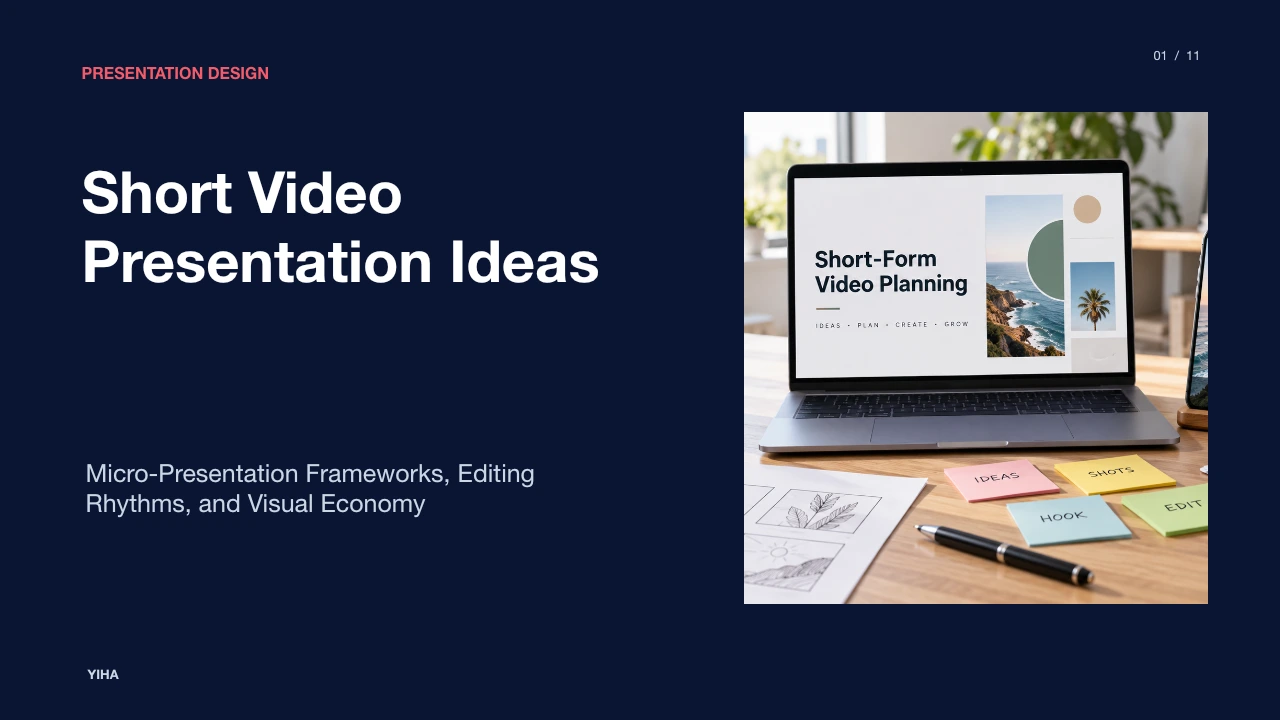
Short Video Presentation Ideas
A comprehensive guide to creating high-impact short video presentations using structured narrative arcs, cognitive load control, rapid storyboarding, and retention analytics.
Free download · 4.9 MB11 editable slides · PowerPoint format
Download the editable PPTX
PPTX · 4.9 MB · 11 editable slides · Free to edit and reuse with attribution to Yiha.ai
View every slide
Use ← →, Home/End, or swipe on mobile
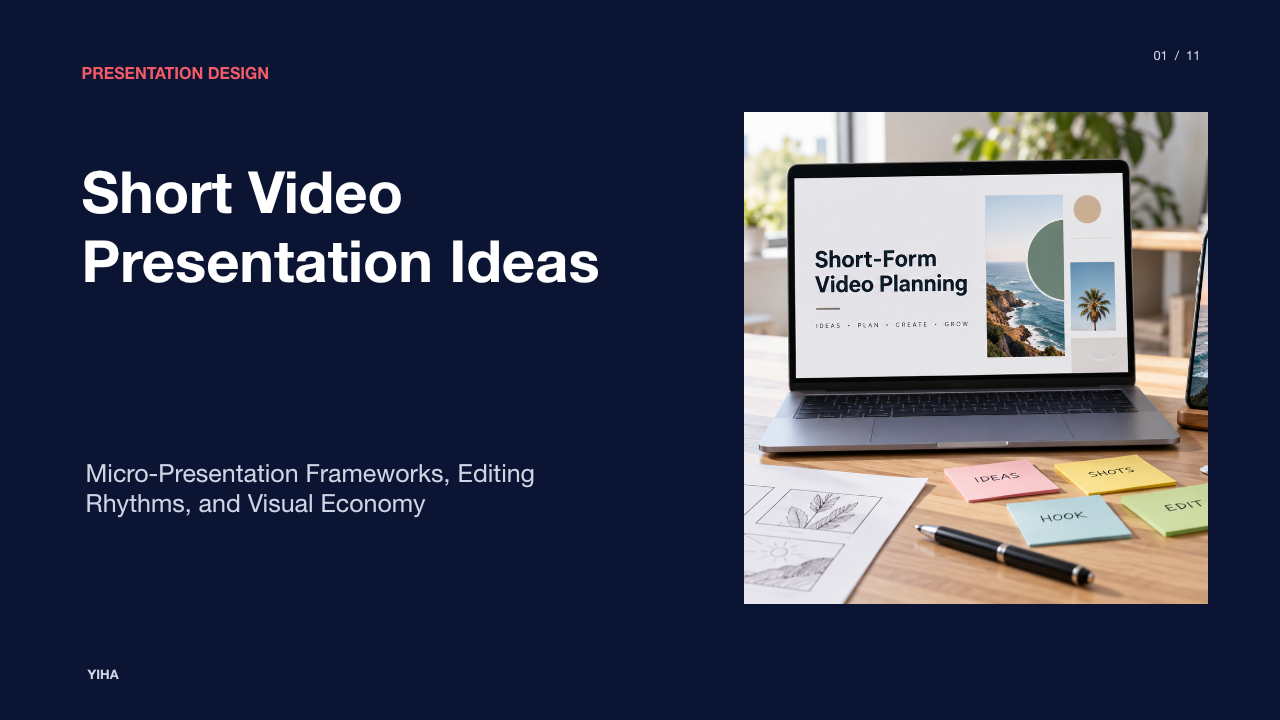
Short video presentations have become an established format for sharing project updates, explaining technical workflows, and delivering focused educational lessons. Compressing an operational message into thirty to ninety seconds requires disciplined structural planning, deliberate editing choices, and careful visual execution. Rather than treating concise video as an informal snippet or a cropped screen recording of a slide deck, effective creators build micro-presentations around clear narrative arcs, controlled information density, and audience-focused visual design.
The Rise of Short Video in Professional Communication
Concise video formats have shifted from casual social media feeds into core operational communication across distributed teams and client-facing workflows. As audience attention budgets tighten, professionals increasingly favor modular updates that deliver actionable takeaways without requiring lengthy live meetings or unstructured calls. The industry overview published by ContentBeta explains that short-form formats are defined primarily as content running under sixty seconds, though platforms like YouTube Shorts allow runs up to three minutes [INDEX: 1]. These video formats are designed for vertical, mobile-first viewing across major workplace networks like LinkedIn alongside broader distribution channels [INDEX: 1].
In corporate environments, brief video segments serve as asynchronous standup summaries, software onboarding guides, and leadership briefings. The central strength of this format lies in its predictability. When viewers know an update will conclude within a single minute, the barrier to viewing drops significantly. However, brevity introduces strict production requirements. Without a clear initial orientation and disciplined narrative discipline, a short video risks confusing viewers by omitting necessary context.
Cognitive Principles of Rapid Multimedia Learning
Presenting complex concepts rapidly requires strict management of working memory. Viewers cannot absorb rapid verbal explanations while simultaneously parsing crowded slide text and fast-moving visual elements. As explained in the editing rhythm analysis by Shortzly, information density must remain tightly controlled [INDEX: 2]. High information density provides novelty and sustained engagement, but unmanaged density quickly produces cognitive overload, causing audiences to disengage [INDEX: 2].
To balance clarity and pacing, presenters must align the verbal track directly with on-screen visual assets. Spoken narrative and visual representations should reinforce identical points at the same moment rather than compete for attention. An illustrative example involves demonstrating an updated software approval workflow: instead of speaking through general governance theory while displaying a multi-tab user interface, the presenter shows only the single button being pressed while voicing the specific operational requirement. Eliminating irrelevant background elements, off-topic spoken tangents, and uncoordinated visual transitions allows viewers to process core takeaways before mental fatigue occurs.
Structural Frameworks for High-Impact Hooks and Payoffs
Short video presentations succeed or fail based on their underlying architecture. Many creators begin with a strong opening but lose focus halfway through the runtime. In their study on micro-narratives, Shortzly Storytelling Structures highlights the classic problem-solution framework alongside stacked micro-payoffs as proven retention engines [INDEX: 5]. A reliable structure opens with an immediate statement of tension or user friction, followed by a direct demonstration of the fix, and closes with a concrete outcome [INDEX: 5].
For micro-presentations extending past thirty seconds, relying on a single delayed conclusion risks viewer abandonment [INDEX: 5]. Implementing stacked micro-payoffs introduces small increments of resolution every eight to ten seconds [INDEX: 5]. For instance, in an illustrative example of a sixty-second technical architecture breakdown, the presenter resolves the front-end caching bottleneck in the first twenty seconds, clarifies database indexing by second forty, and presents final performance metrics in the concluding ten seconds. Each beat resolves an active question while prompting the next logical operational consideration [INDEX: 5].
Storyboarding and Visual Shot Planning
Disciplined shot planning prevents confusion during production and ensures continuity across quick cuts. Trying to improvise camera angles and visual demonstrations on the fly often produces disconnected footage that requires awkward corrective edits. The pre-production guide by StudioBinder emphasizes that a storyboard acts as an essential blueprint, establishing camera movement, composition, and transitions before recording begins [INDEX: 7].
In a micro-presentation context, storyboarding allows creators to map each spoken sentence to a corresponding visual frame. Storyboards can be drawn by hand with simple stick figures or organized inside digital planning tools with reference photos and directional arrows [INDEX: 7]. When designing frames, presenters should balance close-up shots of hands, interfaces, or documents with direct-to-camera explanations. This visual variation clarifies technical steps while maintaining an engaging visual cadence that guides viewer focus smoothly from one concept to the next.
Script Economy, Voice Delivery, and Audio Design
Verbal economy requires eliminating conversational filler, introductory pleasantries, and throat-clearing remarks. In a sixty-second micro-presentation, spending several seconds greeting the audience consumes a substantial fraction of the total available runtime. Presenters should begin directly with the core problem or insight. Editing out hesitation pauses and removing spoken filler words signals respect for viewer time and keeps pacing sharp.
Sound design and text accessibility must function together. The W3C Web Accessibility Initiative explains that captions provide essential access for individuals who are deaf or hard of hearing, as well as those processing written information more effectively than audio alone [INDEX: 8]. Because mobile audiences frequently view content with muted sound, captions and visual text markers are essential operational requirements [INDEX: 9]. Captions should be synchronized carefully with spoken audio, broken into natural phrasal chunks, and placed outside mobile interface buttons to ensure complete readability [INDEX: 8, 9].
Core Archetypes for Short Video Presentations
Presenters can apply several proven structural archetypes to match different communication objectives, avoiding repetitive or mismatched formats. As outlined in the template methodology from Nemo Video, shot planners typically organize presentations into discrete frames such as problem, proof, use, and result [INDEX: 10]. Three foundational archetypes include:
- The Talking-Head Concept Walkthrough: The presenter addresses the camera directly, using minimal on-screen text overlays to explain a single mental model or operational policy [INDEX: 6, 10]. This archetype builds personal clarity and direct connection.
- The Split-Screen Workflow Demonstration: One side of the frame displays the presenter or interface control, while the adjacent side showcases real-time software execution [INDEX: 5, 10]. This side-by-side format allows viewers to observe cause and effect simultaneously.
- The Before-and-After Comparative Analysis: The video establishes a flawed baseline process, highlights its inefficiencies, and then reveals the streamlined new process [INDEX: 5, 6]. Visual contrast provides immediate evidence of improvement [INDEX: 5].
Matching the archetype to the message ensures the visual presentation reinforces the core learning objective.
Aspect Ratios, Visual Resets, and Tooling Workflows
Choosing between a vertical 9:16 aspect ratio and a widescreen 16:9 format depends heavily on distribution context. Vertical formats suit mobile feeds and direct-messaging platforms, creating an intimate, phone-first viewing experience [INDEX: 4]. However, as noted by CapCut Storytelling, framing must feel deliberate and close rather than merely cropping a horizontal image and losing peripheral details [INDEX: 4]. A tight vertical frame amplifies the viewer's perception of movement and pacing [INDEX: 2].
To prevent talking-head visual fatigue, creators use deliberate visual resets every ten to fifteen seconds [INDEX: 3]. These resets can include inserting a relevant cutaway shot, changing camera framing from medium to close-up, or triggering an on-screen graphic card [INDEX: 3]. In batch-recording workflows, presenters script several related micro-presentations in one session, utilizing consistent lighting setups and reusable graphic overlay templates to maintain visual branding while minimizing post-production editing friction.
Retention Analytics and Diagnostic Optimization
Measuring the performance of short video presentations requires analyzing audience retention curves rather than vanity metrics like raw view counts [INDEX: 3]. As documented in retention research by Nitro Media Group, retention graphs reveal the precise seconds where viewers abandon a video or replay specific segments [INDEX: 11]. A steep drop within the initial three seconds indicates that the opening hook failed to match audience expectations or lacked immediate relevance [INDEX: 11].
Similarly, a sudden retention drop in the middle of a clip highlights a confusing transition, an unneeded tangent, or an overlong static frame [INDEX: 11]. Conversely, retention spikes reveal moments where viewers replayed content, indicating high-value information that may warrant its own standalone breakdown [INDEX: 11]. Regularly auditing retention curves allows presentation authors to refine script length, tighten editing intervals, and eliminate pacing dead zones across subsequent video releases [INDEX: 3, 11].
Constraints, Nuance Loss, and When to Use Longer Media
Despite the clear utility of short video presentations, extreme brevity carries distinct operational limitations. Summarizing complex subjects in under a minute inevitably strips away edge cases, secondary caveats, and systemic nuance. Over-compressing multifaceted topics risks giving viewers a false sense of mastery over intricate organizational or technical challenges. As observed in production planning material from Vicedu, storyboarding and modular planning work best when breaking complex subjects into distinct, digestible segments rather than forcing an entire comprehensive curriculum into a single brief file [INDEX: 0].
When a topic involves detailed compliance frameworks, open-ended strategic debates, or deep technical troubleshooting, longer media remains necessary. Short video works best as the top of an instructional funnel: an engaging hook, a conceptual overview, or a procedural milestone that points team members toward long-form documentation, comprehensive technical manuals, or live interactive workshops. Understanding these boundary lines prevents oversimplification and ensures micro-presentations reinforce, rather than undermine, deeper professional learning.
Research sources
- 55+ Short Form Video Statistics Every Marketer Needs in 2026 · www.contentbeta.com
- Short Video Storyboard - vicedu.com · vicedu.com
- Short-Form Video Storytelling for a 60-Second Arc · www.capcut.com
- Short-Form Video Pacing: The Editing Rhythm Guide (2026) · shortzly.com
- The Storytelling Core: Mastering Narrative Arc in Short-Form Video | ReelMind · reelmind.ai
- Short Form Video Trends That Actually Work in 2026 · www.revid.ai
- Short-Form Video Storytelling: 5 Structures That Work · shortzly.com
- Short-Form Video Retention: Keep Viewers Watching (2026) · shortzly.com
- How to Make a Storyboard: Ultimate Step-by-Step Guide · www.studiobinder.com
- Captions/Subtitles | Web Accessibility Initiative (WAI) | W3C · www.w3.org
- Short-Form Video Storyboard Template · www.nemovideo.com
- Good Video Retention Rate Benchmarks for Shorts, TikTok and YouTube · www.nitromediagroup.com